

Branching Reasoning AI Chat Input for React and Tailwind CSS (shadcn/ui) compares approaches. It is built to make a chosen approach clear. Fanned cards, score bars, a 520ms merge, streaming text, and expandable alternatives support controlled state and controlled or local drafts. Includes keyboard access, reduced motion, and light/dark themes. Use it for AI chat, assistants, or SaaS. The included demo simulates sample scores and an answer; the component makes no requests. Requires React and lucide-react, with no animation library.
Built with React and Tailwind. Copy the prompt and paste it into Claude Code, Cursor or Lovable: your agent adds Branching Reasoning AI Chat Input to your project and fits it to your theme.
Code
How Branching Reasoning AI Chat Input is used: the demo's code. The component's own source comes with a free account.
Usage.tsx
"use client";

import * as React from "react";
import { GitFork, RotateCcw } from "lucide-react";
import { BranchingReasoningChatInput } from "@/components/ui/branching-reasoning-chat-input";
import type { BranchingReasoningStatus, ReasoningBranch } from "@/components/ui/branching-reasoning-chat-input";

const QUESTION = "Which team plan fits us best?";
const ANSWER = "Compare seats, usage, and add-ons together. Then check your must-have features. The lowest base price may not be the best fit.";
const BRANCHES: ReasoningBranch[] = [
  { id: "features", title: "Match the features", note: "Check everyday needs.", score: 71 },
  { id: "usage", title: "Estimate usage", note: "Model a typical month.", score: 83 },
  { id: "cost", title: "Compare by total cost", note: "Include seats + add-ons.", score: 94 },
];
type DemoState = { status: BranchingReasoningStatus; prompt: string; value: string; branches: ReasoningBranch[]; answer: string };
type DemoRun = { id: number; source: "auto" | "user"; prompt: string };
type DemoProps = { autoplay?: boolean };
const initial = (): DemoState => ({ status: "idle", prompt: "", value: QUESTION, branches: [], answer: "" });

export default function BranchingReasoningDemo({ autoplay = true }: DemoProps) {
  const [state, setState] = React.useState(initial);
  const [motion, setMotion] = React.useState({ ready: false, reduced: true });
  const [run, setRun] = React.useState({ id: 0, source: "auto", prompt: QUESTION } as DemoRun | null);
  const started = React.useRef(false);

  React.useEffect(() => {
    const media = window.matchMedia("(prefers-reduced-motion: reduce)");
    const update = () => setMotion({ ready: true, reduced: media.matches });
    update();
    media.addEventListener("change", update);
    return () => media.removeEventListener("change", update);
  }, []);

  React.useEffect(() => {
    if (!motion.ready || !run || (run.source === "auto" && !autoplay)) return;
    const sample = run.prompt === QUESTION;
    const approaches: ReasoningBranch[] = sample ? BRANCHES : [
      { id: "outline", title: "Start with an outline", note: "Set a useful structure.", score: 72 },
      { id: "examples", title: "Use an example", note: "Make the idea concrete.", score: 81 },
      { id: "direct", title: "Give a direct answer", note: "Keep the next step clear.", score: 92 },
    ];
    const response = sample ? ANSWER : "This is a sample response to your question. Connect your own assistant to provide the approaches, scores, and answer.";
    const selected = approaches.map((branch, index) => ({ ...branch, chosen: index === 2 }));
    if (motion.reduced) {
      if (run.source === "auto" && !started.current) return;
      setState({ status: "done", prompt: run.prompt, value: "", branches: selected, answer: response });
      setRun(null);
      return;
    }
    started.current = false;
    const timers: number[] = [];
    const offset = run.source === "auto" ? 1000 : 0;
    const later = (ms: number, callback: () => void) => timers.push(window.setTimeout(callback, offset + ms));
    if (run.source === "auto") setState(initial());
    later(0, () => {
      started.current = true;
      setState({ status: "branching", prompt: run.prompt, value: "", branches: [], answer: "" });
    });
    later(400, () => setState((previous) => ({ ...previous, branches: approaches.map((branch) => ({ ...branch, score: 0 })) })));
    for (let step = 0; step <= 10; step++) later(800 + step * 180, () => {
      setState((previous) => ({ ...previous, branches: approaches.map((branch) => ({ ...branch, score: Math.round(branch.score! * step / 10) })) }));
    });
    later(2900, () => setState((previous) => ({ ...previous, status: "choosing", branches: selected })));
    for (let step = 1; step <= 20; step++) later(3300 + (step - 1) * 105, () => {
      setState((previous) => ({ ...previous, status: "answering", answer: response.slice(0, Math.ceil(response.length * step / 20)) }));
    });
    later(5400, () => {
      setState((previous) => ({ ...previous, status: "done", answer: response }));
      setRun(null);
    });
    return () => timers.forEach((timer) => window.clearTimeout(timer));
  }, [autoplay, motion.ready, motion.reduced, run]);

  function send(prompt: string) {
    setRun((previous) => ({ id: (previous?.id ?? 0) + 1, source: "user", prompt }));
  }

  return (
    <div data-branching-demo data-autoplay={autoplay} className="flex min-h-svh w-full items-center justify-center bg-background p-4 font-sans text-foreground">
      <div className="w-full max-w-[600px]">
        <header className="mb-3 flex items-end justify-between gap-3 px-1">
          <div>
            <p className="mb-1.5 flex items-center gap-1.5 text-[9px] font-medium uppercase tracking-[0.18em] text-muted-foreground"><GitFork className="size-3" aria-hidden="true" /> Branching reasoning</p>
            <h1 className="text-[24px] font-medium leading-tight tracking-tight">A few paths. One clear answer.</h1>
          </div>
          <span className="mb-1 shrink-0 rounded-full border border-border px-2 py-1 text-[9px] text-muted-foreground">Sample</span>
        </header>
        <div className="h-[468px]" data-demo-stage>
          <BranchingReasoningChatInput status={state.status} prompt={state.prompt} branches={state.branches} answer={state.answer}
            value={state.value} onValueChange={(value) => {
              if (state.status === "idle") setRun(null);
              setState((previous) => ({ ...previous, value }));
            }}
            onSubmit={send} onStop={() => {
              setRun(null);
              setState((previous) => ({ ...previous, status: "done", value: previous.value || previous.prompt, answer: previous.answer || "Stopped before an answer was ready." }));
            }} />
        </div>
        <footer className="mt-2 flex min-h-6 items-center justify-between gap-3 px-1 text-[10px] text-muted-foreground">
          <span>Sample conversation · Illustrative scores</span>
          <button type="button" data-replay onClick={() => send(QUESTION)}
            className="flex shrink-0 items-center gap-1.5 rounded-md px-1 py-1 outline-none hover:text-foreground focus-visible:ring-2 focus-visible:ring-ring"><RotateCcw className="size-3" aria-hidden="true" /> Replay demo</button>
        </footer>
      </div>
    </div>
  );
}
Dependencies
More by DHxWhy
View all

Sun Moon Dark Mode Theme Toggle
186
Country Flags Globe
110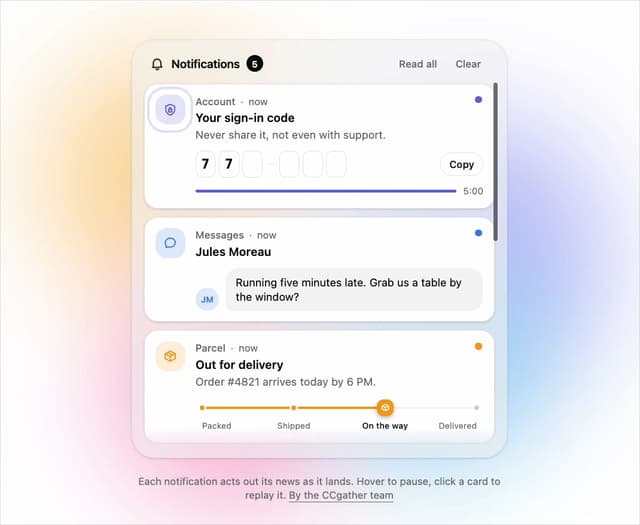
Live Notification Feed
109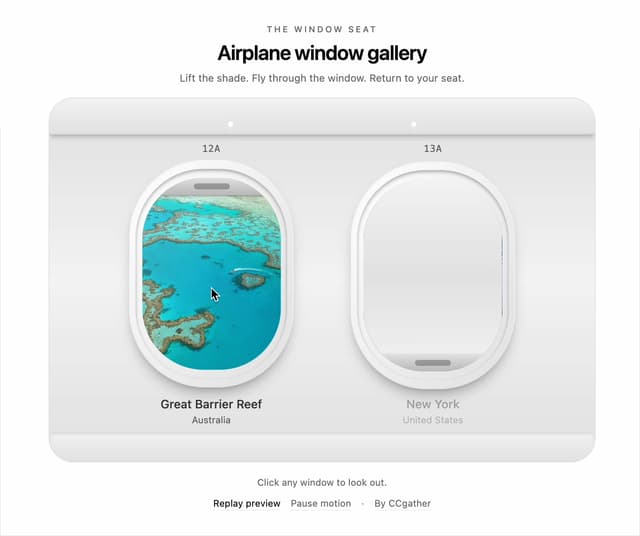
Airplane Window Gallery
95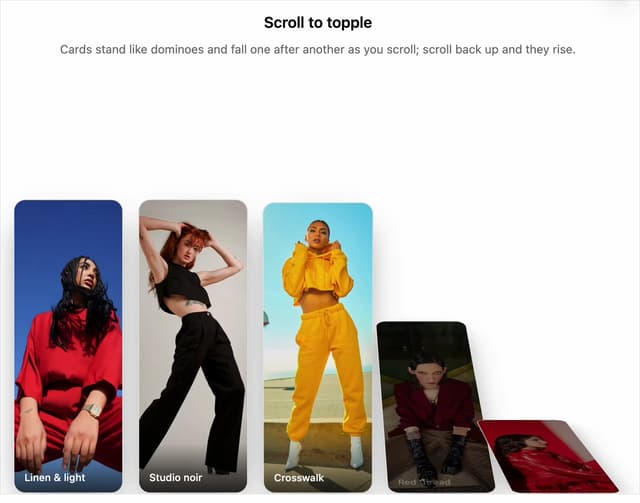
Domino Scroll Image Gallery
93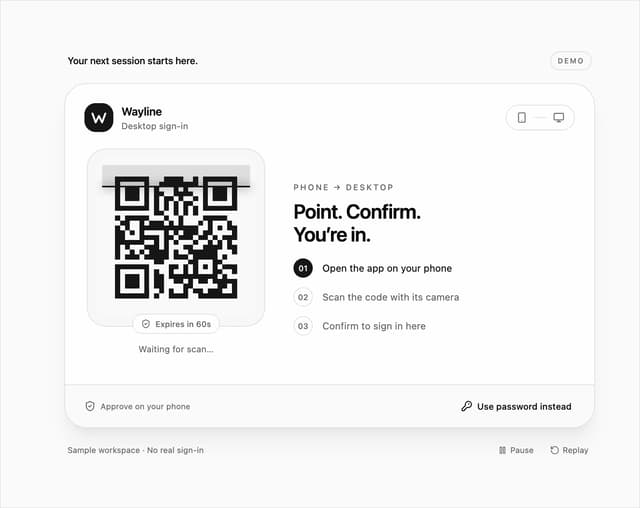
QR Code Scan Login Form with Password Fallback
82
Constellation Image Gallery
80
Ferris Wheel Image Gallery
73
More in AI chats
View all

AI Actions
319
Agent Chat
17

System Message
54
Message Thread
35
Color Picker
81

AI Task List
160

Modal Card
101
Quota Banner
21


