

Radial Wedge Image Gallery for React and Tailwind CSS (shadcn/ui) turns images into a circular index. It is built to reveal more with every turn. Expanding slices, rotation and an iris view support controlled state, keyboard access, reduced motion, and light/dark themes. Use it for portfolios and visual collections. The included demo follows a seven-second tour; the component makes no requests. Requires React and lucide-react, with no animation library.
Built with React and Tailwind. Copy the prompt and paste it into Claude Code, Cursor or Lovable: your agent adds Radial Wedge Image Gallery to your project and fits it to your theme.
Code
How Radial Wedge Image Gallery is used: the demo's code. The component's own source comes with a free account.
Usage.tsx
"use client";

import * as React from "react";
import { Pause, Play, RotateCcw } from "lucide-react";
import { RadialWedgeGallery, type RadialWedgeItem } from "@/components/ui/radial-wedge-gallery";

const photo = (id: string) => `https://images.unsplash.com/${id}?w=900&q=80&auto=format`;
export const RADIAL_WEDGE_DEMO_ITEMS: RadialWedgeItem[] = [
  { id: "01", title: "Quiet coast", discipline: "Landscape", year: "2026", src: photo("photo-1597860150045-3e4760e52ed5"), alt: "Coastal cliffs meeting a blue sea" },
  { id: "02", title: "Folded light", discipline: "Architecture", year: "2026", src: photo("photo-1487958449943-2429e8be8625"), alt: "Sculptural white architecture against the sky" },
  { id: "03", title: "Blue passage", discipline: "Color study", year: "2025", src: photo("photo-1569383746724-6f1b882b8f46"), alt: "Blue buildings climbing a hillside" },
  { id: "04", title: "Soft altitude", discipline: "Atmosphere", year: "2026", src: photo("photo-1504608524841-42fe6f032b4b"), alt: "Clouds and an open sky" },
  { id: "05", title: "Living lines", discipline: "Botanical", year: "2025", src: photo("photo-1531156992292-d36397ee9184"), alt: "Layers of green fern leaves" },
  { id: "06", title: "Warm season", discipline: "Color study", year: "2025", src: photo("photo-1473343775075-61805b64e5d6"), alt: "Warm autumn foliage" },
  { id: "07", title: "Open form", discipline: "Architecture", year: "2026", src: photo("photo-1488972685288-c3fd157d7c7a"), alt: "Overlapping diagonal lines of a modern building" },
  { id: "08", title: "Violet field", discipline: "Landscape", year: "2025", src: photo("photo-1600759487717-62bbb608106e"), alt: "Lavender flowers in a violet field" },
  { id: "09", title: "In bloom", discipline: "Botanical", year: "2026", src: photo("photo-1522383225653-ed111181a951"), alt: "Pink blossoms against a pale blue sky" },
];

export default function RadialWedgeGalleryDemo({ autoplay = true, interval = 9000 }: { autoplay?: boolean; interval?: number }) {
  const [active, setActive] = React.useState(null as number | null);
  const [expanded, setExpanded] = React.useState(false);
  const [paused, setPaused] = React.useState(false);
  const [reduced, setReduced] = React.useState(false);
  const [replay, setReplay] = React.useState(0);
  const playing = autoplay && !paused && !reduced;
  React.useEffect(() => {
    const media = window.matchMedia("(prefers-reduced-motion: reduce)");
    const update = () => setReduced(media.matches);
    update(); media.addEventListener("change", update);
    return () => media.removeEventListener("change", update);
  }, []);
  // Anchor the short preview to its first committed frame, including under load.
  React.useLayoutEffect(() => {
    if (!playing || window.matchMedia("(prefers-reduced-motion: reduce)").matches) return;
    let timers: number[] = [];
    const cycle = () => {
      setActive(null); setExpanded(false);
      timers = [
        window.setTimeout(() => setActive(1), 800),
        window.setTimeout(() => setActive(4), 2400),
        window.setTimeout(() => setActive(6), 4000),
        window.setTimeout(() => setExpanded(true), 5400),
        window.setTimeout(() => setExpanded(false), 6600),
      ];
    };
    cycle();
    const loop = window.setInterval(cycle, Math.max(7400, interval));
    return () => { timers.forEach(window.clearTimeout); window.clearInterval(loop); };
  }, [playing, replay, interval]);
  const restart = () => { setActive(null); setExpanded(false); setPaused(false); setReplay((value) => value + 1); };
  return <main data-radial-demo data-playing={playing} data-autoplay={autoplay ? "on" : "off"} className="mx-auto flex h-svh min-h-[360px] w-full max-w-[1100px] flex-col gap-4 overflow-hidden bg-background px-5 py-5 text-foreground sm:px-8 sm:py-6">
    <header className="flex shrink-0 items-center justify-between gap-4">
      <div><p className="mb-1 font-mono text-[9px] tracking-[0.2em] text-muted-foreground uppercase">Nine frames. One circle.</p><h1 className="text-2xl leading-tight font-medium tracking-tight">Radial image gallery</h1></div>
      <span className="shrink-0 rounded-full border border-border px-2.5 py-1 font-mono text-[9px] tracking-wide text-muted-foreground">SAMPLE / 26</span>
    </header>
    <RadialWedgeGallery items={RADIAL_WEDGE_DEMO_ITEMS} active={active} expanded={expanded} hubTitle="Different angles"
      onActiveChange={(index) => { setPaused(true); setActive(index); }}
      onExpandedChange={(next) => { setPaused(true); setExpanded(next); }}
      className="min-h-0 flex-1" style={{ aspectRatio: "auto" }} />
    <footer className="flex h-9 shrink-0 items-center justify-between gap-3">
      <p className="max-w-[65%] text-[11px] leading-relaxed text-muted-foreground">{expanded ? "One frame, beyond the circle. Click to return." : active === null ? "Hover a slice. Find another perspective." : "A wider angle. Double-click or Enter to open."}</p>
      <div className="flex shrink-0 items-center gap-2">
        <button type="button" data-radial-pause aria-label={playing ? "Pause demo" : "Play demo"} aria-pressed={!playing} disabled={!autoplay || reduced} onClick={() => setPaused((value) => !value)} className="flex h-8 w-8 items-center justify-center rounded-full border border-border outline-none hover:bg-muted focus-visible:ring-2 focus-visible:ring-ring disabled:opacity-40">{playing ? <Pause aria-hidden className="h-3 w-3" /> : <Play aria-hidden className="h-3 w-3" />}</button>
        <button type="button" data-radial-replay aria-label="Replay demo" onClick={restart} className="flex h-8 w-8 items-center justify-center rounded-full border border-border outline-none hover:bg-muted focus-visible:ring-2 focus-visible:ring-ring"><RotateCcw aria-hidden className="h-3 w-3" /></button>
      </div>
    </footer>
  </main>;
}
Dependencies
More by DHxWhy
View all

Sun Moon Dark Mode Theme Toggle
186
Country Flags Globe
110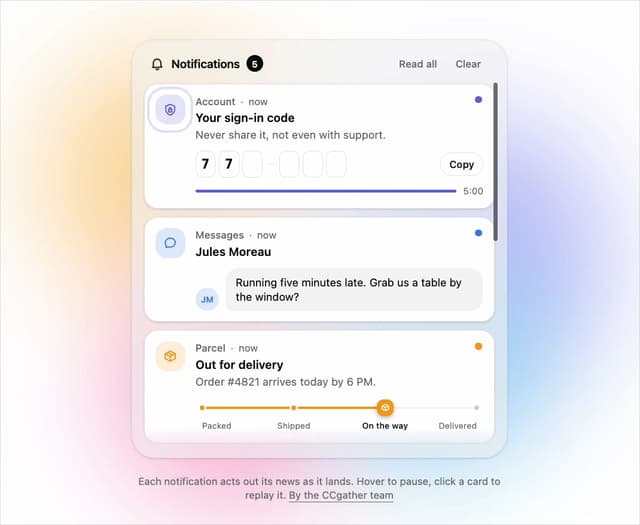
Live Notification Feed
109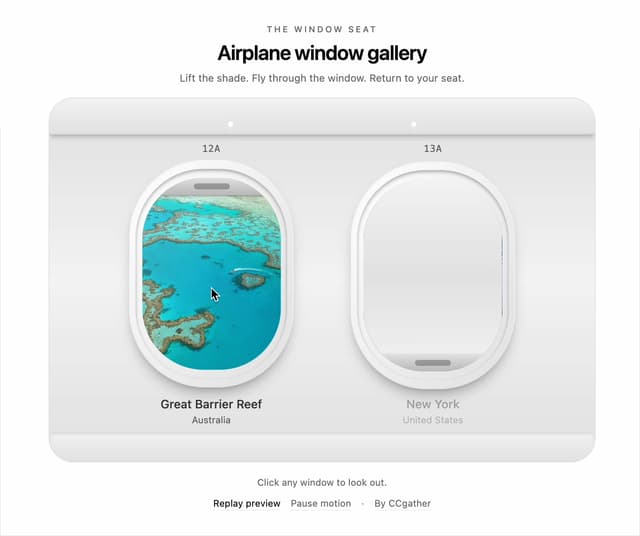
Airplane Window Gallery
95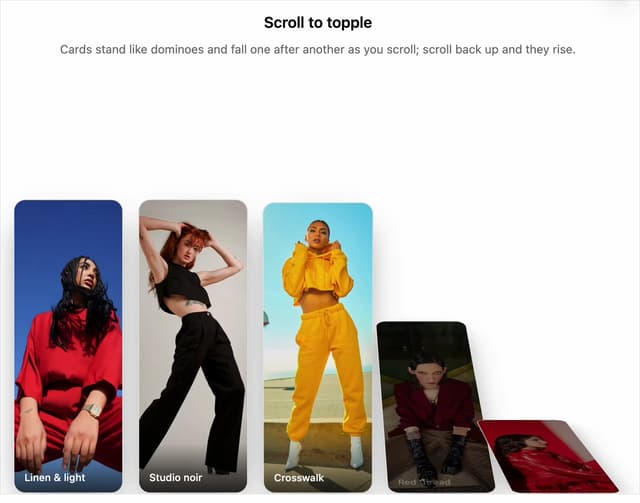
Domino Scroll Image Gallery
93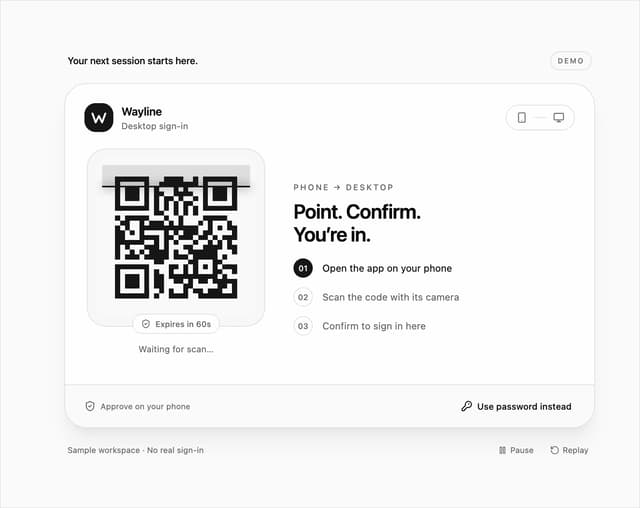
QR Code Scan Login Form with Password Fallback
82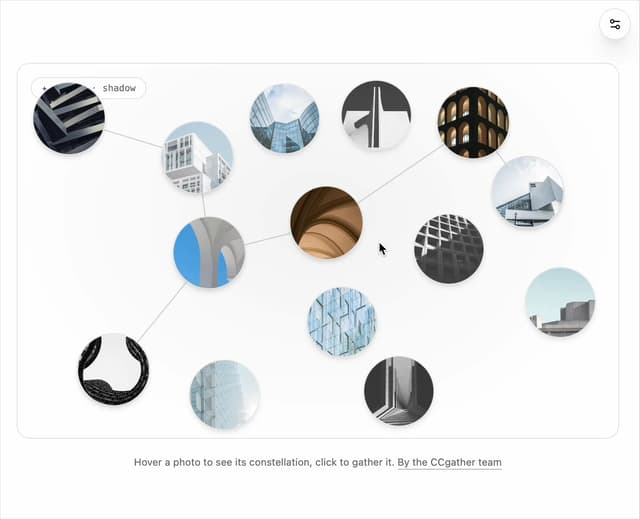
Constellation Image Gallery
80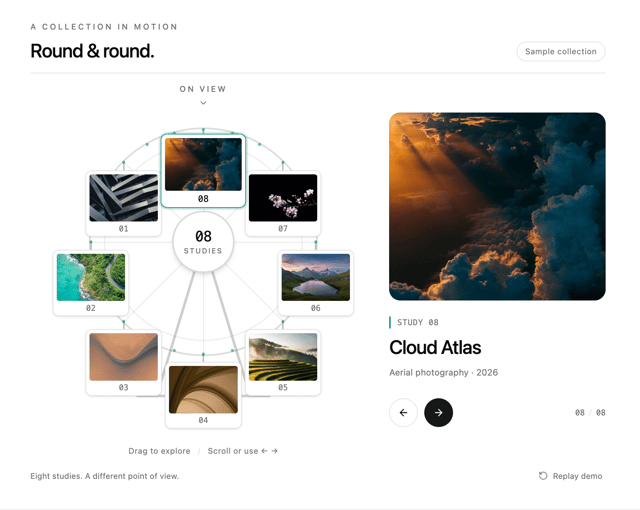
Ferris Wheel Image Gallery
73
More in Galleries
View all
Thumbnail image viewer
43

Animated Gallery
1.4K

Hero Section 6
881
Editorial Collage Hero
430
Layout Grid
826
3D Parallax Unfurling Gallery
981

Image Gallery
90

File Upload
18


