
About
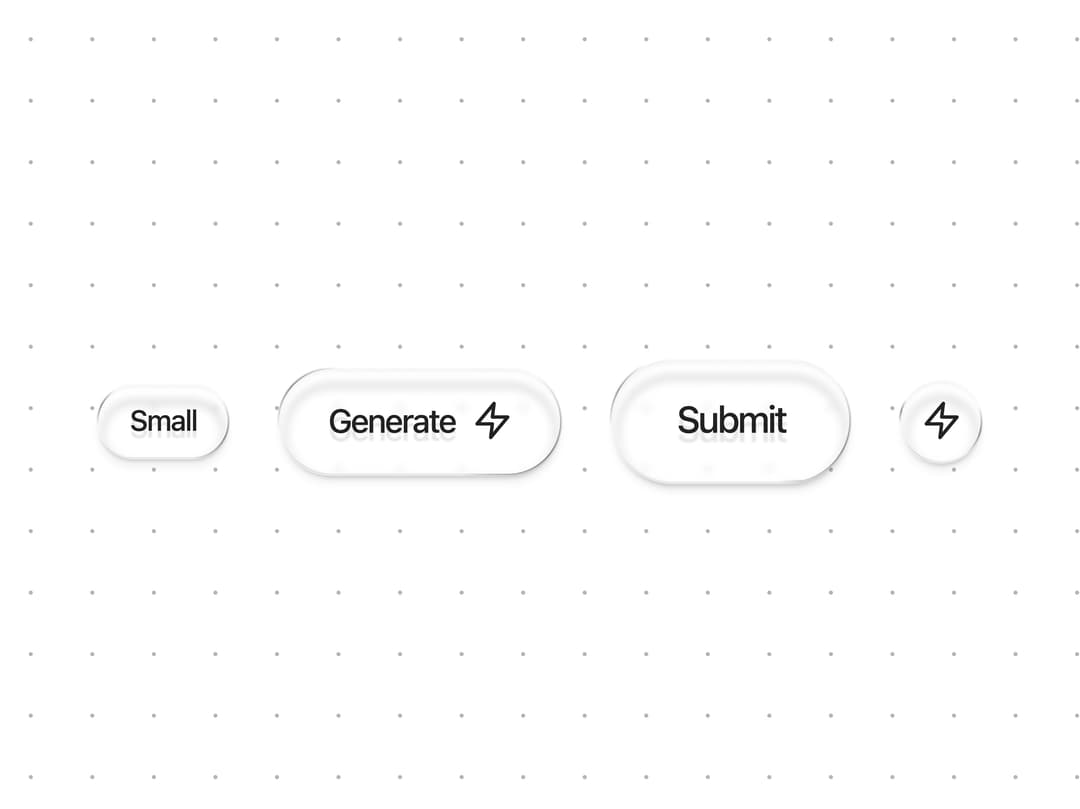
Glass Button
Built with React and Tailwind. Copy the prompt and paste it into Claude Code, Cursor or Lovable: your agent adds Glass Button to your project and fits it to your theme.
Code
How Glass Button is used: the demo's code. The component's own source comes with a free account.
Usage.tsx
import { GlassButton } from "@/components/ui/glass-button";

const ZapIcon = (props: React.SVGProps<SVGSVGElement>) => (
  <svg
    xmlns="http://www.w3.org/2000/svg"
    width="24"
    height="24"
    viewBox="0 0 24 24"
    fill="none"
    stroke="currentColor"
    strokeWidth="2"
    strokeLinecap="round"
    strokeLinejoin="round"
    {...props}
  >
    <polygon points="13 2 3 14 12 14 11 22 21 10 12 10 13 2" />
  </svg>
);

const DottedBackground = () => (
  <svg
    xmlns="http://www.w3.org/2000/svg"
    height="100%"
    width="100%"
    className="pointer-events-none absolute inset-0 z-0"
  >
    <defs>
      <pattern
        patternUnits="userSpaceOnUse"
        height="30"
        width="30"
        id="dottedGrid"
      >
        <circle
          fill="oklch(from var(--foreground) l c h / 30%)"
          r="1"
          cy="2"
          cx="2"
        ></circle>
      </pattern>
    </defs>
    <rect fill="url(#dottedGrid)" height="100%" width="100%"></rect>
  </svg>
);

export default function GlassButtonDemo() {
  return (
    <div className="relative flex h-screen w-full flex-col items-center justify-center gap-8 bg-background p-10">
      <DottedBackground />
      <div className="z-10 text-center">
        <div className="mt-4 flex flex-wrap items-center justify-center gap-6">
          <GlassButton size="sm">Small</GlassButton>
          <GlassButton
            size="default"
            contentClassName="flex items-center gap-2"
          >
            <span>Generate</span>

            <ZapIcon className="h-5 w-5" />
          </GlassButton>
          <GlassButton size="lg">Submit</GlassButton>
          <GlassButton size="icon">
            <ZapIcon className="h-5 w-5" />
          </GlassButton>
        </div>
      </div>
    </div>
  );
}
Dependencies
More by Hossain Jahed
View all

Spotlight Card
8.8K
Cinematic landing Hero
5.6K
Motion Footer
5.6K
Sign In
4.6K
AI prompt Box
3K
Glassmorphism Trust Hero
2.8K
Limelight Nav
2K
Ai chat input
1.7K
More in Buttons
View all
Button Save
46

Button
20

Eclipse Button
5

Button
32

Button
6

Button
14

Button Group
37
Split Button
32

