
About
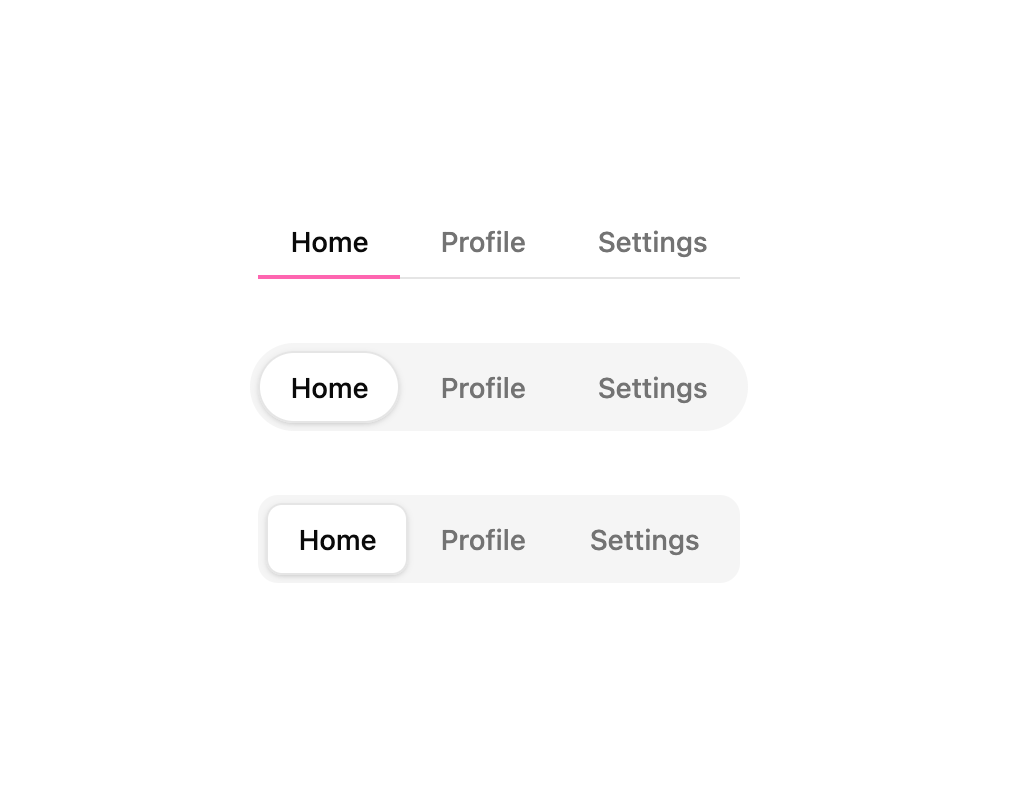
Animated tabs component with a smooth sliding indicator, offering underline, pill, and segment variants with icon support and full keyboard navigation.
Built with React and Tailwind. Copy the prompt and paste it into Claude Code, Cursor or Lovable: your agent adds Animated Tabs to your project and fits it to your theme.
Code
How Animated Tabs is used: the demo's code. The component's own source comes with a free account.
Usage.tsx
"use client";

import AnimatedTabs from "@/components/ui/animated-tabs";
import { useState } from "react";

const tabs = [
  { id: "home", label: "Home" },
  { id: "profile", label: "Profile" },
  { id: "settings", label: "Settings" },
];

export default function AnimatedTabsDemo() {
  const [activeTab, setActiveTab] = useState("home");

  return (
    <div className="flex flex-col items-center gap-8">
      <AnimatedTabs
        activeTab={activeTab}
        layoutId="underline-demo"
        onChange={setActiveTab}
        tabs={tabs}
        variant="underline"
      />

      <AnimatedTabs
        activeTab={activeTab}
        layoutId="pill-demo"
        onChange={setActiveTab}
        tabs={tabs}
        variant="pill"
      />

      <AnimatedTabs
        activeTab={activeTab}
        layoutId="segment-demo"
        onChange={setActiveTab}
        tabs={tabs}
        variant="segment"
      />
    </div>
  );
}
Dependencies
More by Edu Calvo
View all

Scrollable Card Stack
234
Siri Orb
160
AI Task List
159
Cursor Follow
153
Pixel Flow Field
141
Agent Avatar
128
Gravity Stars
111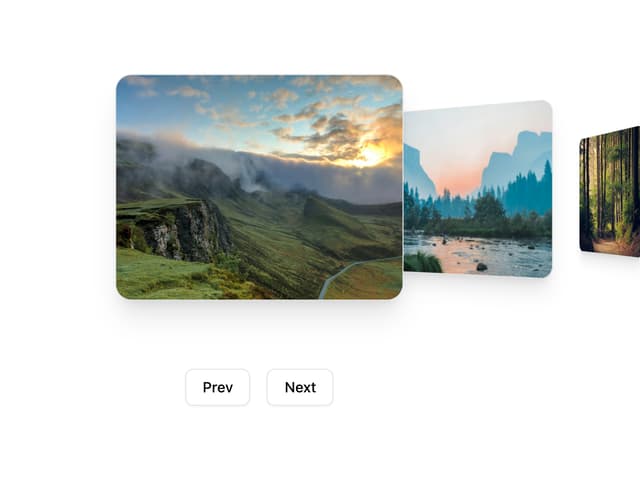
Coverflow Carousel
94
More in Navigation
View all

Sidebar
229

Tabs
60
Progress Bar Stepper
36
Newsletter Signup Footer
15

Footer 2
200
Navbar with Theme Toggle
43
Numberless Pagination with Text
11

Navbar
71
