
About
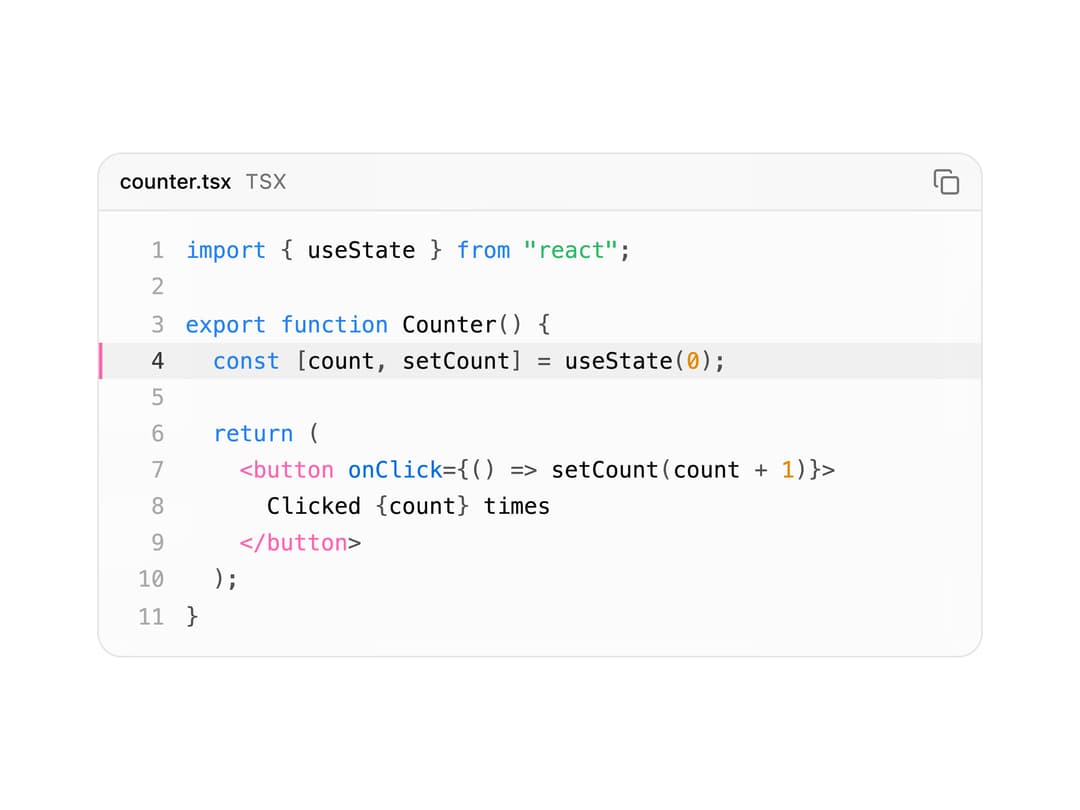
An animated code block with syntax highlighting, copy-to-clipboard, line highlighting and an optional typing reveal animation.
Built with React and Tailwind. Copy the prompt and paste it into Claude Code, Cursor or Lovable: your agent adds Code Block to your project and fits it to your theme.
Code
How Code Block is used: the demo's code. The component's own source comes with a free account.
Usage.tsx
import CodeBlock from "@/components/ui/code-block";

const sample = `import { useState } from "react";

export function Counter() {
  const [count, setCount] = useState(0);

  return (
    <button onClick={() => setCount(count + 1)}>
      Clicked {count} times
    </button>
  );
}
`;

export default function CodeBlockDemo() {
  return (
    <div className="w-full max-w-lg">
      <CodeBlock
        code={sample}
        language="tsx"
        filename="counter.tsx"
        highlightLines={[4]}
      />
    </div>
  );
}
Dependencies
More by Edu Calvo
View all

Scrollable Card Stack
235
AI Task List
160
Siri Orb
160
Cursor Follow
154
Pixel Flow Field
142
Agent Avatar
130
Gravity Stars
112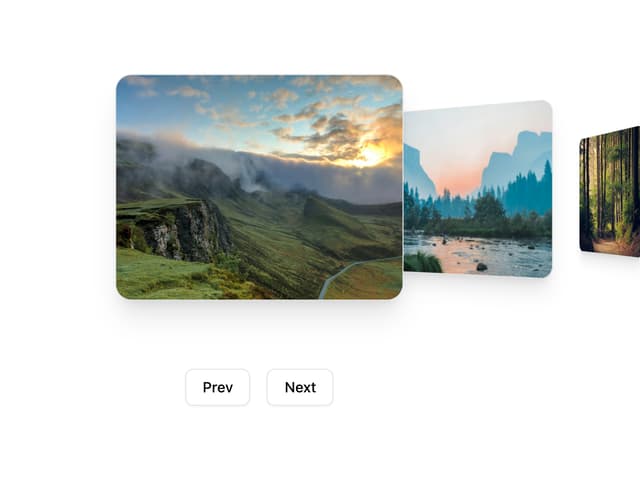
Coverflow Carousel
95