
About
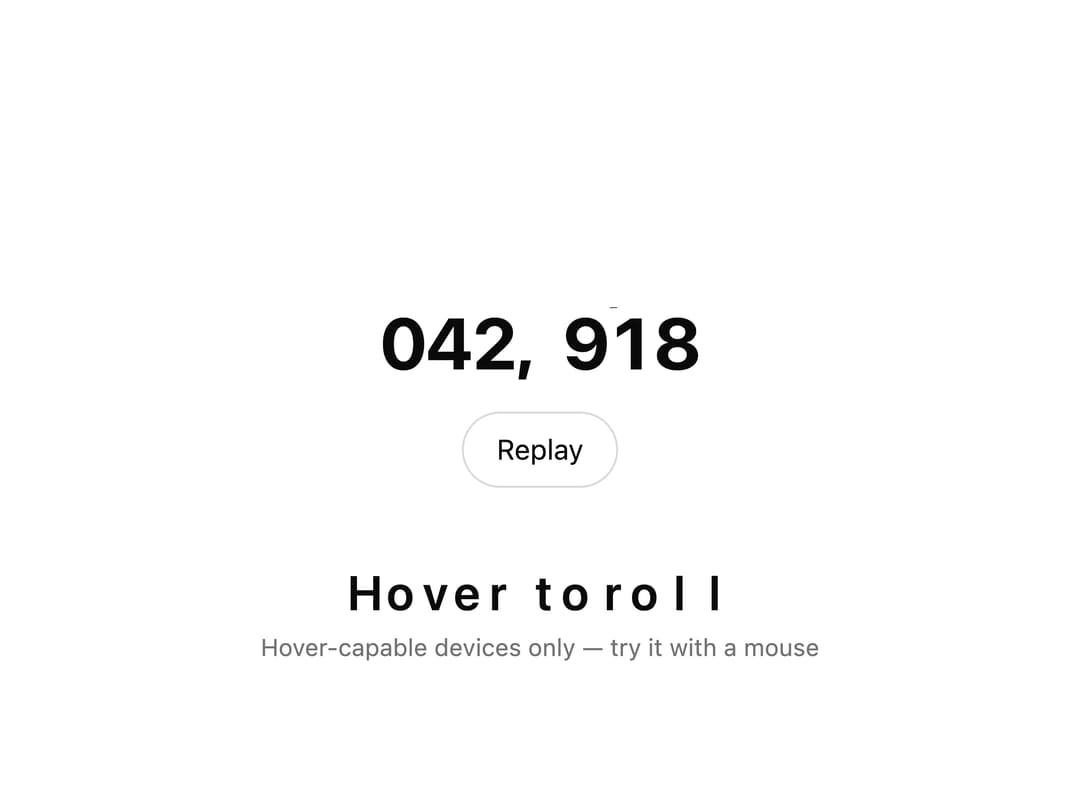
A text component that animates each character with an odometer/split-flap style vertical roll before landing on the target text, triggerable on mount, hover, in-view, or manually.
Built with React and Tailwind. Copy the prompt and paste it into Claude Code, Cursor or Lovable: your agent adds Rolling Text to your project and fits it to your theme.
Code
How Rolling Text is used: the demo's code. The component's own source comes with a free account.
Usage.tsx
"use client";

import RollingText from "@/components/ui/rolling-text";
import { useState } from "react";

export default function RollingTextDemo() {
  const [runId, setRunId] = useState(0);

  return (
    <div className="mx-auto flex w-full max-w-xl flex-col items-center gap-8 px-4 py-8">
      <div className="flex flex-col items-center gap-4">
        <RollingText
          className="font-bold text-4xl tabular-nums tracking-tight"
          key={runId}
          rampLength={6}
          text="042,918"
        />
        <button
          className="rounded-full border border-foreground/15 bg-background px-4 py-2 text-foreground text-sm transition-colors hover:bg-foreground/5"
          onClick={() => setRunId((id) => id + 1)}
          type="button"
        >
          Replay
        </button>
      </div>

      <div className="flex flex-col items-center gap-2 text-center">
        <RollingText
          className="font-semibold text-2xl"
          key={`hover-${runId}`}
          trigger="hover"
          text="Hover to roll"
        />
        <p className="text-muted-foreground text-xs">
          Hover-capable devices only — try it with a mouse
        </p>
      </div>
    </div>
  );
}
Dependencies
More by Edu Calvo
View all

Scrollable Card Stack
235
AI Task List
160
Siri Orb
160
Cursor Follow
154
Pixel Flow Field
142
Agent Avatar
130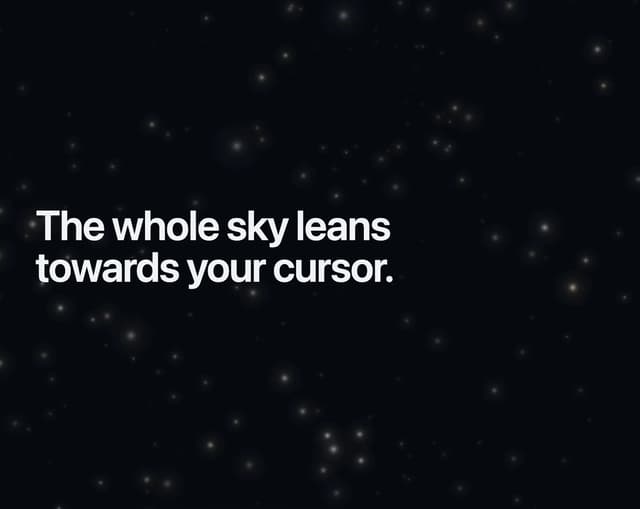
Gravity Stars
112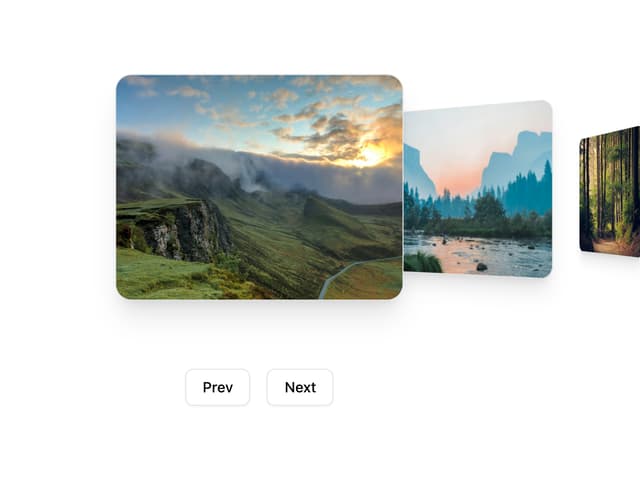
Coverflow Carousel
95
More in Text
View all

Vertical Cut Reveal Characters
103
Motion Blur Text
36

NeonRGBTextEffect
144
Text Reveal
27
Random Letter Swap
46

Rainbow Text Effect
47
Text Color
545

Blur Reveal
300