

About
A modern authentication modal with Google and email login options. Clean UI, smooth animations, and ready to plug into your Next.js app.
Built with React and Tailwind. Copy the prompt and paste it into Claude Code, Cursor or Lovable: your agent adds Auth Modal to your project and fits it to your theme.
Code
How Auth Modal is used: the demo's code. The component's own source comes with a free account.
Usage.tsx
'use client';
import React from 'react';
import { cn } from '@/lib/utils';
import { AuthModal } from "@/components/ui/auth-modal";
import { Button } from '@/components/ui/button';

export default function DefaultDemo() {
	const [open, setAuthOpen] = React.useState(false);

	return (
		<div className="relative flex min-h-screen w-full flex-col items-center justify-center">
			<div
				aria-hidden="true"
				className={cn(
					'pointer-events-none absolute -top-10 left-1/2 size-full -translate-x-1/2 rounded-full',
					'bg-[radial-gradient(ellipse_at_center,--theme(--color-foreground/.1),transparent_50%)]',
					'blur-[30px]',
				)}
			/>

			<Button onClick={() => setAuthOpen(true)}>Open Modal</Button>

			<AuthModal open={open} onOpenChange={setAuthOpen} />
		</div>
	);
}
Dependencies
More by Efferd
View all

Testimonials Columns
7.1K
Zoom Parallax
5.2K
Dotted Surface
3.5K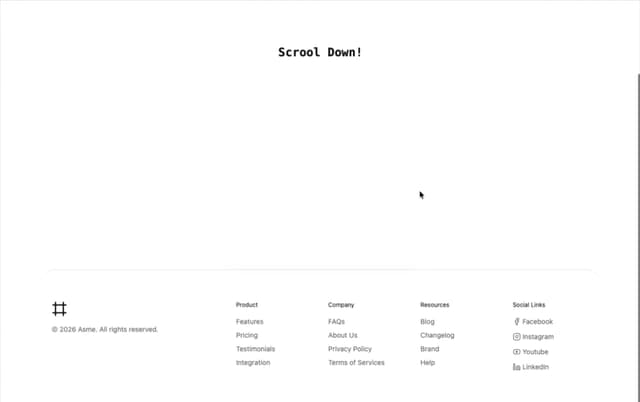
Footer Section
2.7K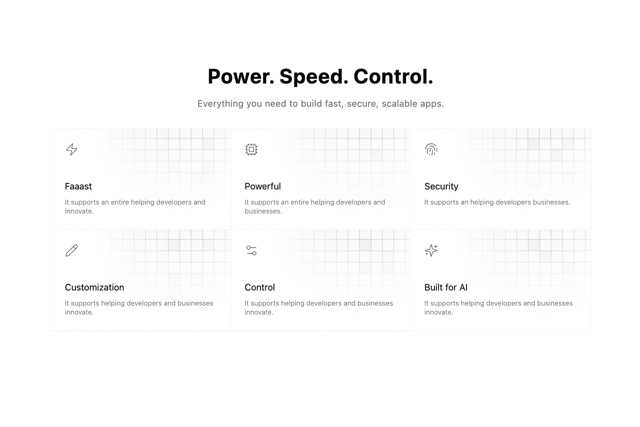
Grid Feature Cards
1.9K
Logo Cloud 2
1.6K
Header 3
1.5K
Logo Cloud 3
1.5K
More in Sign-in
View all
SignInPage
624

Modern & Stunning sign in
1.5K
Clean & Minimal sign in
614

Sign In Form
200
Sign In
95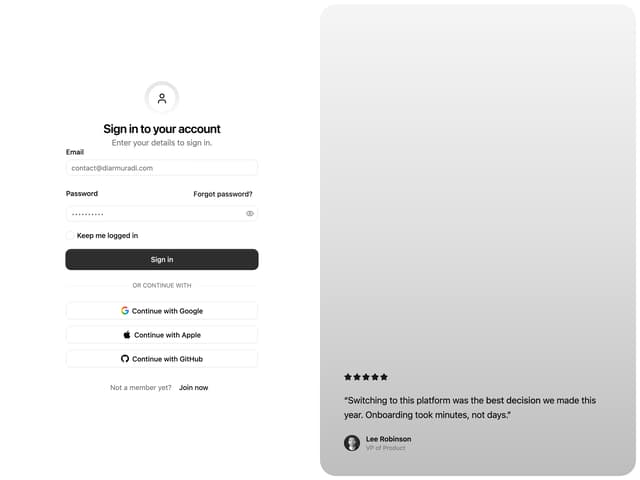

Split Sign In Form
12
Authentication Card
44
Sign In Card
18


