
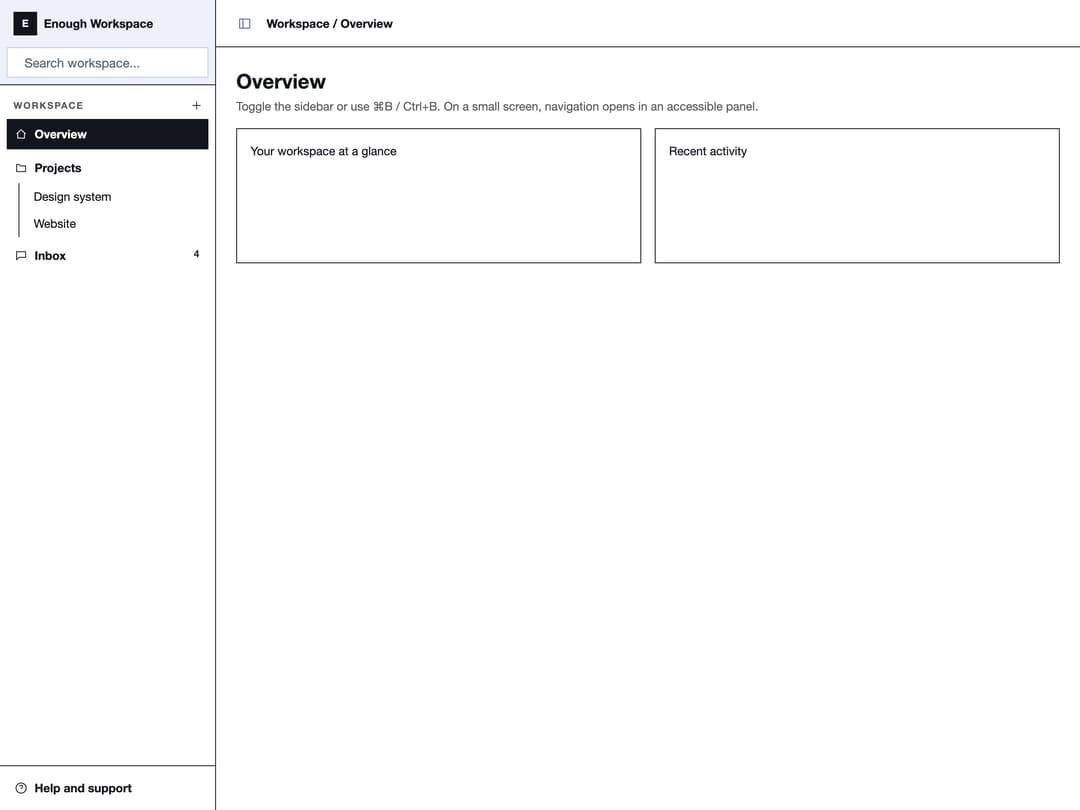
About
A collapsible, resizable application sidebar with header, footer, grouped menus, submenus, tooltips and a mobile sheet, for building dashboard and app navigation layouts.
Built with React and Tailwind. Copy the prompt and paste it into Claude Code, Cursor or Lovable: your agent adds Sidebar to your project and fits it to your theme.
Code
How Sidebar is used: the demo's code. The component's own source comes with a free account.
Usage.tsx
"use client";

import {
  Sidebar,
  SidebarContent,
  SidebarFooter,
  SidebarGroup,
  SidebarGroupAction,
  SidebarGroupContent,
  SidebarGroupLabel,
  SidebarHeader,
  SidebarInput,
  SidebarInset,
  SidebarMenu,
  SidebarMenuBadge,
  SidebarMenuButton,
  SidebarMenuItem,
  SidebarMenuSub,
  SidebarMenuSubButton,
  SidebarMenuSubItem,
  SidebarProvider,
  SidebarRail,
  SidebarTrigger,
} from "@/components/ui/sidebar";

function HomeIcon() {
  return (
    <svg
      viewBox="0 0 24 24"
      fill="none"
      stroke="currentColor"
      strokeWidth="1.5"
      className="size-4"
    >
      <path d="M4 11.5 12 4l8 7.5" />
      <path d="M6 10v9h12v-9" />
    </svg>
  );
}

function FolderIcon() {
  return (
    <svg
      viewBox="0 0 24 24"
      fill="none"
      stroke="currentColor"
      strokeWidth="1.5"
      className="size-4"
    >
      <path d="M4 6h5l2 2.5h9v10H4z" />
    </svg>
  );
}

function InboxIcon() {
  return (
    <svg
      viewBox="0 0 24 24"
      fill="none"
      stroke="currentColor"
      strokeWidth="1.5"
      className="size-4"
    >
      <path d="M4 5h16v10H9l-5 4z" />
    </svg>
  );
}

function HelpIcon() {
  return (
    <svg
      viewBox="0 0 24 24"
      fill="none"
      stroke="currentColor"
      strokeWidth="1.5"
      className="size-4"
    >
      <circle cx="12" cy="12" r="9" />
      <path d="M9.5 9.5a2.5 2.5 0 1 1 3.5 2.3c-.7.4-1 .8-1 1.7" />
      <path d="M12 17h.01" />
    </svg>
  );
}

function PlusIcon() {
  return (
    <svg
      viewBox="0 0 24 24"
      fill="none"
      stroke="currentColor"
      strokeWidth="1.5"
      className="size-3.5"
    >
      <path d="M12 5v14M5 12h14" />
    </svg>
  );
}

export default function SidebarDemo() {
  return (
    <div className="h-screen w-full overflow-hidden bg-[var(--color-surface)] text-[var(--color-ink)]">
      <SidebarProvider>
        <Sidebar>
          <SidebarHeader>
            <div className="flex items-center gap-2 px-2 py-1.5">
              <span className="flex size-7 items-center justify-center bg-[var(--color-ink)] text-xs font-bold text-[var(--color-surface)]">
                E
              </span>
              <span className="text-sm font-bold text-[var(--color-ink)]">
                Enough Workspace
              </span>
            </div>
            <SidebarInput placeholder="Search workspace..." />
          </SidebarHeader>
          <SidebarContent>
            <SidebarGroup>
              <SidebarGroupLabel>Workspace</SidebarGroupLabel>
              <SidebarGroupAction title="Add">
                <PlusIcon />
              </SidebarGroupAction>
              <SidebarGroupContent>
                <SidebarMenu>
                  <SidebarMenuItem>
                    <SidebarMenuButton isActive tooltip="Overview">
                      <HomeIcon />
                      <span>Overview</span>
                    </SidebarMenuButton>
                  </SidebarMenuItem>
                  <SidebarMenuItem>
                    <SidebarMenuButton tooltip="Projects">
                      <FolderIcon />
                      <span>Projects</span>
                    </SidebarMenuButton>
                    <SidebarMenuSub>
                      <SidebarMenuSubItem>
                        <SidebarMenuSubButton href="#">
                          Design system
                        </SidebarMenuSubButton>
                      </SidebarMenuSubItem>
                      <SidebarMenuSubItem>
                        <SidebarMenuSubButton href="#">
                          Website
                        </SidebarMenuSubButton>
                      </SidebarMenuSubItem>
                    </SidebarMenuSub>
                  </SidebarMenuItem>
                  <SidebarMenuItem>
                    <SidebarMenuButton tooltip="Inbox">
                      <InboxIcon />
                      <span>Inbox</span>
                    </SidebarMenuButton>
                    <SidebarMenuBadge>4</SidebarMenuBadge>
                  </SidebarMenuItem>
                </SidebarMenu>
              </SidebarGroupContent>
            </SidebarGroup>
          </SidebarContent>
          <SidebarFooter>
            <SidebarMenu>
              <SidebarMenuItem>
                <SidebarMenuButton>
                  <HelpIcon />
                  <span>Help and support</span>
                </SidebarMenuButton>
              </SidebarMenuItem>
            </SidebarMenu>
          </SidebarFooter>
          <SidebarRail />
        </Sidebar>
        <SidebarInset>
          <header className="flex h-14 shrink-0 items-center gap-2 border-b border-[var(--color-ink)] px-4">
            <SidebarTrigger />
            <span className="text-sm font-semibold text-[var(--color-ink)]">
              Workspace / Overview
            </span>
          </header>
          <div className="flex flex-1 flex-col gap-4 p-6">
            <div>
              <h1 className="text-2xl font-bold text-[var(--color-ink)]">
                Overview
              </h1>
              <p className="mt-1 text-sm text-[var(--color-ink)]/70">
                {
                  "Toggle the sidebar or use \u2318B / Ctrl+B. On a small screen, navigation opens in an accessible panel."
                }
              </p>
            </div>
            <div className="grid gap-4 sm:grid-cols-2">
              <div className="flex h-40 items-start border border-[var(--color-ink)] p-4">
                <span className="text-sm text-[var(--color-ink)]">
                  Your workspace at a glance
                </span>
              </div>
              <div className="flex h-40 items-start border border-[var(--color-ink)] p-4">
                <span className="text-sm text-[var(--color-ink)]">
                  Recent activity
                </span>
              </div>
            </div>
          </div>
        </SidebarInset>
      </SidebarProvider>
    </div>
  );
}
Dependencies
More by enoughtools
View all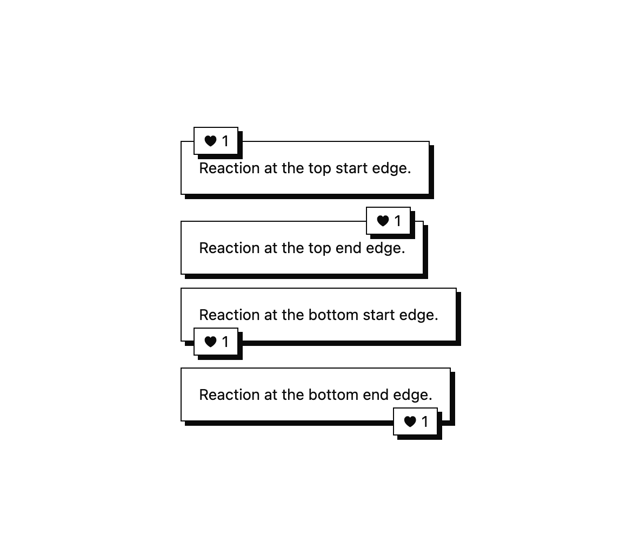
Conversation Bubble
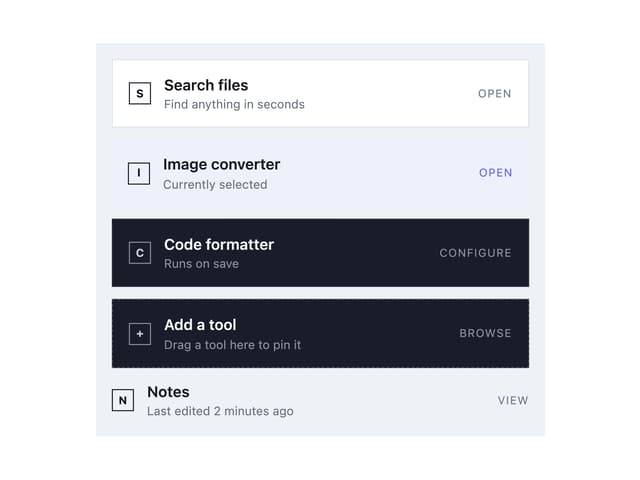
Tool Row
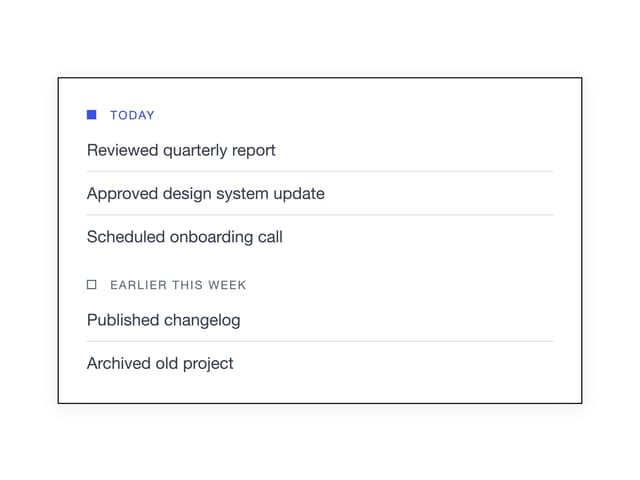
Group Label
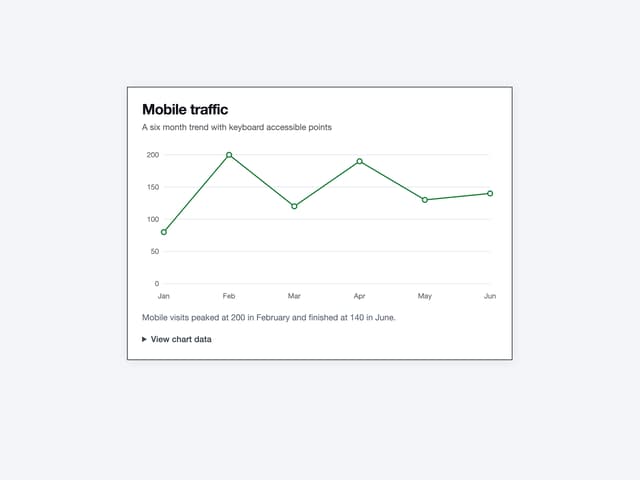
Chart
Callout
More in Navigation
View all

Sidebar
234
Navbar with Theme Toggle
43

Sidebar
339

Tabs
60
Numberless Pagination with Text
11
Oversized 404 Numeral
50
Footer
446
Pagination
43


