
About
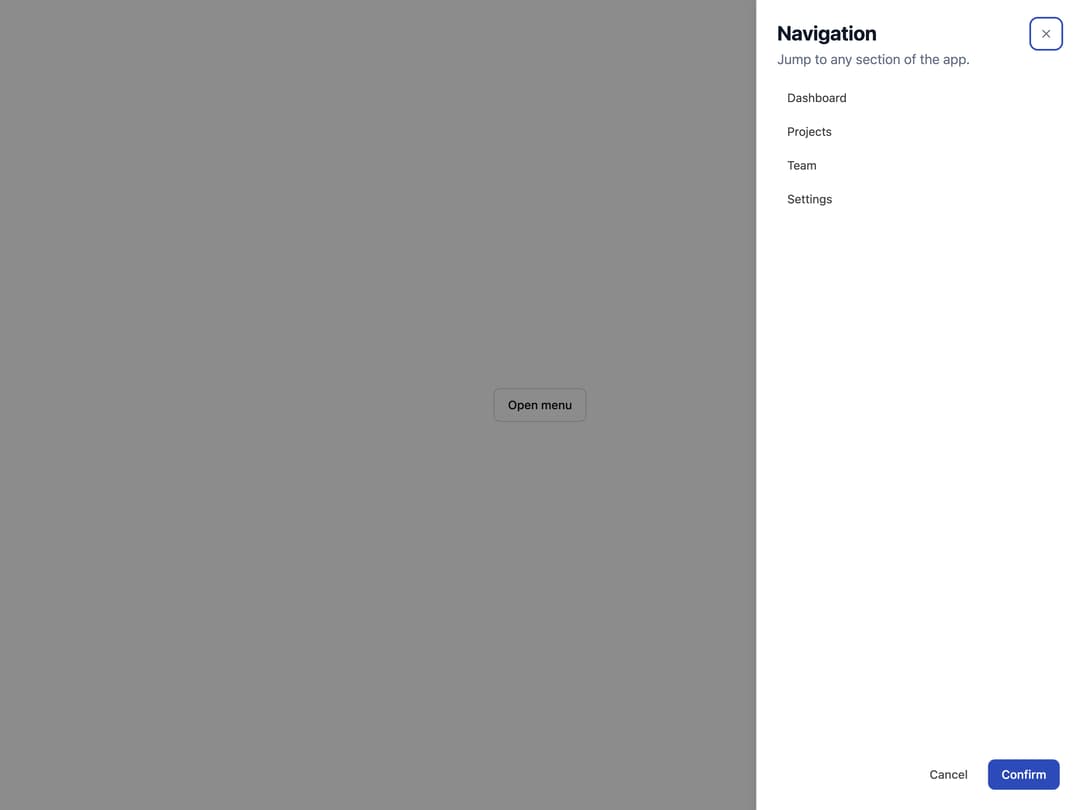
A side panel dialog that slides in from the left or right edge of the screen, trapping focus for navigation menus, forms or detail views.
Built with React and Tailwind. Copy the prompt and paste it into Claude Code, Cursor or Lovable: your agent adds Drawer to your project and fits it to your theme.
Code
How Drawer is used: the demo's code. The component's own source comes with a free account.
Usage.tsx
"use client";

import Drawer from "@/components/ui/drawer";

const links = [
  { label: "Dashboard", href: "#" },
  { label: "Projects", href: "#" },
  { label: "Team", href: "#" },
  { label: "Settings", href: "#" },
];

export default function DrawerDemo() {
  return (
    <div className="flex min-h-[420px] w-full items-center justify-center p-10">
      <Drawer
        side="right"
        title="Navigation"
        description="Jump to any section of the app."
        trigger={
          <button
            type="button"
            className="inline-flex h-10 items-center justify-center rounded-md border border-neutral-300 px-4 text-sm font-medium text-neutral-900 transition-colors hover:bg-neutral-100 dark:border-neutral-700 dark:text-neutral-100 dark:hover:bg-neutral-800"
          >
            Open menu
          </button>
        }
        footer={
          <>
            <button
              type="button"
              className="inline-flex h-9 items-center justify-center rounded-md px-4 text-sm font-medium text-neutral-600 hover:bg-neutral-100 dark:text-neutral-300 dark:hover:bg-neutral-800"
            >
              Cancel
            </button>
            <button
              type="button"
              className="inline-flex h-9 items-center justify-center rounded-md px-4 text-sm font-medium text-white hover:opacity-90"
              style={{ backgroundColor: "var(--yarcl-color-primary)" }}
            >
              Confirm
            </button>
          </>
        }
      >
        <nav className="flex flex-col gap-1">
          {links.map((link) => (
            <a
              key={link.label}
              href={link.href}
              className="rounded-md px-3 py-2 text-sm text-neutral-700 hover:bg-neutral-100 dark:text-neutral-200 dark:hover:bg-neutral-800"
            >
              {link.label}
            </a>
          ))}
        </nav>
      </Drawer>
    </div>
  );
}
More by eugenioenko
View all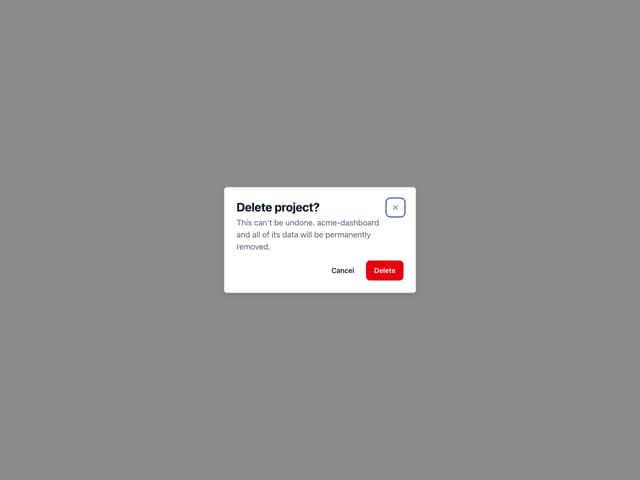
Dialog
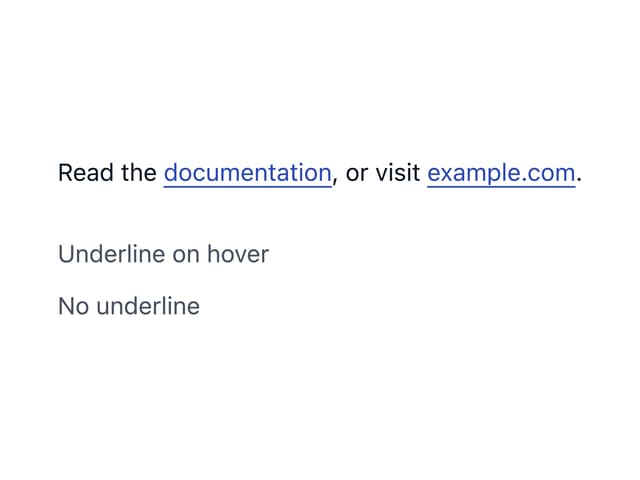
Link
Divider
More in Navigation
View all

Sidebar
235
Navbar with Theme Toggle
43

Sidebar
339

Tabs
60
Numberless Pagination with Text
11
Oversized 404 Numeral
50
Footer
446
Pagination
43


