

About
A themeable scrollable container that clips its content to a max height and shows a thin scrollbar, used for scrollable lists, logs, or long text blocks.
Built with React and Tailwind. Copy the prompt and paste it into Claude Code, Cursor or Lovable: your agent adds Scroll Area to your project and fits it to your theme.
Code
How Scroll Area is used: the demo's code. The component's own source comes with a free account.
Usage.tsx
import ScrollArea from "@/components/ui/scroll-area";
import { ListItem, Text } from "@/components/ui/scroll-area-utils/demo-helpers";

// @example Custom height | Set maxHeight to fit the space you have.
export default function ScrollAreaCustomHeightDemo() {
  const events = [
    { time: "09:02", text: "Alpha tagged #4821 as billing" },
    { time: "09:03", text: "Alpha read the Stripe invoice for Acme" },
    { time: "09:04", text: "Alpha drafted a $120 credit" },
    { time: "09:10", text: "Dana Ruiz approved the credit" },
    { time: "09:11", text: "Alpha replied in Intercom" },
    { time: "09:30", text: "Acme confirmed the fix" },
  ];
  return (
    <div style={{ width: 360 }}>
      <ScrollArea maxHeight={120}>
        {events.map((event) => (
          <ListItem
            key={event.time}
            title={event.text}
            right={
              <Text size="sm" mono muted>
                {event.time}
              </Text>
            }
          />
        ))}
      </ScrollArea>
    </div>
  );
}
More by halaska-studio
View all
Dot Grid
23
Orb
14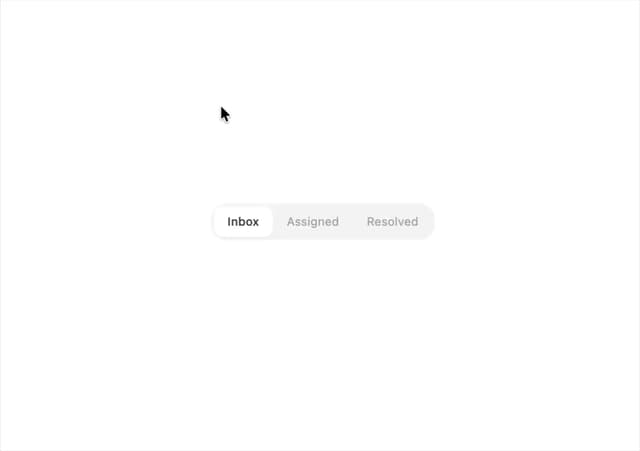
Segmented Control
8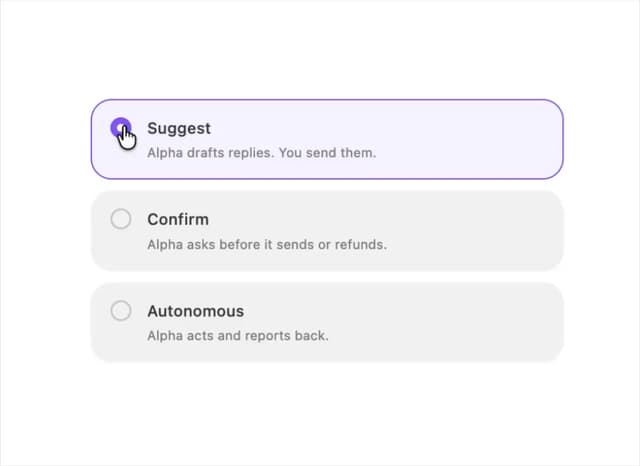
Choicebox
6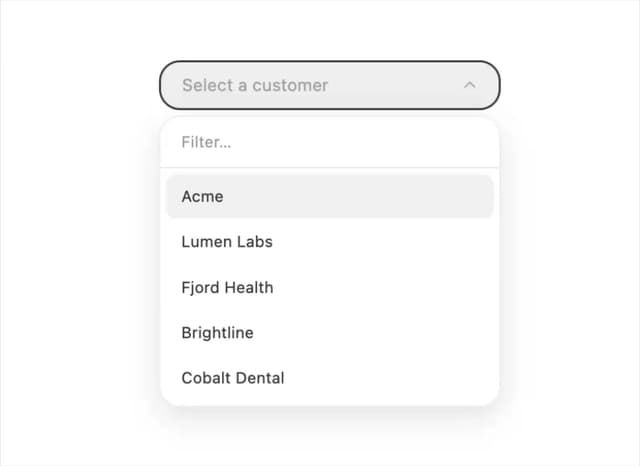
Combobox
5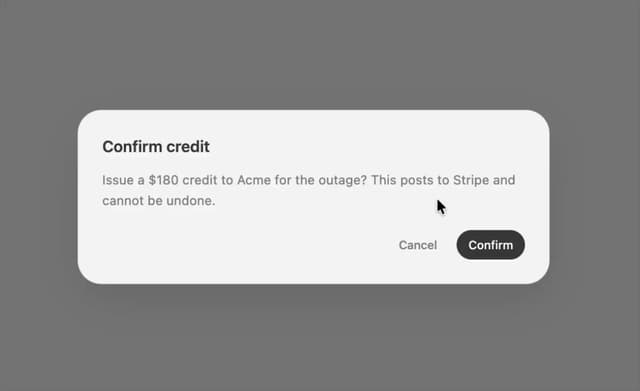
Dialog
3
Input OTP
3
Table
2