
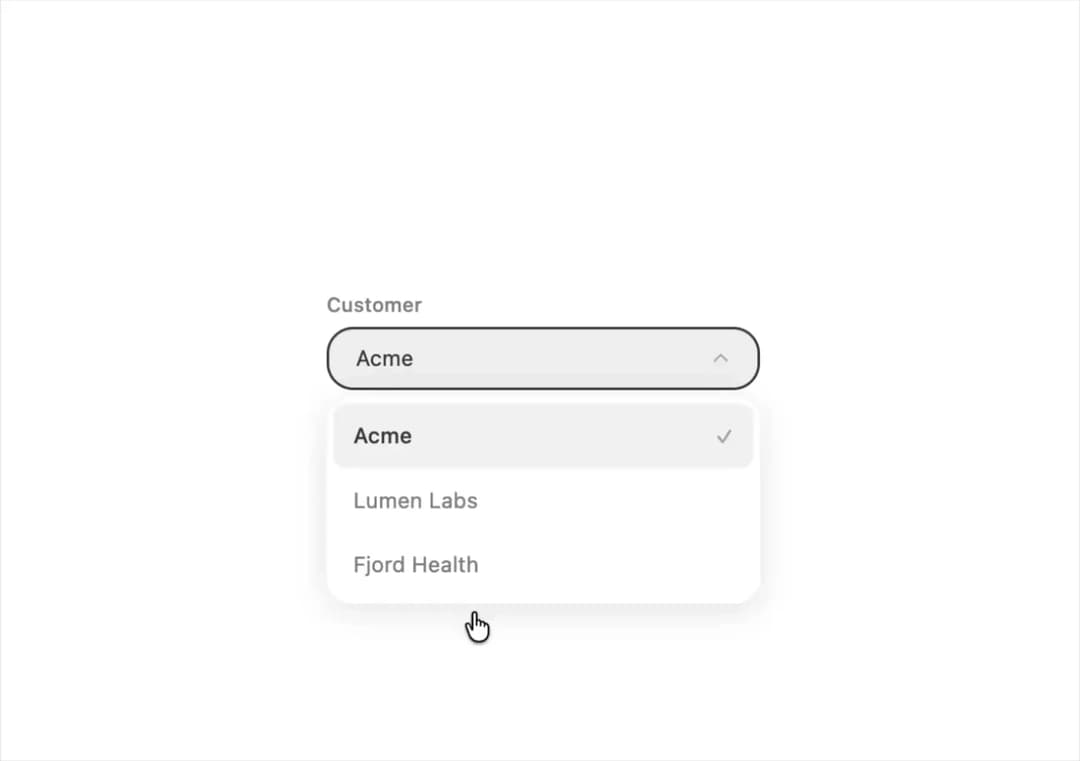
About
A dropdown select input for choosing one value from a list of string or value/label options, with keyboard navigation, type-ahead and small/medium/large sizes.
Built with React and Tailwind. Copy the prompt and paste it into Claude Code, Cursor or Lovable: your agent adds Select to your project and fits it to your theme.
Code
How Select is used: the demo's code. The component's own source comes with a free account.
Usage.tsx
import Select from "@/components/ui/select";
import { useState } from "react";

export default function SelectControlledDemo() {
  const [customer, setCustomer] = useState("Acme");
  const open = { Acme: 3, "Lumen Labs": 1, "Fjord Health": 0 };
  return (
    <div
      style={{
        display: "flex",
        flexDirection: "column",
        gap: 12,
        width: 260,
        height: 230,
      }}
    >
      <Select
        label="Customer"
        options={Object.keys(open)}
        value={customer}
        onChange={setCustomer}
      />
      <span style={{ fontSize: 12, color: "#888888" }}>
        {open[customer]} open tickets for {customer}
      </span>
    </div>
  );
}
More by halaska-studio
View all
Dot Grid
24
Orb
15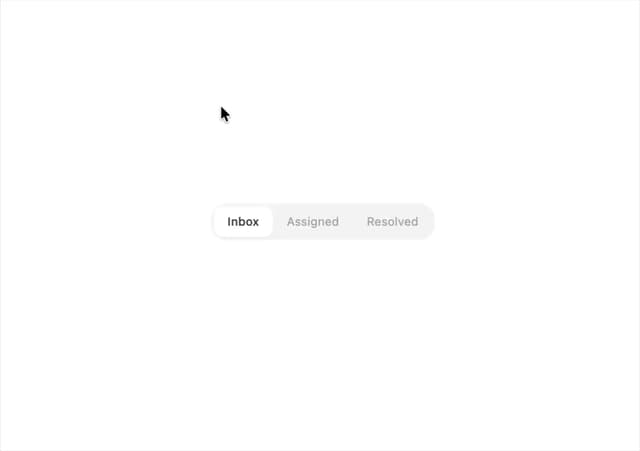
Segmented Control
8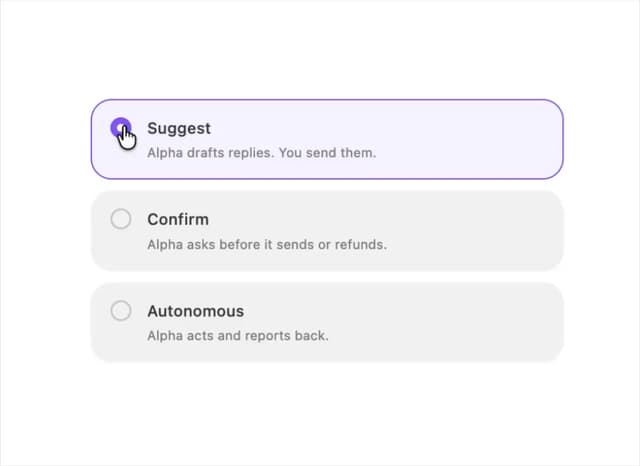
Choicebox
6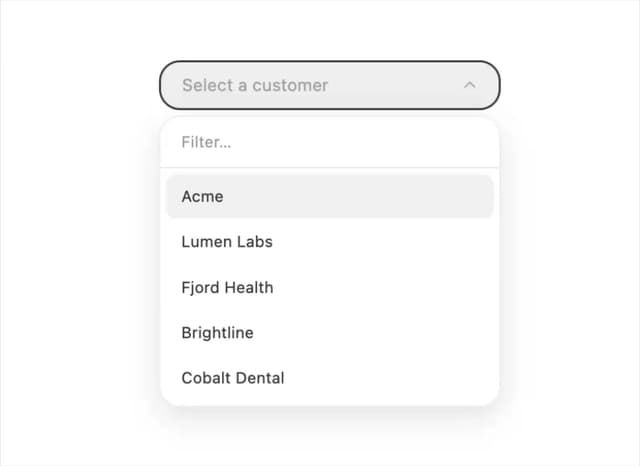
Combobox
5
Dialog
4
Input OTP
4
Table
2
More in Forms
View all

Premium Auth
500

Login 2
7
Authentication Card
47

Login 1
52

Contact Card
1K
Login Form
6

Form
16

Book A Demo 3
83
