
About
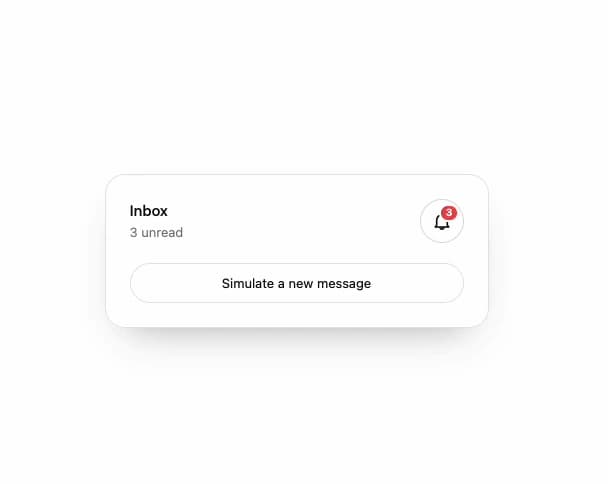
A notification bell button that swings and its clapper lags a beat behind when a new unread count arrives, with a popping unread-count badge that clears on click.
Built with React and Tailwind. Copy the prompt and paste it into Claude Code, Cursor or Lovable: your agent adds Bell Ring to your project and fits it to your theme.
Code
How Bell Ring is used: the demo's code. The component's own source comes with a free account.
Usage.tsx
"use client";

import BellRing from "@/components/ui/bell-ring";
import { useState } from "react";

export default function Demo() {
  const [n, setN] = useState(2);
  return (
    <div className="flex min-h-full w-full items-center justify-center p-8 bg-background text-foreground">
      <div className="flex w-full max-w-sm flex-col gap-5 rounded-[20px] border border-border bg-card p-6 shadow-[0_20px_40px_-24px_rgb(0_0_0/0.35)]">
        <div className="flex items-center justify-between">
          <div>
            <p className="text-[15px] font-medium">Inbox</p>
            <p className="text-[13px] opacity-55">
              {n ? `${n} unread` : "You're all caught up"}
            </p>
          </div>
          <BellRing
            count={n}
            onOpen={() => setN(0)}
            className="[--bell-ring-ring:var(--card)]"
          />
        </div>
        <button
          type="button"
          onClick={() => setN((x) => x + 1)}
          className="h-10 rounded-full border border-border text-[13px]"
        >
          Simulate a new message
        </button>
      </div>
    </div>
  );
}
More by ham7a311
View all
Route Globe
12
Wave Mesh
7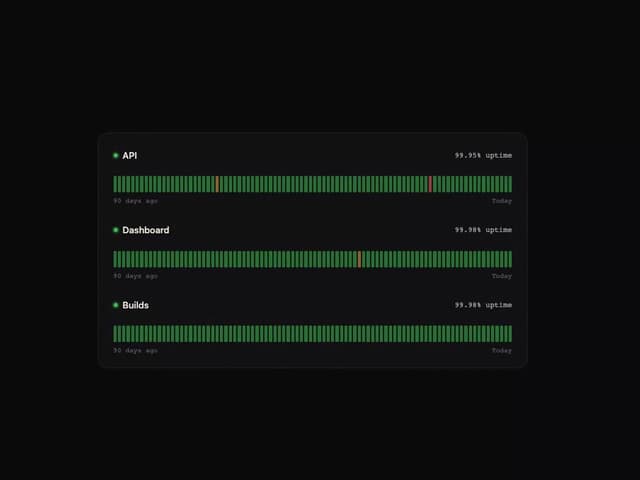
Uptime Ribbon
6
Glass Carousel
6
Glass Tiles
6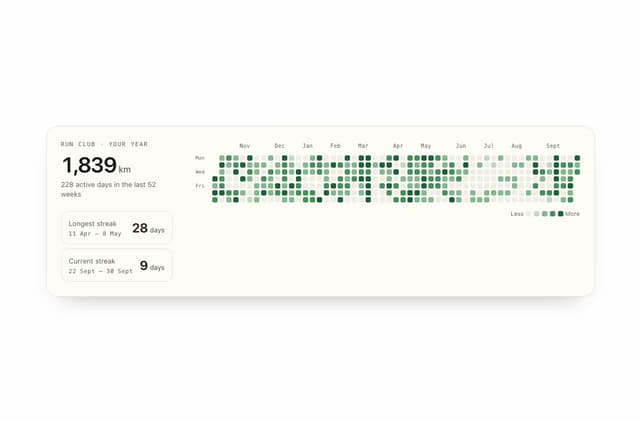
Streak Field Stats
5
Wind Map
4
Time Window
4