
About
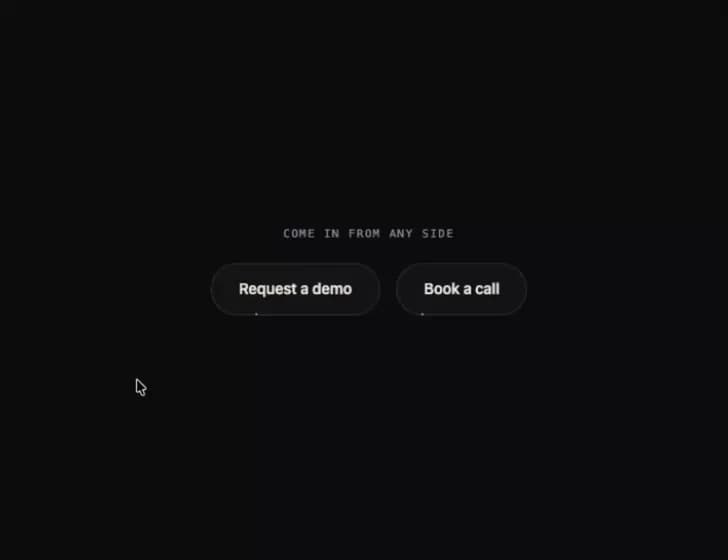
A pill button whose gradient outline draws itself from the exact point where the cursor crosses its edge, growing both ways round to meet on the far side, then shrinks back toward the exit point when you leave.
Built with React and Tailwind. Copy the prompt and paste it into Claude Code, Cursor or Lovable: your agent adds Entry Ring Button to your project and fits it to your theme.
Code
How Entry Ring Button is used: the demo's code. The component's own source comes with a free account.
Usage.tsx
"use client";

import { EntryRingButton } from "@/components/ui/entry-ring-button";

export default function Demo() {
  return (
    <div className="flex min-h-screen w-full items-center justify-center p-8 bg-[#0b0a0d] text-[#efe8dc]">
      <div className="flex flex-col items-center gap-5 text-center">
        <p className="font-mono text-[0.6875rem] uppercase tracking-[0.14em] text-[#9c96a1]">
          Come in from any side
        </p>
        <div className="flex flex-wrap items-center justify-center gap-4">
          <EntryRingButton theme="night">Request a demo</EntryRingButton>
          <EntryRingButton theme="night">Book a call</EntryRingButton>
        </div>
      </div>
    </div>
  );
}
More by ham7a311
View all
Route Globe
18
Wave Mesh
11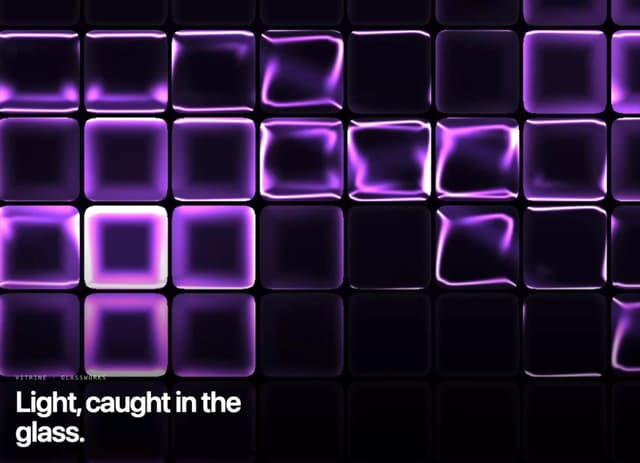
Glass Tiles
10
Glass Carousel
8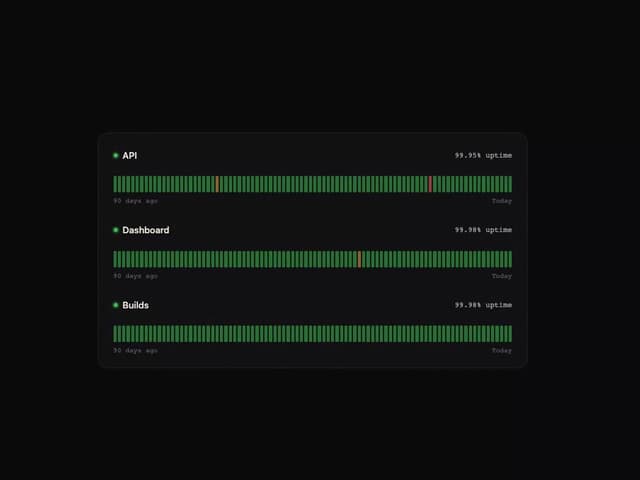
Uptime Ribbon
7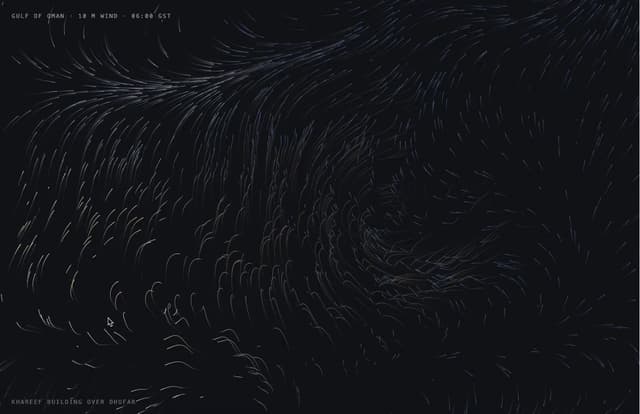
Wind Map
7
Time Window
6
Streak Field Stats
5
More in Buttons
View all

Button
14
Button
34
Texture Button
92
Button Save
46

Button
64

Button Group
3

Notification Button
103

Button

