

About
A floating-label text input whose label rises into a notch cut from the top border, with a frost-blue outline that draws in on focus and a corner mark that signals valid/invalid state.
Built with React and Tailwind. Copy the prompt and paste it into Claude Code, Cursor or Lovable: your agent adds Etched Field to your project and fits it to your theme.
Code
How Etched Field is used: the demo's code. The component's own source comes with a free account.
Usage.tsx
"use client";

import * as React from "react";
import EtchedField from "@/components/ui/etched-field";

export default function Demo() {
  const [email, setEmail] = React.useState("");
  const bad = email.length > 0 && !/^[^\s@]+@[^\s@]+\.[^\s@]{2,}$/.test(email);
  return (
    <div className="flex min-h-full w-full items-center justify-center bg-[#0b080d] p-10">
      <div className="flex w-full max-w-sm flex-col gap-7">
        <EtchedField
          label="Full name"
          defaultValue=""
          autoComplete="name"
          hint="As it appears on your ID."
        />
        <EtchedField
          label="Email address"
          type="email"
          autoComplete="email"
          value={email}
          onChange={(e) => setEmail(e.target.value)}
          error={bad ? "That doesn\u2019t look like an email." : undefined}
        />
        <EtchedField label="Company" defaultValue="Northstar" />
      </div>
    </div>
  );
}
More by ham7a311
View all
Route Globe
13
Wave Mesh
8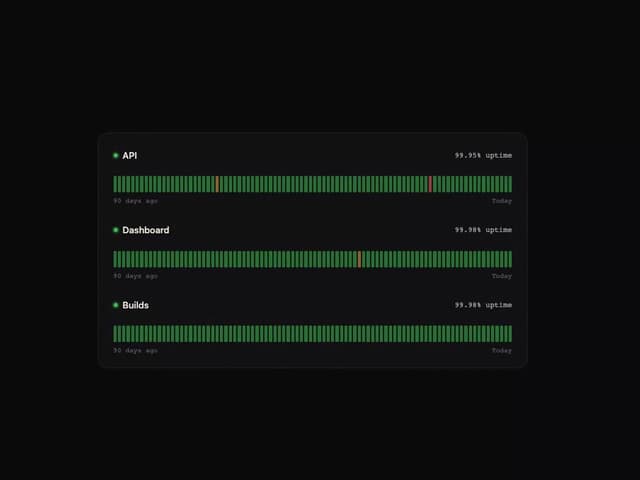
Uptime Ribbon
6
Glass Carousel
6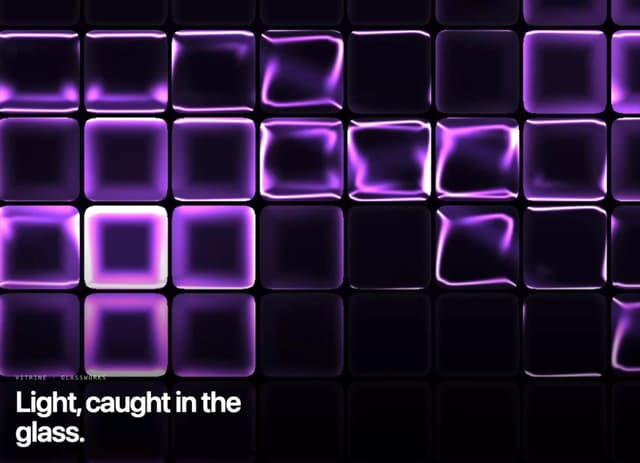
Glass Tiles
6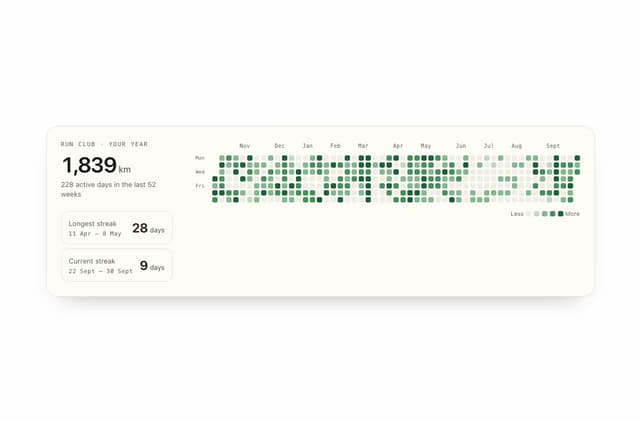
Streak Field Stats
5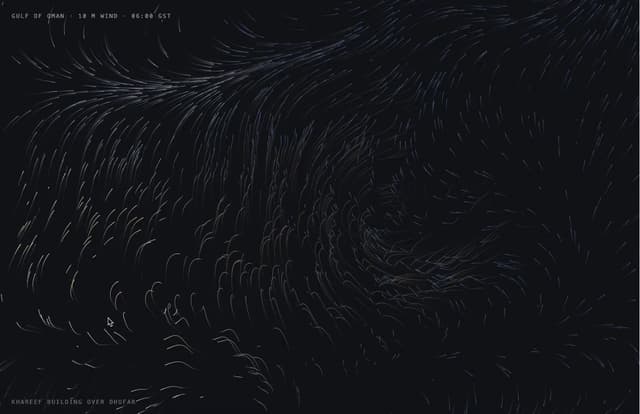
Wind Map
5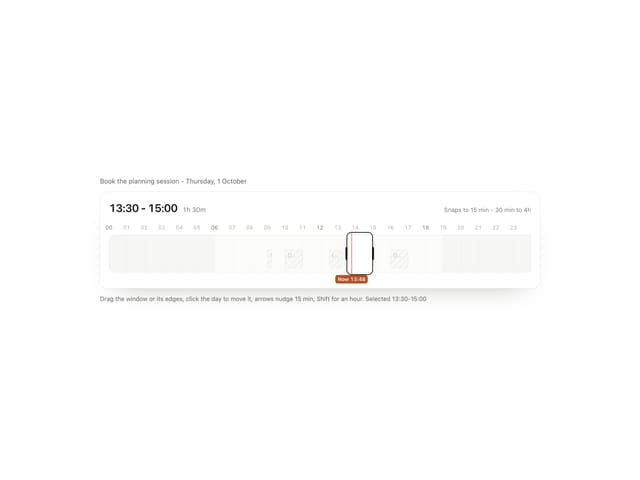
Time Window
4
More in Forms
View all

Premium Auth
496
Authentication Card
44

Login 1
52

Login 2
7

Form
32

Card Studio
41

Login Card
32

Form
136
