
About
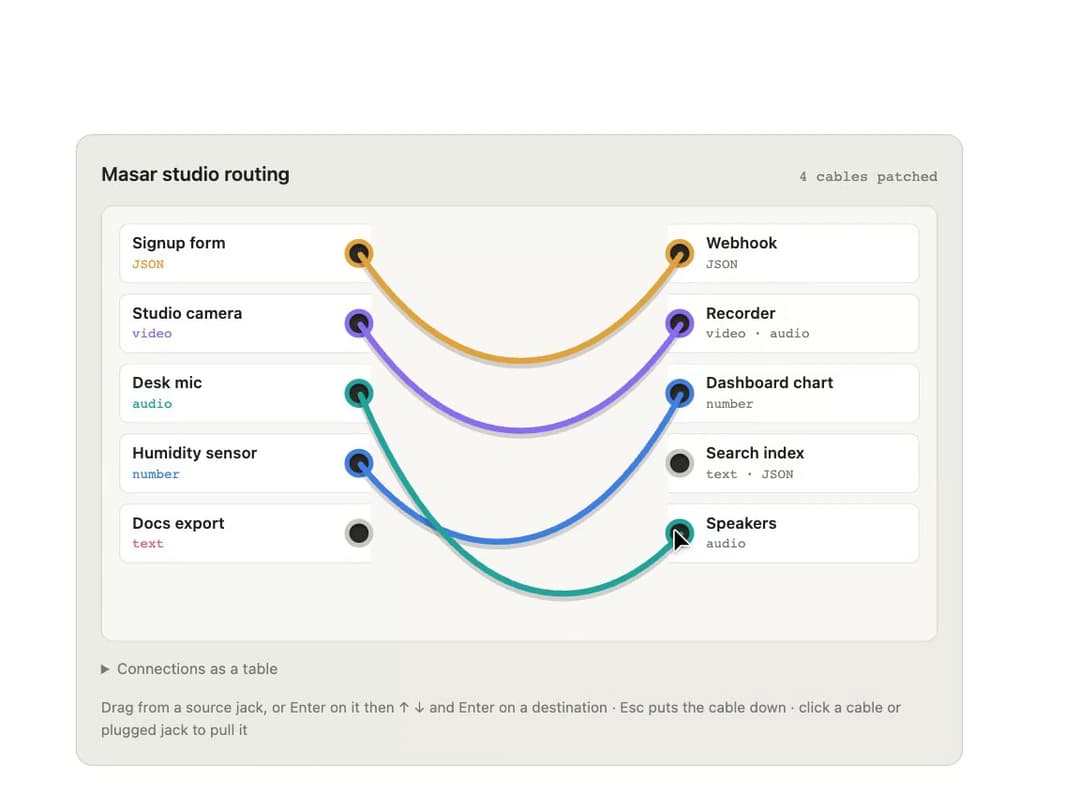
A visual signal-routing control that draws connections as hanging cables between source and destination jacks, refusing incompatible plugs and fully operable from the keyboard.
Built with React and Tailwind. Copy the prompt and paste it into Claude Code, Cursor or Lovable: your agent adds Patch Bay to your project and fits it to your theme.
Code
How Patch Bay is used: the demo's code. The component's own source comes with a free account.
Usage.tsx
"use client";
import { PatchBay, type Input, type Jack } from "@/components/ui/patch-bay";

const OUTPUTS: Jack[] = [
  { id: "form", name: "Signup form", type: "JSON" },
  { id: "cam", name: "Studio camera", type: "video" },
  { id: "mic", name: "Desk mic", type: "audio" },
  { id: "sensor", name: "Humidity sensor", type: "number" },
  { id: "docs", name: "Docs export", type: "text" },
];
const INPUTS: Input[] = [
  { id: "hook", name: "Webhook", accepts: ["JSON"] },
  { id: "rec", name: "Recorder", accepts: ["video", "audio"] },
  { id: "chart", name: "Dashboard chart", accepts: ["number"] },
  { id: "index", name: "Search index", accepts: ["text", "JSON"] },
  { id: "spk", name: "Speakers", accepts: ["audio"] },
];

export default function PatchBayDemo() {
  return (
    <div className="flex min-h-screen w-full items-center justify-center bg-background p-6 text-foreground">
      <div className="w-full max-w-[46rem]">
        <PatchBay
          title="Masar studio routing"
          outputs={OUTPUTS}
          inputs={INPUTS}
          defaultCables={[
            { from: "form", to: "hook" },
            { from: "cam", to: "rec" },
            { from: "sensor", to: "chart" },
          ]}
          theme="light"
        />
      </div>
    </div>
  );
}
More by ham7a311
View all
Route Globe
12
Wave Mesh
8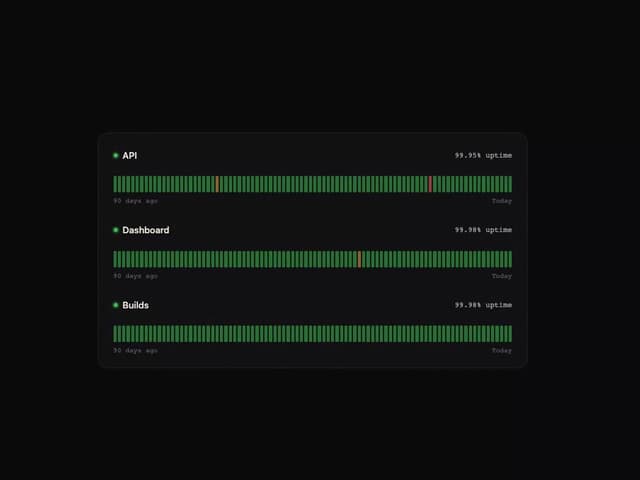
Uptime Ribbon
6
Glass Carousel
6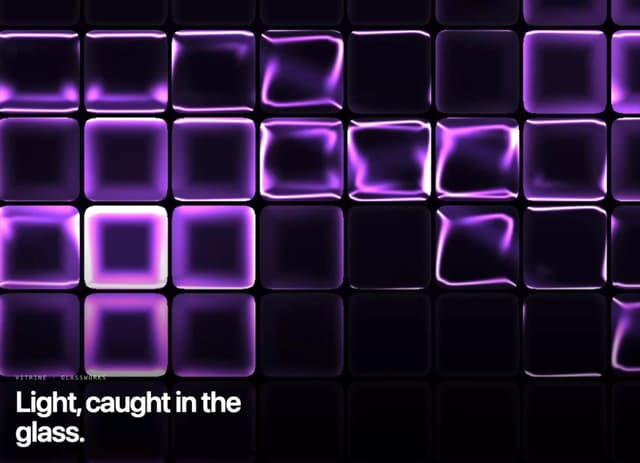
Glass Tiles
6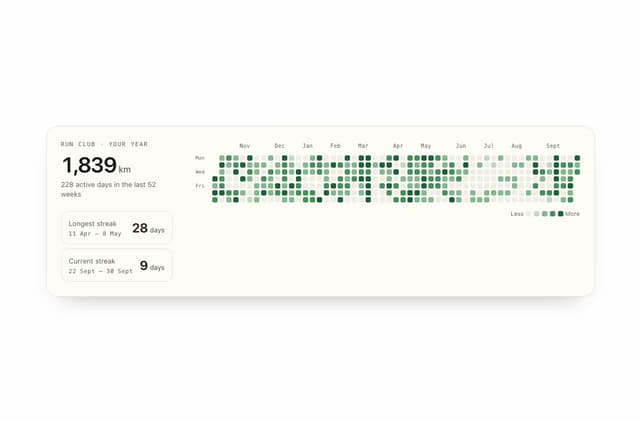
Streak Field Stats
5
Wind Map
5
Time Window
4