
About
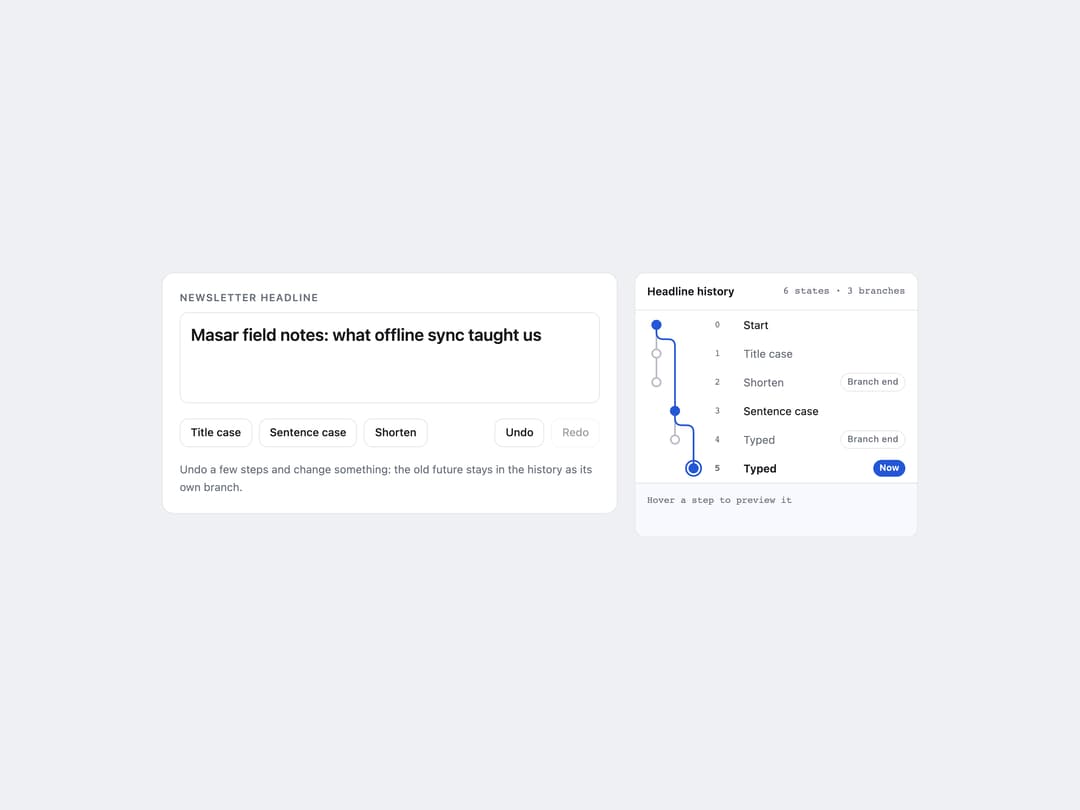
A branching undo/redo history view that draws every past state as a tree, letting users preview and restore any step including abandoned future branches.
Built with React and Tailwind. Copy the prompt and paste it into Claude Code, Cursor or Lovable: your agent adds Undo Tree to your project and fits it to your theme.
Code
How Undo Tree is used: the demo's code. The component's own source comes with a free account.
Usage.tsx
"use client";
import { type KeyboardEvent } from "react";
import { UndoTree, useUndoTree } from "@/components/ui/undo-tree";

const START = "masar field notes: what we learned building offline sync";
const titleCase = (s: string) =>
  s
    .replace(/\b([a-z])([a-z]*)/g, (_, a: string, b: string) =>
      ["a", "an", "the", "of", "and", "to", "in", "on", "for", "with"].includes(
        a + b,
      )
        ? a + b
        : a.toUpperCase() + b,
    )
    .replace(/^./, (c) => c.toUpperCase());
const sentence = (s: string) =>
  s.charAt(0).toUpperCase() + s.slice(1).toLowerCase();
const shorten = (s: string) =>
  s.length <= 42 ? s : s.slice(0, 42).replace(/\s+\S*$/, "") + "…";

export default function Demo({ variant = "light" }: { variant?: string }) {
  const dark = variant === "dark";
  const t = useUndoTree(START, {
    steps: [
      { value: titleCase(START), label: "Title case" },
      { value: shorten(titleCase(START)), label: "Shorten" },
      "undo",
      "undo",
      { value: sentence(START), label: "Sentence case" },
      {
        value: "Masar field notes: offline sync, three months in",
        label: "Typed",
      },
      "undo",
      {
        value: "Masar field notes: what offline sync taught us",
        label: "Typed",
      },
    ],
  });
  const onKey = (e: KeyboardEvent<HTMLTextAreaElement>) => {
    if ((e.metaKey || e.ctrlKey) && e.key.toLowerCase() === "z") {
      e.preventDefault();
      if (e.shiftKey) t.redo();
      else t.undo();
    }
    if ((e.metaKey || e.ctrlKey) && e.key.toLowerCase() === "y") {
      e.preventDefault();
      t.redo();
    }
  };
  const ink = dark ? "text-[#e8eaee]" : "text-[#16181d]";
  const muted = dark ? "text-[#8c93a0]" : "text-[#6a707c]";
  const btn = `rounded-lg border px-3 py-1.5 text-[13px] font-medium disabled:opacity-40 ${dark ? "border-white/10 text-[#e8eaee] hover:bg-white/5" : "border-black/10 text-[#16181d] hover:bg-black/[0.03]"}`;
  return (
    <div
      className={`min-h-full w-full px-4 py-10 ${dark ? "bg-[#0b0c0e]" : "bg-[#eef0f4]"}`}
    >
      <div className="mx-auto grid w-full max-w-[56rem] items-start gap-5 md:grid-cols-[minmax(0,1fr)_21rem]">
        <div
          className={`rounded-xl border p-5 ${dark ? "border-white/10 bg-[#121417]" : "border-black/10 bg-white"}`}
        >
          <label
            htmlFor="ut-headline"
            className={`mb-2 block text-[12px] font-semibold uppercase tracking-[0.08em] ${muted}`}
          >
            Newsletter headline
          </label>
          <textarea
            id="ut-headline"
            rows={3}
            value={t.value}
            onChange={(e) => t.commit(e.target.value, "Typed")}
            onKeyDown={onKey}
            className={`w-full resize-none rounded-lg border bg-transparent p-3 text-[20px] font-semibold leading-snug outline-none focus:border-[#2457d6] ${ink} ${dark ? "border-white/10" : "border-black/10"}`}
          />
          <div className="mt-3 flex flex-wrap gap-2">
            <button
              type="button"
              className={btn}
              onClick={() => t.commit(titleCase(t.value), "Title case")}
            >
              Title case
            </button>
            <button
              type="button"
              className={btn}
              onClick={() => t.commit(sentence(t.value), "Sentence case")}
            >
              Sentence case
            </button>
            <button
              type="button"
              className={btn}
              onClick={() => t.commit(shorten(t.value), "Shorten")}
              disabled={t.value.length <= 42}
            >
              Shorten
            </button>
            <span className="flex-1" />
            <button
              type="button"
              className={btn}
              onClick={t.undo}
              disabled={!t.canUndo}
            >
              Undo
            </button>
            <button
              type="button"
              className={btn}
              onClick={t.redo}
              disabled={!t.canRedo}
            >
              Redo
            </button>
          </div>
          <p className={`mt-4 text-[13px] leading-relaxed ${muted}`}>
            Undo a few steps and change something: the old future stays in the
            history as its own branch.
          </p>
        </div>
        <UndoTree
          history={t.history}
          onSelect={t.goTo}
          label="Headline history"
          theme={dark ? "dark" : "light"}
          renderPreview={(v) => (
            <p className={`m-0 text-[14px] font-semibold leading-snug ${ink}`}>
              {v}
            </p>
          )}
        />
      </div>
    </div>
  );
}
More by ham7a311
View all
Route Globe
13
Wave Mesh
8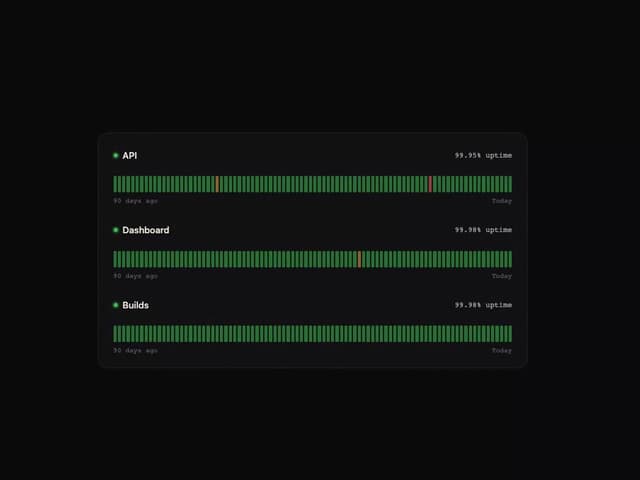
Uptime Ribbon
6
Glass Carousel
6
Glass Tiles
6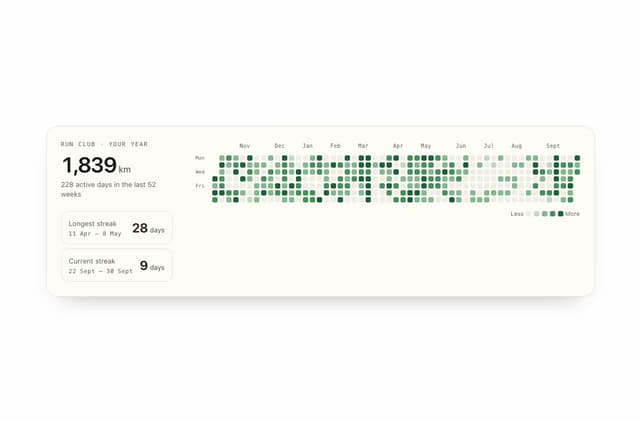
Streak Field Stats
5
Wind Map
5
Time Window
4