
About
HeroUI v3 Alert — status-aware feedback messages built with the real @heroui/react package. Includes default, accent, success, warning and danger statuses, action buttons, close buttons, custom indicators, compact alerts, stacked notifications, maintenance notices and custom BEM/Tailwind styling. Works in light and dark themes.
Built with React and Tailwind. Copy the prompt and paste it into Claude Code, Cursor or Lovable: your agent adds HeroUI Alert to your project and fits it to your theme.
Code
How HeroUI Alert is used: the demo's code. The component's own source comes with a free account.
Usage.tsx
"use client"

import { CloseButton } from "@heroui/react"
import { Alert } from "@/components/ui/heroui-alert"

export default function SuccessCloseDemo() {
  return (
    <div className="w-full max-w-xl">
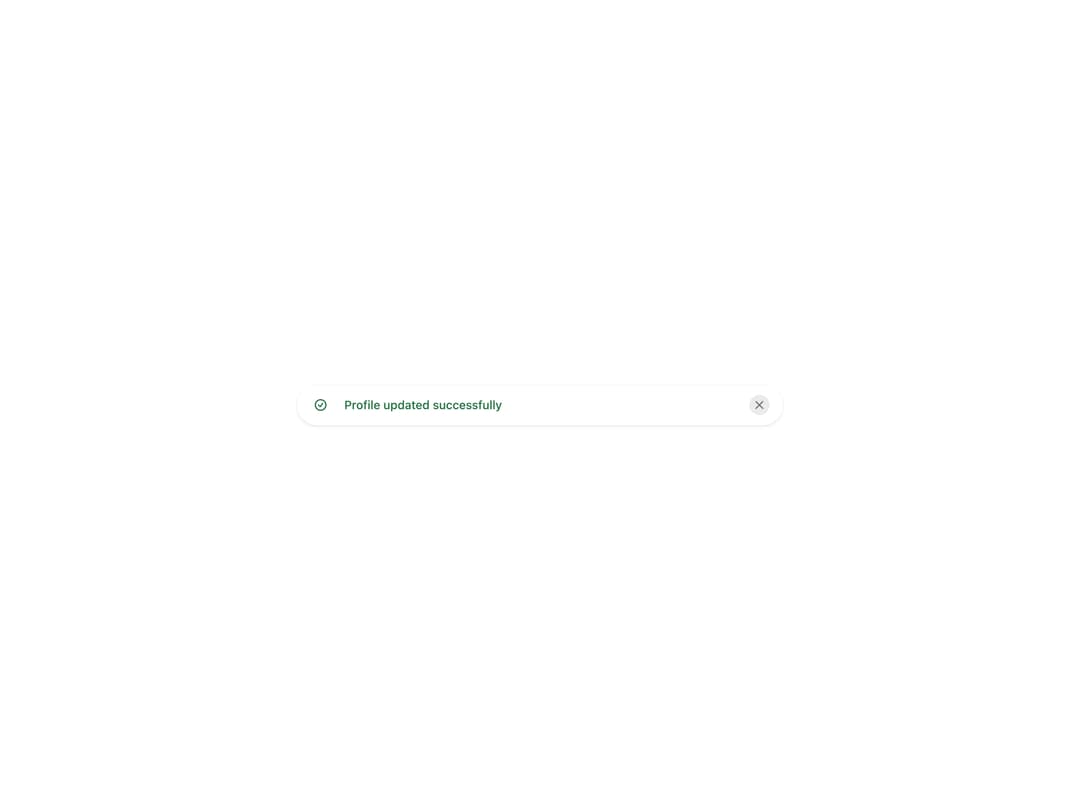
      <Alert status="success">
        <Alert.Indicator />
        <Alert.Content>
          <Alert.Title>Profile updated successfully</Alert.Title>
        </Alert.Content>
        <CloseButton aria-label="Dismiss success message" />
      </Alert>
    </div>
  )
}
Dependencies
More by Hero Ui
View all

DatePicker
465
Chip
440
The Pagination
361
HeroUI Color Picker
105
Skeleton
104
HeroUI Table
100
HeroUI Disclosure Group
94
HeroUI AlertDialog
80
More in Buttons
View all

Button
14
Button
34
Texture Button
92
Button Save
46

Button
64

Button Group
3

App Store Button
454

Notification Button
103

