

About
A copy button that confirms success with a checkmark and seamlessly reverts.
Built with React and Tailwind. Copy the prompt and paste it into Claude Code, Cursor or Lovable: your agent adds Copy With Confirmation to your project and fits it to your theme.
Code
How Copy With Confirmation is used: the demo's code. The component's own source comes with a free account.
Usage.tsx
"use client";
import * as React from "react";
import Component, { type Props, type State } from "@/components/ui/copy-with-confirmation";
const settings = {"title": "Copy snippet", "text": "const theme = \"quiet\";", "showContext": true};
const ease=(x:number)=>{x=Math.max(0,Math.min(1,x));return x*x*(3-2*x)};
const pulse=(t:number,a:number,b:number)=>ease((t-a)/.3)*(1-ease((t-b)/.3));
export function showcase(time:number):State{const t=((time%6)+6)%6;const copied=t>=1.1&&t<4.3;return {active:copied?1:0,reveal:copied?ease((t-1.1)/.22):t>=4.3?1-ease((t-4.3)/.22):0,notice:copied?'Copied. Ready for your next idea.':''};}
export default function Demo(props:Props & {showcaseTime?:number}){
 const {showcaseTime,...incoming}=props;const merged={...settings,...incoming};
 return <div style={{width:"100%",minWidth:0}}><Component {...merged} state={showcaseTime===undefined?incoming.state:showcase(showcaseTime)} seeking={showcaseTime!==undefined||incoming.seeking}/></div>;
}
More by Waqar H. Syed
View all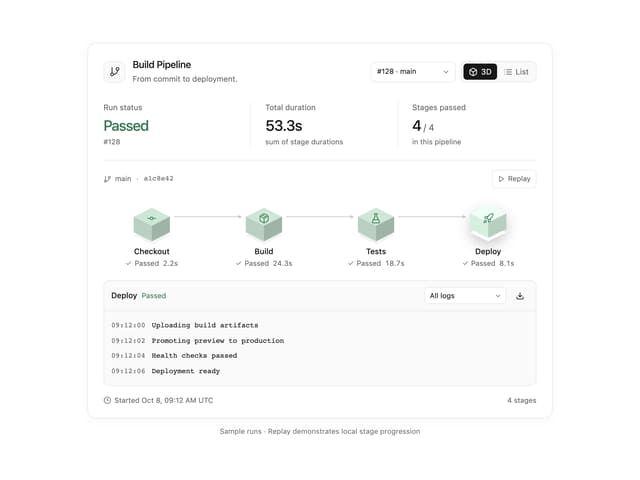
Build Pipeline
153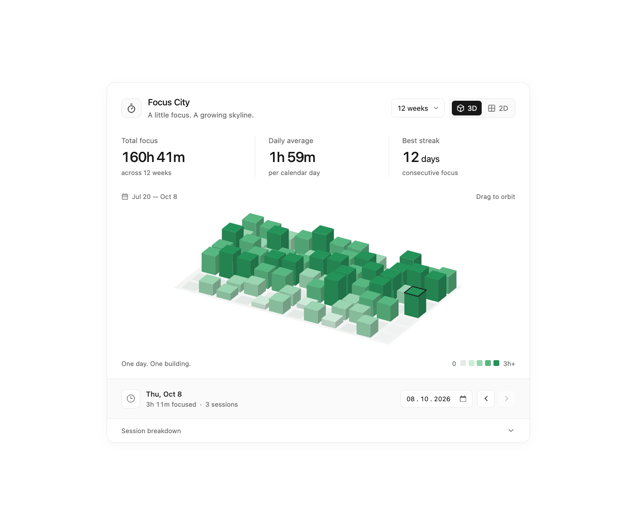
Focus City
117
Scroll animated timeline
116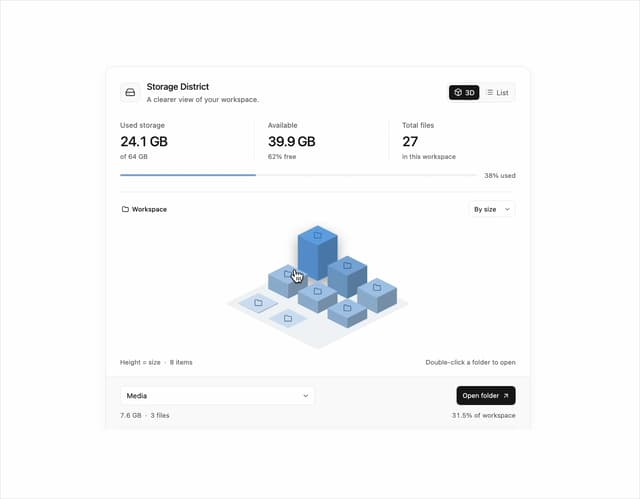
Storage District
65
Glowing Pricing Tiers
45
Thumbnail image viewer
43
Before after comparison
33
Featured Project Hero
29
More in Buttons
View all
Button Save
46

Button
20

Eclipse Button
5

Button
32

Button
6

Button
14

Button Group
37
Split Button
32

