
About
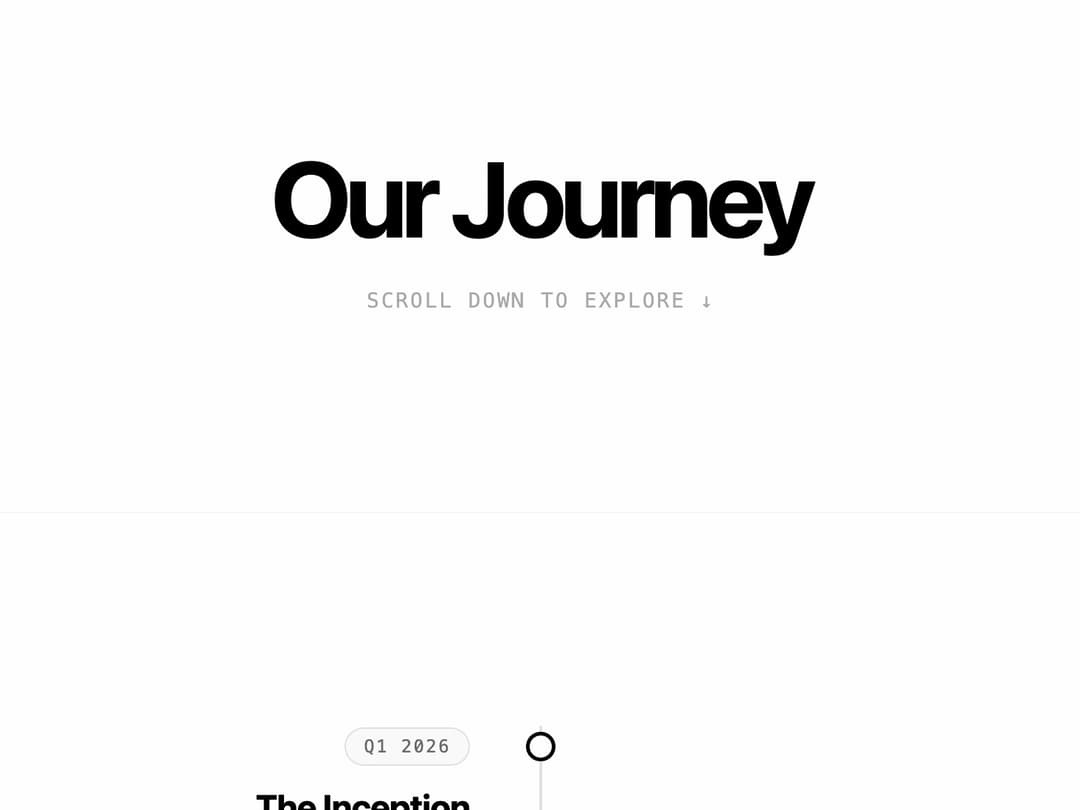
A vertical milestone timeline that dynamically draws a progress line and reveals content cards on scroll.
Built with React and Tailwind. Copy the prompt and paste it into Claude Code, Cursor or Lovable: your agent adds Scroll animated timeline to your project and fits it to your theme.
Code
How Scroll animated timeline is used: the demo's code. The component's own source comes with a free account.
Usage.tsx
import Component from "@/components/ui/scroll-timeline";

const sampleMilestones = [
  {
    id: "1",
    date: "Q1 2026",
    title: "The Inception",
    description: "The core team formed and the initial architecture was drafted on a napkin in a coffee shop."
  },
  {
    id: "2",
    date: "Q2 2026",
    title: "Seed Funding",
    description: "Secured $2M in seed funding to expand the engineering team and begin rapid prototyping."
  },
  {
    id: "3",
    date: "Q3 2026",
    title: "Alpha Release",
    description: "Launched the first closed-alpha to 100 select developers, gathering critical feedback."
  },
  {
    id: "4",
    date: "Q4 2026",
    title: "Public Beta",
    description: "Opened the platform to the public. Experienced a 500% week-over-week user growth."
  },
  {
    id: "5",
    date: "Q1 2027",
    title: "Global Expansion",
    description: "Closed a Series A and opened our first international office in London."
  }
];

export default function Demo() {
  return (
    <div className="w-full bg-white dark:bg-black text-black dark:text-white">
      {/* Scroll instruction for demo purposes */}
      <div className="h-[60vh] flex flex-col items-center justify-center border-b border-neutral-100 dark:border-neutral-900">
        <h1 className="text-5xl md:text-7xl font-bold tracking-tighter mb-6">Our Journey</h1>
        <p className="text-neutral-500 dark:text-neutral-500 animate-pulse text-sm font-mono uppercase tracking-widest">
          Scroll down to explore ↓
        </p>
      </div>

      {/* The Component */}
      <div className="py-24">
        <Component milestones={sampleMilestones} />
      </div>

      {/* Bottom spacer */}
      <div className="h-[40vh] flex items-center justify-center border-t border-neutral-100 dark:border-neutral-900">
        <p className="text-neutral-400 dark:text-neutral-600 font-mono text-sm uppercase tracking-widest">
          To be continued...
        </p>
      </div>
    </div>
  );
}More by Waqar H. Syed
View all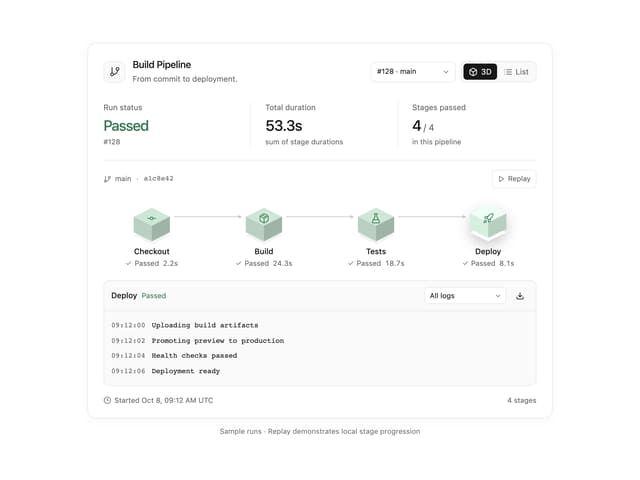
Build Pipeline
153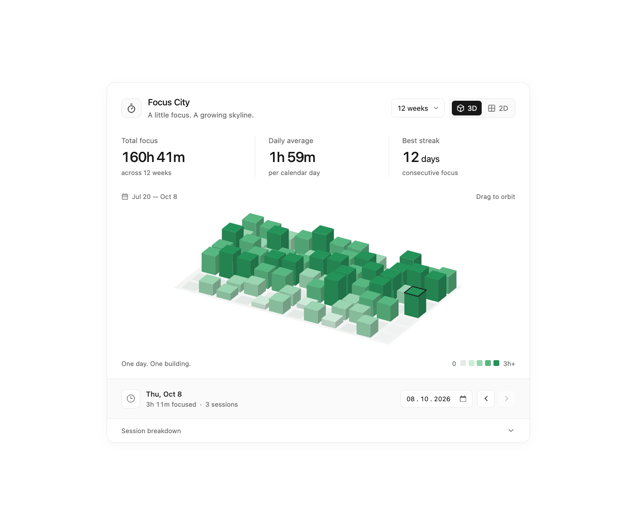
Focus City
116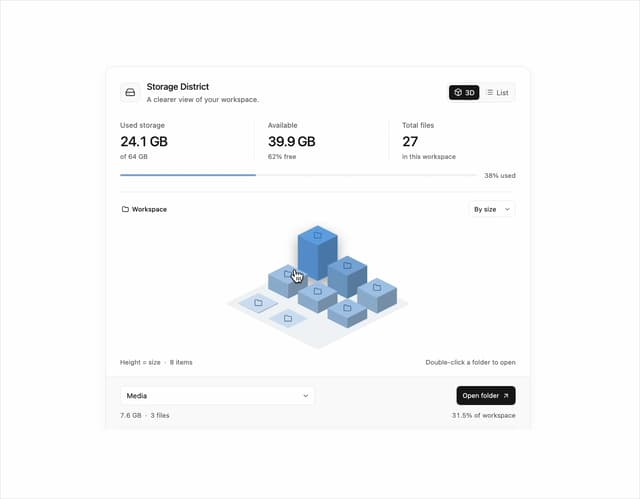
Storage District
65
Glowing Pricing Tiers
44
Thumbnail image viewer
42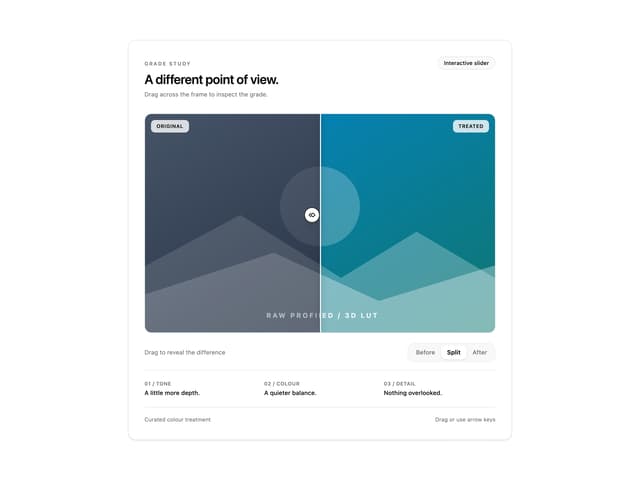
Before after comparison
33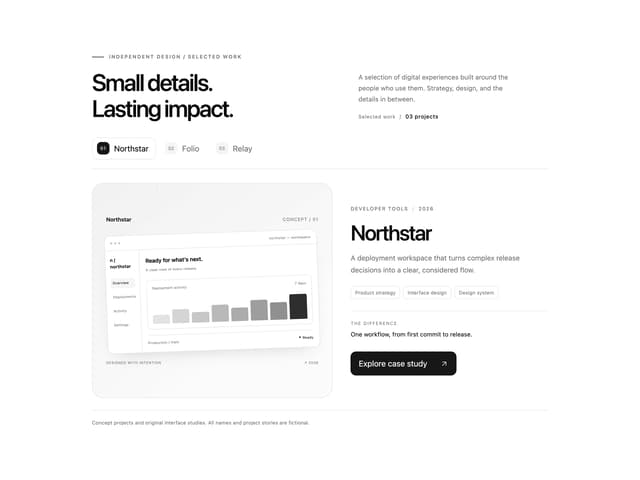
Featured Project Hero
28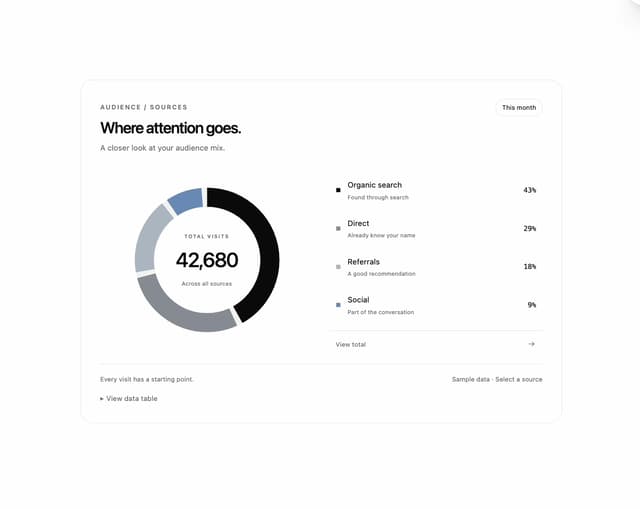
Donut Breakdown
12