

About
Select segments, show totals and percentages, and provide a text alternative.
Built with React and Tailwind. Copy the prompt and paste it into Claude Code, Cursor or Lovable: your agent adds Donut Breakdown to your project and fits it to your theme.
Code
How Donut Breakdown is used: the demo's code. The component's own source comes with a free account.
Usage.tsx
"use client";
import * as React from "react";
// Local sibling layout. The Studio "21st.dev" source profile must adapt this
// import to ../components/ui/component for src/demos/default.tsx.
import Component, { type Props, type State } from "@/components/ui/donut-breakdown";

const settings = { title: "Where attention goes." };
export const loopDuration = 6;
const smooth = (x: number) => {
  const n = Math.max(0, Math.min(1, x));
  return n * n * (3 - 2 * n);
};
// Pure timeline: export frame n by passing n / 60. No timers or network calls.
export function showcase(time: number): State {
  const t = ((time % loopDuration) + loopDuration) % loopDuration;
  return { active: t < 0.8 ? -1 : t < 1.9 ? 0 : t < 3 ? 1 : t < 4.1 ? 2 : t < 5.2 ? 3 : -1 };
}
export default function Demo(props: Props & { showcaseTime?: number } = {}) {
  const { showcaseTime, ...incoming } = props;
  const merged = { ...settings, ...incoming };
  return (
    <Component
      {...merged}
      state={showcaseTime === undefined ? incoming.state : showcase(showcaseTime)}
      seeking={showcaseTime !== undefined || incoming.seeking}
    />
  );
}
More by Waqar H. Syed
View all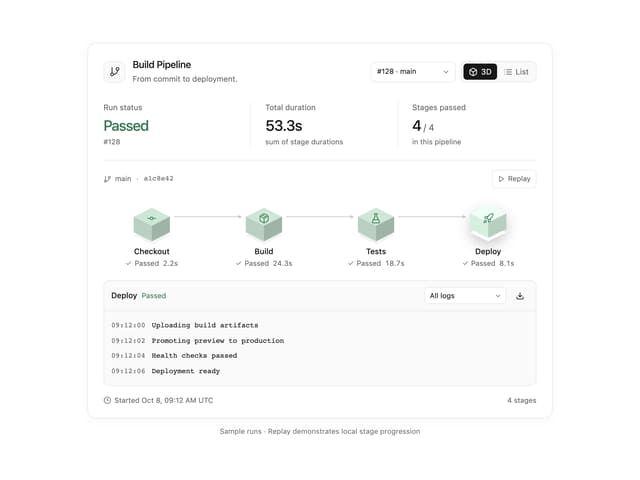
Build Pipeline
146
Scroll animated timeline
110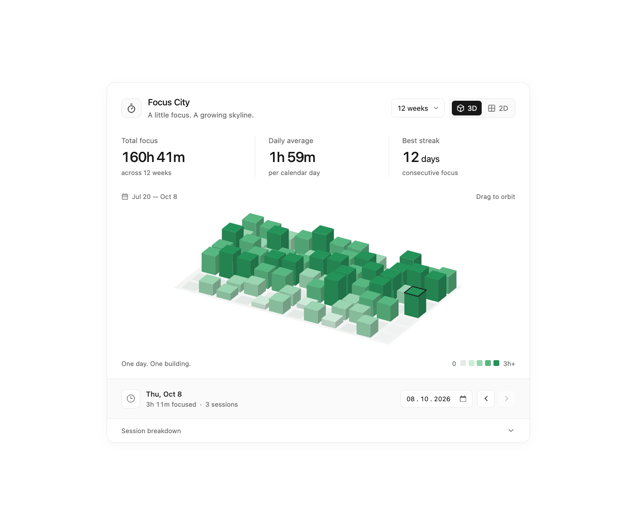
Focus City
109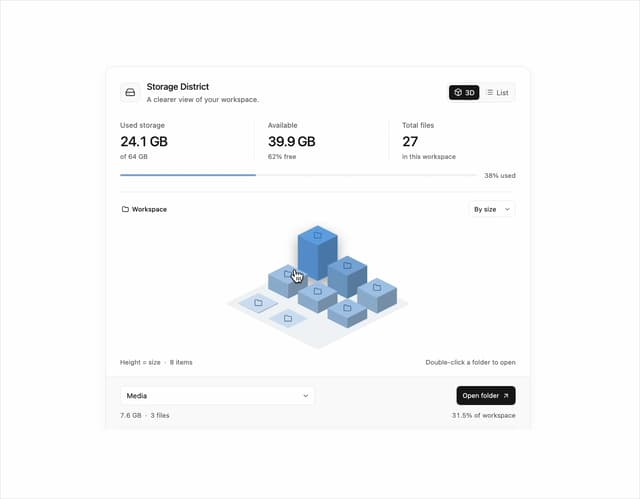
Storage District
64
Thumbnail image viewer
40
Glowing Pricing Tiers
39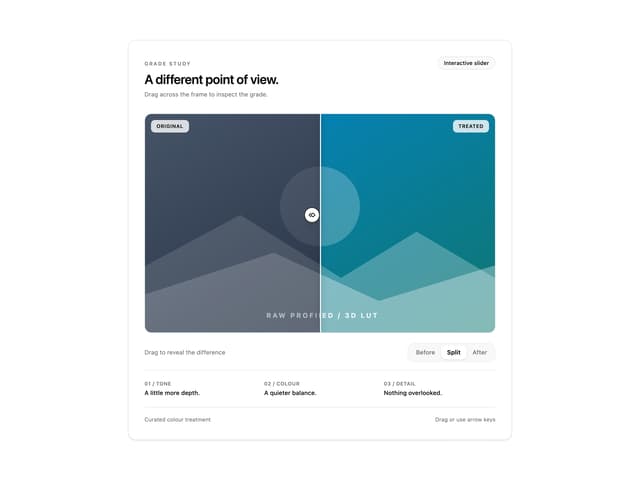
Before after comparison
30
Featured Project Hero
28