

About
An interactive SVG line chart featuring precision crosshair inspection, dynamic metric readout, keyboard navigation, and an expandable data table. It is useful in SaaS analytics dashboards, financial monitoring portals, and revenue reporting interfaces where precise time-series exploration is essential.
Built with React and Tailwind. Copy the prompt and paste it into Claude Code, Cursor or Lovable: your agent adds Line chart crosshair to your project and fits it to your theme.
Code
How Line chart crosshair is used: the demo's code. The component's own source comes with a free account.
Usage.tsx
"use client";
import * as React from "react";
import Component, { type Props, type State } from "@/components/ui/line-chart-crosshair";

const settings = { title: "Revenue overview" };
export const loopDuration = 6;
const smooth = (x: number) => {
  const n = Math.max(0, Math.min(1, x));
  return n * n * (3 - 2 * n);
};

export function showcase(time: number): State {
  const t = ((time % loopDuration) + loopDuration) % loopDuration;
  const p = (1 - Math.cos((t / 6) * Math.PI * 2)) / 2;
  return { active: Math.round(2 + p * 8) };
}

export default function Demo(props: any = {}) {
  const { showcaseTime, ...incoming } = props;
  const merged = { ...settings, ...incoming };
  return (
    <Component
      {...merged}
      state={showcaseTime === undefined ? incoming.state : showcase(showcaseTime)}
      seeking={showcaseTime !== undefined || incoming.seeking}
    />
  );
}
More by Waqar H. Syed
View all
Build Pipeline
146
Scroll animated timeline
110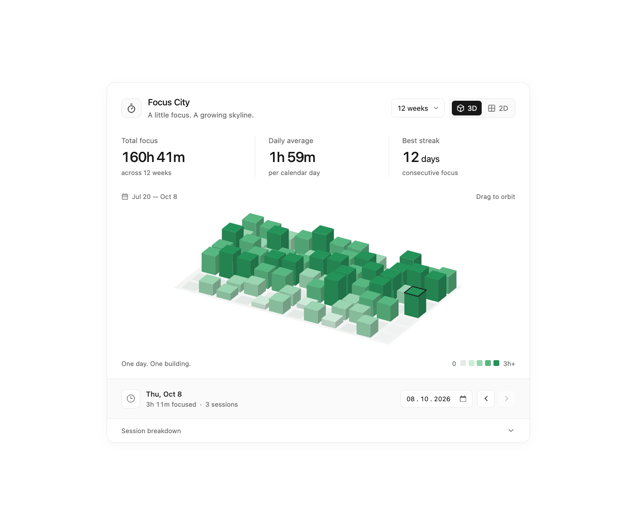
Focus City
109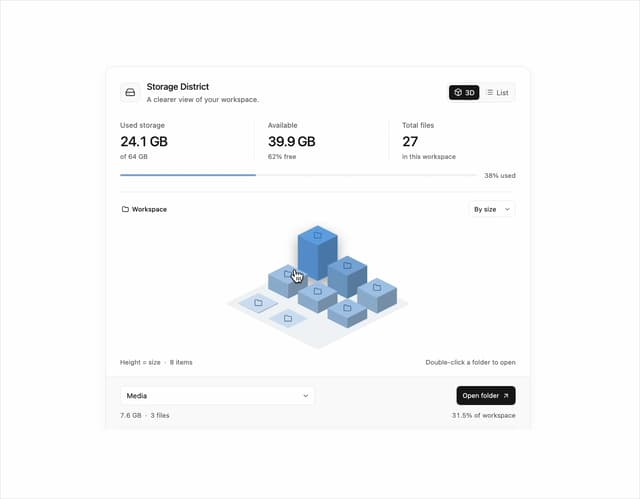
Storage District
64
Thumbnail image viewer
40
Glowing Pricing Tiers
39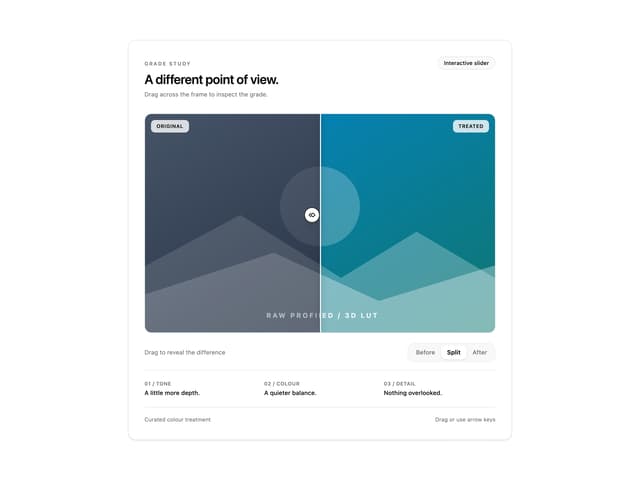
Before after comparison
30
Featured Project Hero
28