

About
This component features an interactive checkpoint history, a live JSON inspector, and intuitive workflow resume controls. Perfect for debugging dashboards and automation apps.
Built with React and Tailwind. Copy the prompt and paste it into Claude Code, Cursor or Lovable: your agent adds recovery to your project and fits it to your theme.
Code
How recovery is used: the demo's code. The component's own source comes with a free account.
Usage.tsx
"use client";

import * as React from "react";
import RunRecovery from "../components/ui/recovery";

export default function RunRecoveryDemo() {
  const [interrupt, setInterrupt] = React.useState(false);
  const id = React.useId();
  return <div className="flex min-h-[460px] w-full flex-col items-center justify-center bg-background p-4 text-foreground sm:p-8"><div className="w-full max-w-4xl"><div className="mb-4 flex flex-wrap items-center justify-between gap-2 text-xs text-muted-foreground"><span>Workspace / Recovery</span><label htmlFor={id} className="flex cursor-pointer items-center gap-2"><input id={id} type="checkbox" checked={interrupt} onChange={event => setInterrupt(event.target.checked)} className="h-3.5 w-3.5 accent-primary" /> Interrupt the next attempt</label></div><RunRecovery key={String(interrupt)} interruptOnce={interrupt} /></div></div>;
}
Dependencies
More by Waqar H. Syed
View all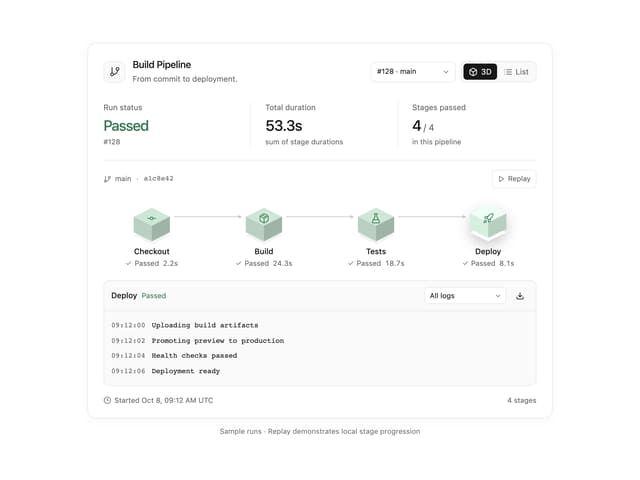
Build Pipeline
149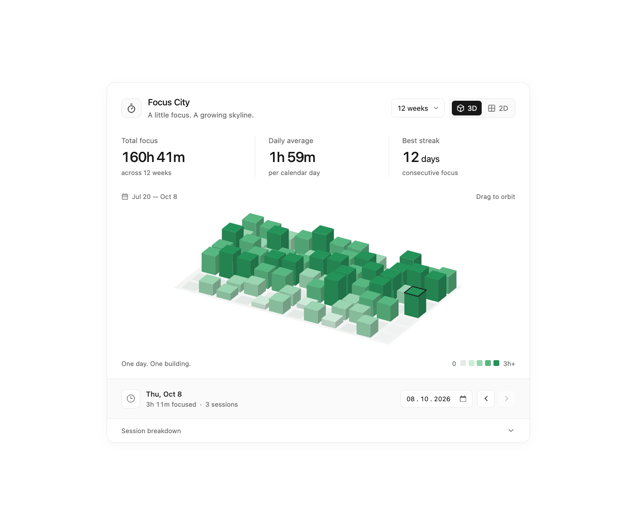
Focus City
110
Scroll animated timeline
110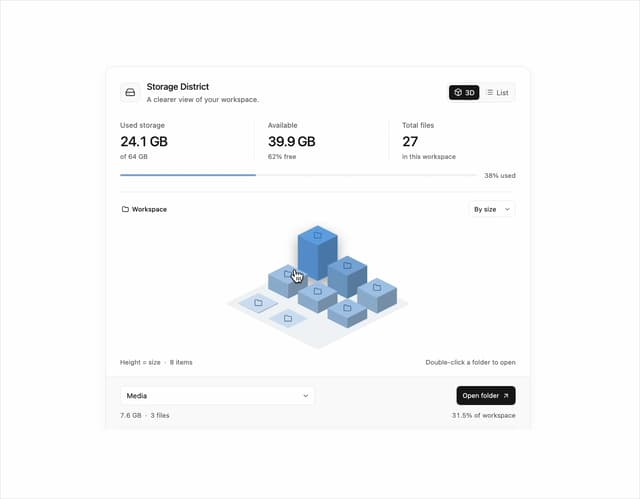
Storage District
64
Thumbnail image viewer
40
Glowing Pricing Tiers
39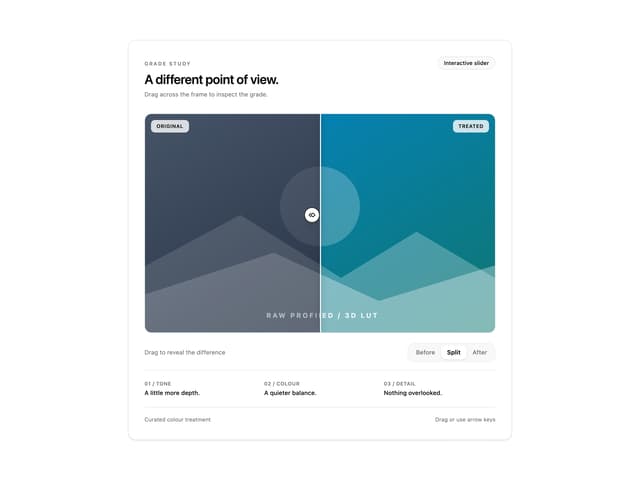
Before after comparison
31
Featured Project Hero
28