
About
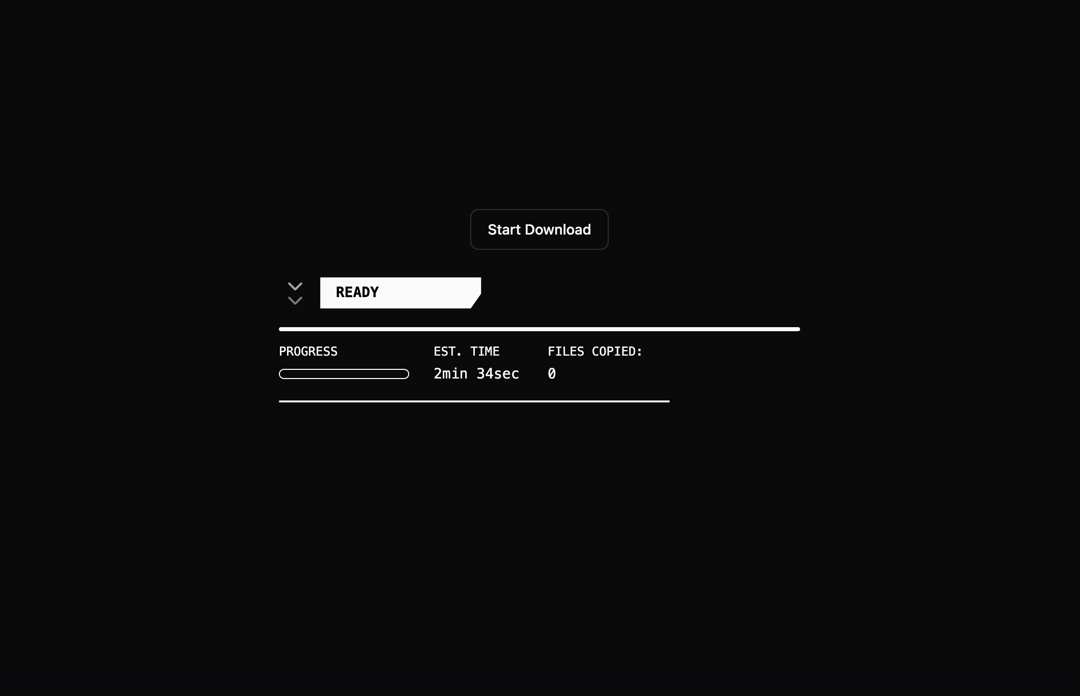
Animated Download with a sci-fi HUD (heads-up display) style theme. Completely customizable.
Built with React and Tailwind. Copy the prompt and paste it into Claude Code, Cursor or Lovable: your agent adds Animated Download to your project and fits it to your theme.
Code
How Animated Download is used: the demo's code. The component's own source comes with a free account.
Usage.tsx
import { useState } from "react"
import { AnimatedDownload } from "@/components/ui/animated-download";
import { Button } from "@/components/ui/button";

const DemoOne = () => {

  const [isDownloading, setIsDownloading] = useState(false)
  const startDownload = () => {
    setIsDownloading(true)
  }

  const handleAnimationComplete = () => {
    setIsDownloading(false)
  }

  return (
    <div className= "flex flex-col w-full h-screen justify-center items-center">
    <Button
  variant="outline"
  className = "mb-4"
  onClick = { startDownload }
  disabled = { isDownloading }
  initial = "idle"
  whileHover = {!isDownloading ? "hover" : "idle"
}
whileTap = {!isDownloading ? "tap" : "idle"}
        >
  <span
            key={ isDownloading ? 'downloading' : 'idle' }
initial = {{ opacity: 0 }}
animate = {{ opacity: 1 }}
transition = {{ duration: 0.2 }}
          >
  { isDownloading? 'Downloading...': 'Start Download' }
  < /span>
  < /Button>
  < AnimatedDownload  width = { 1200}
height = { 200}
className = "max-w-full h-auto"
isAnimating = { isDownloading }
onAnimationComplete = { handleAnimationComplete } />
  </div>
  );
};

export { DemoOne };
Dependencies
More by Isaiah
View all
Agent Plan
2.2K
Video Scroll Hero
1.4K
Voice Powered Orb
1.3K
Reveal Text
1.1K
Leads Data Table
935
Portfolio Gallery
922
Message Dock
833
Ruler Carousel
617