
About
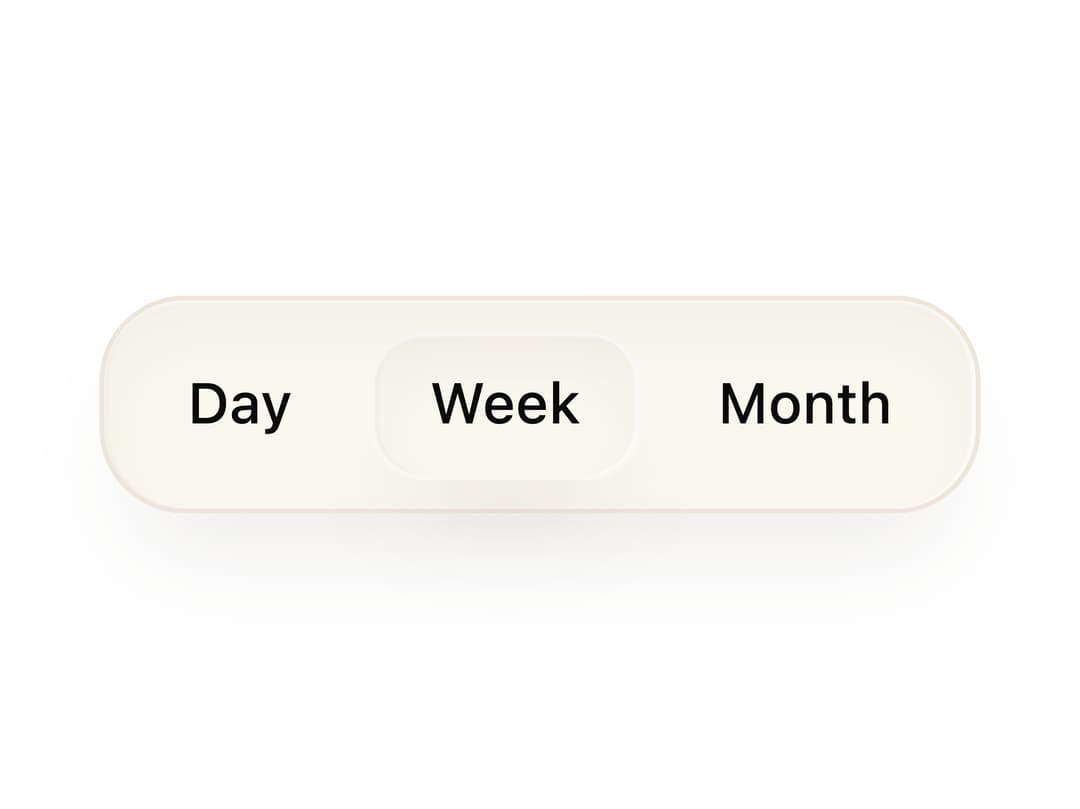
A rounded container that groups related buttons together with consistent spacing, padding and a shared surface background.
Built with React and Tailwind. Copy the prompt and paste it into Claude Code, Cursor or Lovable: your agent adds Button Group to your project and fits it to your theme.
Code
How Button Group is used: the demo's code. The component's own source comes with a free account.
Usage.tsx
import ButtonGroup from "@/components/ui/primitive-button-group";
import { Button } from "@/components/ui/button";
import { cn } from "@/lib/utils";

export default function ButtonGroupDemo() {
  return (
    <ButtonGroup>
      <Button
        variant="ghost"
        size="sm"
        className="text-[color:var(--bjork-text-muted)] hover:bg-[var(--bjork-surface-hover)] hover:text-[color:var(--bjork-text)]"
      >
        Day
      </Button>
      <Button
        size="sm"
        className={cn(
          "border border-transparent bg-[var(--bjork-field)] text-[color:var(--bjork-text)]",
          "shadow-[var(--bjork-shadow-surface)] hover:bg-[var(--bjork-surface-hover)]",
        )}
      >
        Week
      </Button>
      <Button
        variant="ghost"
        size="sm"
        className="text-[color:var(--bjork-text-muted)] hover:bg-[var(--bjork-surface-hover)] hover:text-[color:var(--bjork-text)]"
      >
        Month
      </Button>
    </ButtonGroup>
  );
}
More by Isaiah
View all
Agent Plan
2.2K
Video Scroll Hero
1.4K
Voice Powered Orb
1.3K
Reveal Text
1.1K
Leads Data Table
935
Portfolio Gallery
922
Message Dock
833
Ruler Carousel
617
More in Buttons
View all
Button Save
46

Button
20

Eclipse Button
5

Button
32

Button
6

Button
14

Button Group
37
Split Button
32

