
About
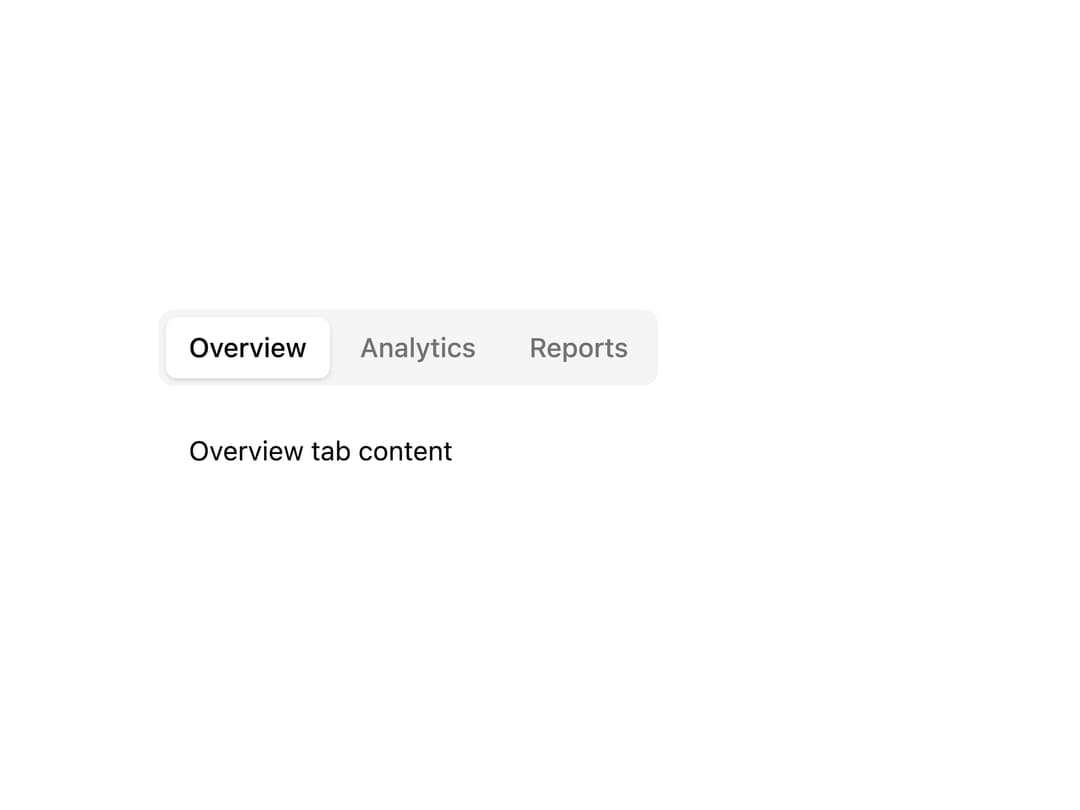
Tabs primitive with triggers
Built with React and Tailwind. Copy the prompt and paste it into Claude Code, Cursor or Lovable: your agent adds Aidimension Ui Tabs to your project and fits it to your theme.
Code
How Aidimension Ui Tabs is used: the demo's code. The component's own source comes with a free account.
Usage.tsx
import * as React from "react";
import { Tabs, TabsContent, TabsList, TabsTrigger } from "@/components/ui/ai-dimensie-tabs";

const settings = { defaultValue: "overview" };

export default function Demo({ defaultValue = settings.defaultValue }: Partial<typeof settings>) {
  return (
    <div className="flex min-h-[300px] items-center justify-center bg-background p-8">
      <Tabs defaultValue={defaultValue} className="w-[400px]">
        <TabsList>
          <TabsTrigger value="overview">Overview</TabsTrigger>
          <TabsTrigger value="analytics">Analytics</TabsTrigger>
          <TabsTrigger value="reports">Reports</TabsTrigger>
        </TabsList>
        <TabsContent value="overview" className="p-4 text-sm">
          Overview tab content
        </TabsContent>
        <TabsContent value="analytics" className="p-4 text-sm">
          Analytics tab content
        </TabsContent>
        <TabsContent value="reports" className="p-4 text-sm">
          Reports tab content
        </TabsContent>
      </Tabs>
    </div>
  );
}
Dependencies
More by jason-mohabali
View all

Path to Resilience Orbital Timeline
112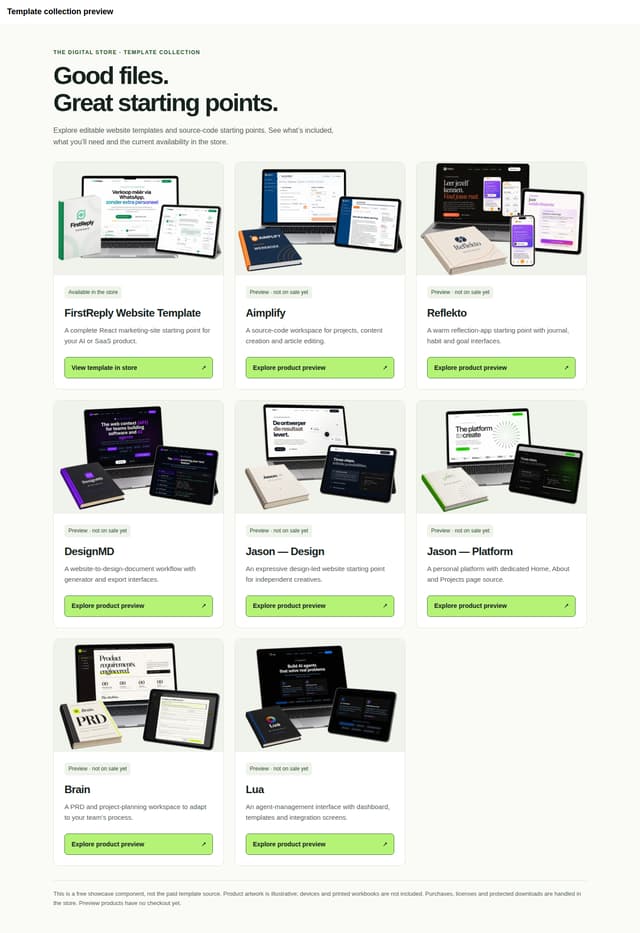
The Digital Store — Template Showcase
Aidimension Ui Textarea

Aidimension Ui Switch
Aidimension Ui Slider
Aidimension Ui Select
Aidimension Ui Separator
Aidimension Ui Input