
About
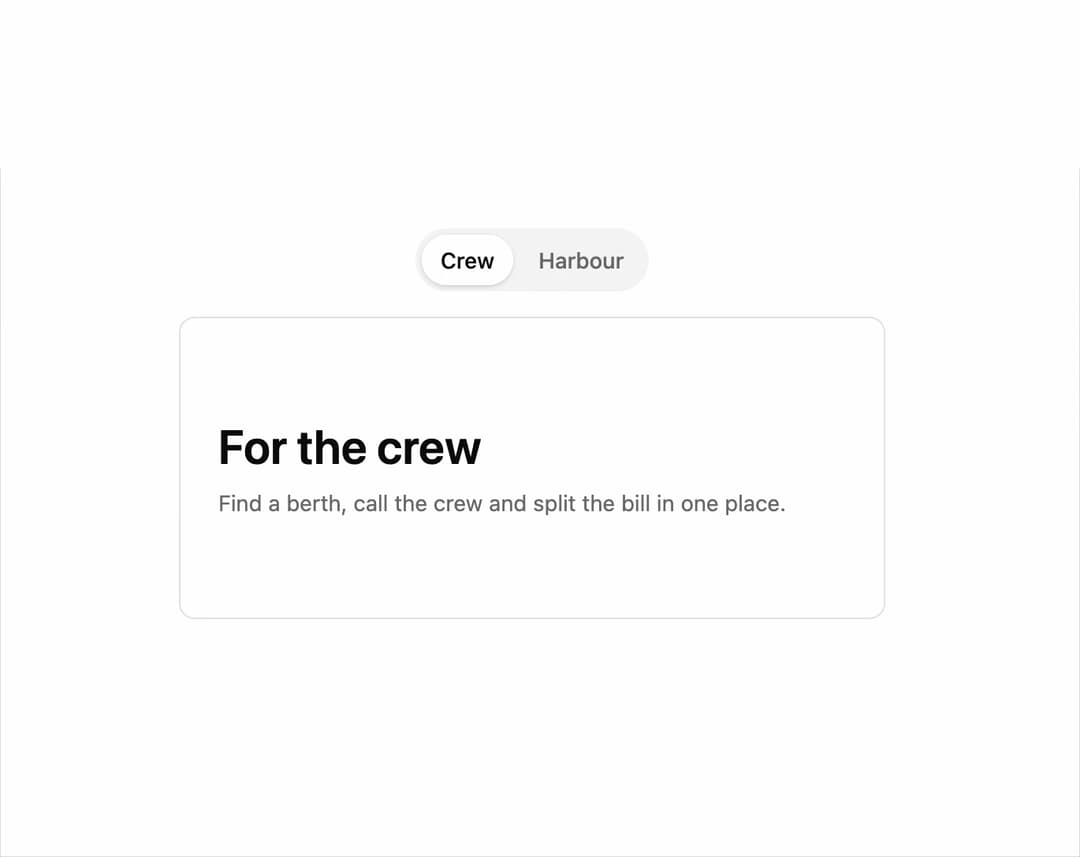
A content switcher that sweeps a colored band across the panel, swaps the content underneath while it's covered, and crossfades instead on phones or reduced motion.
Built with React and Tailwind. Copy the prompt and paste it into Claude Code, Cursor or Lovable: your agent adds Wipe Transition to your project and fits it to your theme.
Code
How Wipe Transition is used: the demo's code. The component's own source comes with a free account.
Usage.tsx
"use client";

import * as React from "react";
import WipeTransitionDefault from "@/components/ui/wipe-transition";

export default function WipeTransitionDemo() {
  const [side, setSide] = React.useState("crew");

  return (
    <div className="flex w-full flex-col items-center gap-4 p-10">
      <div className="inline-flex gap-1 rounded-full bg-muted p-1">
        <button
          type="button"
          onClick={() => setSide("crew")}
          className={`rounded-full px-3 py-1.5 text-sm font-medium transition-colors ${
            side === "crew"
              ? "bg-background text-foreground shadow"
              : "text-muted-foreground"
          }`}
        >
          Crew
        </button>
        <button
          type="button"
          onClick={() => setSide("harbour")}
          className={`rounded-full px-3 py-1.5 text-sm font-medium transition-colors ${
            side === "harbour"
              ? "bg-background text-foreground shadow"
              : "text-muted-foreground"
          }`}
        >
          Harbour
        </button>
      </div>

      <WipeTransitionDefault transitionKey={side} className="w-full max-w-md">
        <div className="grid min-h-48 content-center gap-2 rounded-lg border bg-card p-6">
          {side === "crew" ? (
            <React.Fragment>
              <p className="text-3xl font-semibold">For the crew</p>
              <p className="max-w-md text-sm text-muted-foreground">
                Find a berth, call the crew and split the bill in one place.
              </p>
            </React.Fragment>
          ) : (
            <React.Fragment>
              <p className="text-3xl font-semibold">For the harbour</p>
              <p className="max-w-md text-sm text-muted-foreground">
                Track arrivals, assign berths and bill the marina in one place.
              </p>
            </React.Fragment>
          )}
        </div>
      </WipeTransitionDefault>
    </div>
  );
}
More by kevingirelli
View all
Aurora
50
Warp Gradient
48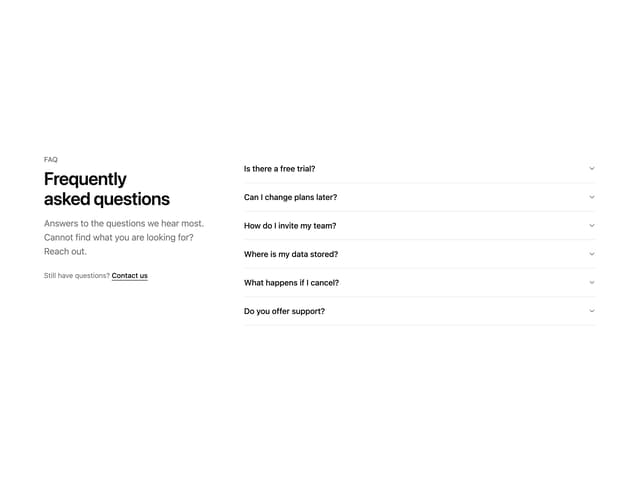
FAQ Section
44
QR Code
44
Wave Text
37
Corner Frame
35
Animated Border
31
Spotlight
23