
About
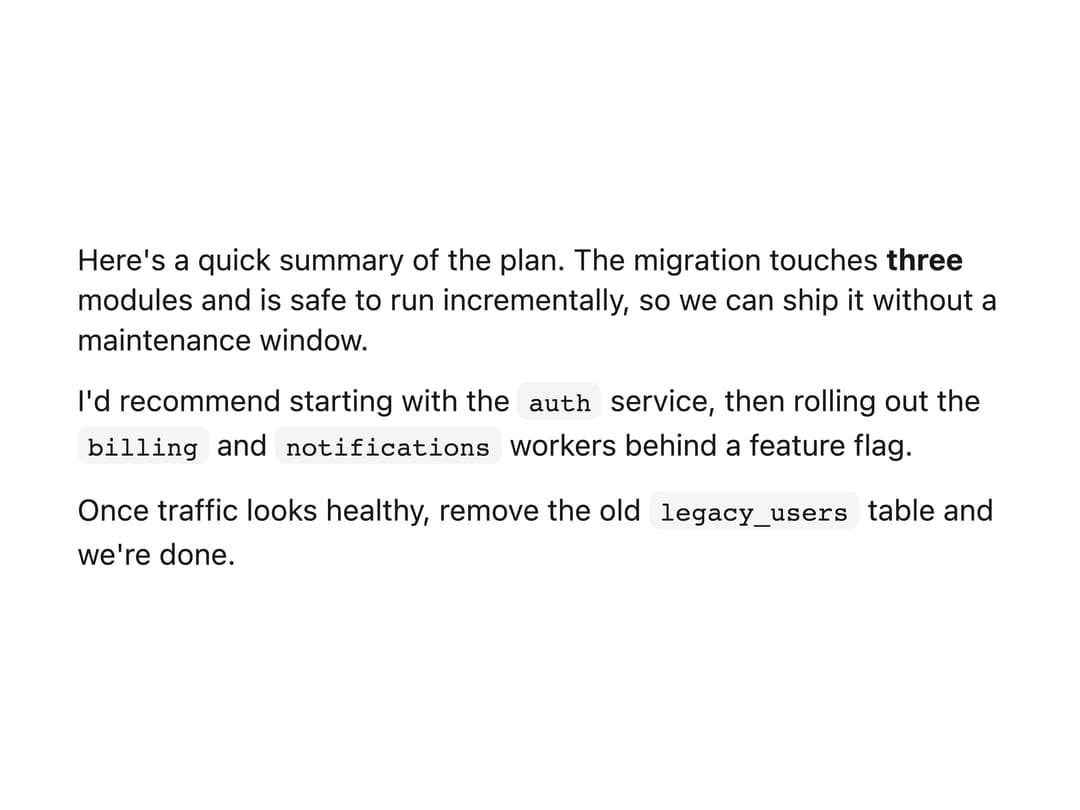
Clean prose styling for an AI assistant's text answer with paragraphs and inline code.
Built with React and Tailwind. Copy the prompt and paste it into Claude Code, Cursor or Lovable: your agent adds Text Response to your project and fits it to your theme.
Code
How Text Response is used: the demo's code. The component's own source comes with a free account.
Usage.tsx
import { TextResponse } from "@/components/ui/text-response";
export default function Default() {
return (
<div className="flex min-h-[360px] w-full items-center justify-center px-8 py-12">
<div className="w-full max-w-[440px]">
<TextResponse>
<p>
Here's a quick summary of the plan. The migration touches{" "}
<strong>three</strong> modules and is safe to run incrementally, so
we can ship it without a maintenance window.
</p>
<p>
I'd recommend starting with the <code>auth</code> service, then
rolling out the <code>billing</code> and <code>notifications</code>{" "}
workers behind a feature flag.
</p>
<p>
Once traffic looks healthy, remove the old <code>legacy_users</code>{" "}
table and we're done.
</p>
</TextResponse>
</div>
</div>
);
}
More by Kevin
View all

Image Generation
255
Thinking Reasoning
86
Agent To-do List
51
Orbs Morph
35
Orbs Helix
34
Web Search
32
AI Agent Input
31
File Diff
22
More in AI chats
View all

AI Actions
319
Color Picker
81
Agent Chat
17
Prompt with Model Picker
2
Message Thread
35

System Message
54
Suggestions
28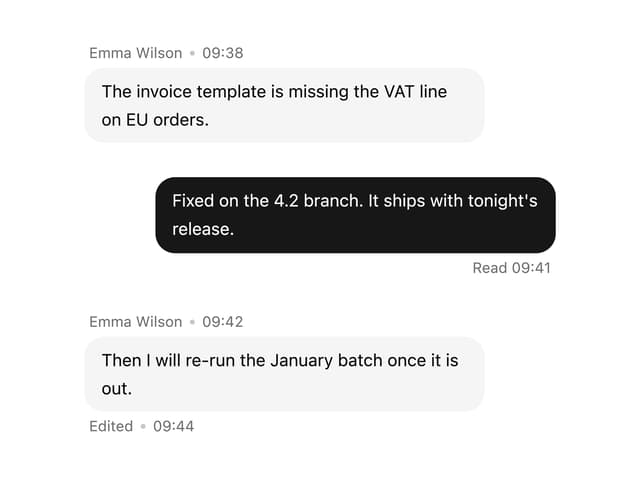

Message With Header And Delivery Status
38


