About
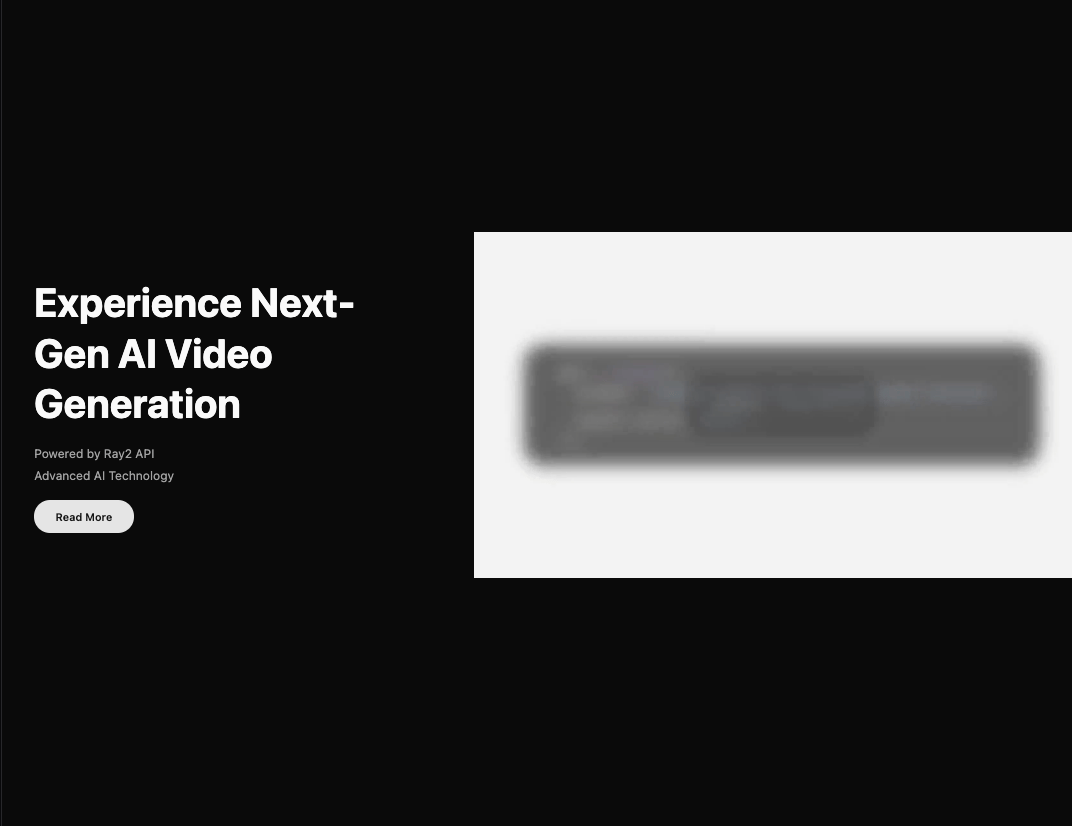
CTA section with image and video marquee variants that invites visitors to start with one working agent from daliagents.com, part of the Dali Agents UI.
Built with React and Tailwind. Copy the prompt and paste it into Claude Code, Cursor or Lovable: your agent adds CTA with Marquee to your project and fits it to your theme.
Code
How CTA with Marquee is used: the demo's code. The component's own source comes with a free account.
Usage.tsx
"use client";

import { useState } from "react";

function ScrambleButton() {
  const [displayText, setDisplayText] = useState("Start with one agent");
  const [isScrambling, setIsScrambling] = useState(false);
  const originalText = "Start with one agent";
  const chars = "ABCDEFGHIJKLMNOPQRSTUVWXYZabcdefghijklmnopqrstuvwxyz0123456789!@#$%^&*";

  const scramble = () => {
    if (isScrambling) return;
    setIsScrambling(true);

    let iteration = 0;
    const maxIterations = originalText.length;

    const interval = setInterval(() => {
      setDisplayText(() =>
        originalText
          .split("")
          .map((letter, index) => {
            if (index < iteration) {
              return originalText[index];
            }
            return chars[Math.floor(Math.random() * chars.length)];
          })
          .join("")
      );

      if (iteration >= maxIterations) {
        clearInterval(interval);
        setIsScrambling(false);
      }

      iteration += 1 / 3;
    }, 30);
  };

  return (
    <button
      onMouseEnter={scramble}
      className="px-8 py-3 bg-primary text-primary-foreground rounded-full font-semibold hover:bg-primary/90 transition-colors"
    >
      {displayText}
    </button>
  );
}

export default function HeroWithVideo() {
  return (
    <div className="min-h-screen bg-background text-foreground flex items-center overflow-hidden relative">
      <div className="w-full">
        <div className="flex flex-col lg:flex-row items-center lg:gap-8">
          {/* Left Content */}
          <div className="flex-shrink-0 space-y-6 px-6 lg:px-12 py-12 lg:py-0 lg:max-w-2xl">
            <h1 className="text-4xl md:text-5xl lg:text-6xl font-bold leading-tight">
              See a Dali agent do real work
            </h1>
            <div className="space-y-1 text-muted-foreground">
              <p className="text-lg">Built into your actual workflow.</p>
              <p className="text-lg">It works, or you don't pay.</p>
            </div>
            <ScrambleButton />
          </div>

          {/* Right Video */}
          <div className="flex-1 w-full lg:w-auto relative overflow-hidden rounded-2xl lg:rounded-none">
            <video
              src="https://cdn.21st.dev/assets/mirror/c4/c461fab7a5d858fbe83e200fd7961eda7710229e0b8ceedf06abbfe0af512069.mp4"
              autoPlay
              loop
              muted
              playsInline
              className="w-full h-auto object-cover"
            />

          </div>
        </div>
      </div>
      <a
        href="https://daliagents.com"
        target="_blank"
        rel="noreferrer"
        className="absolute bottom-4 left-1/2 -translate-x-1/2 text-[10px] tracking-wide text-muted-foreground/60 transition-colors hover:text-muted-foreground"
      >
        daliagents.com
      </a>
    </div>
  );
}
Dependencies
More by Liana Pepanyan
View all
CTA with Text Marquee
1.1K
Dock
421
Hero Minimalism
413
Dark Grid
203
Processing Card
197
Login / Signup
194
Blueprint Shader Grid
136
Fallback Card
113
More in Heroes
View all

SaaS Template
2.4K

Responsive Hero Banner
2K

Hero
1.2K
Centered Hero with Image Fan
932
Editorial Collage Hero
431
Glass Fold
212

HeroSectionWithGradient
336

Minimalist Hero Fashion
285
