
About
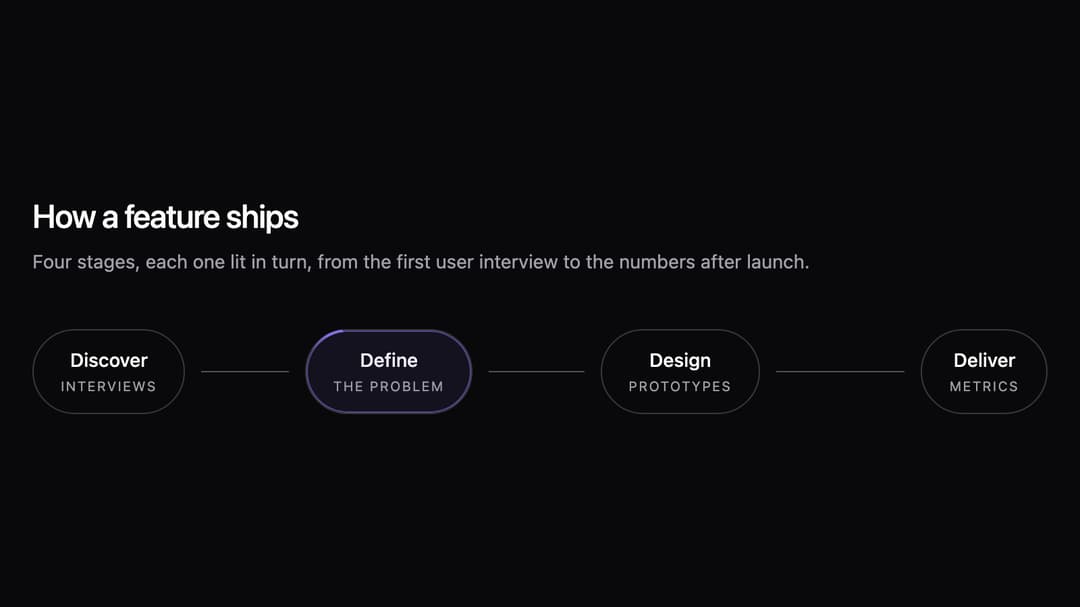
A process as a row of pills: each step lights up in turn while a comet laps its border and a dot carries on to the next.
Built with React and Tailwind. Copy the prompt and paste it into Claude Code, Cursor or Lovable: your agent adds Workflow Pills to your project and fits it to your theme.
Code
How Workflow Pills is used: the demo's code. The component's own source comes with a free account.
Usage.tsx
import { WorkflowPills } from "@/components/ui/workflow-pills";

const settings = {
  accent: "#7f72e3",
  orientation: "horizontal",
  title: "How a feature ships",
  text: "Four stages, each one lit in turn, from the first user interview to the numbers after launch.",
  step1: "Discover",
  label1: "Interviews",
  step2: "Define",
  label2: "The problem",
  step3: "Design",
  label3: "Prototypes",
  step4: "Deliver",
  label4: "Metrics",
};

export default function Demo(props: Partial<typeof settings>) {
  const s = { ...settings, ...props };
  return (
    <div className="w-full max-w-4xl p-6 lg:p-10">
      <h2 className="text-2xl font-medium tracking-tight text-foreground">{s.title}</h2>
      <p className="mb-10 mt-2 max-w-xl text-sm text-muted-foreground">{s.text}</p>
      <WorkflowPills
        aria-label={s.title}
        accent={s.accent}
        orientation={s.orientation === "vertical" ? "vertical" : "horizontal"}
        steps={[
          { title: s.step1, sub: s.label1 },
          { title: s.step2, sub: s.label2 },
          { title: s.step3, sub: s.label3 },
          { title: s.step4, sub: s.label4 },
        ]}
      />
    </div>
  );
}
Dependencies
More by Maud Benaddi
View all

Notched Project Card
257
Tool Mesh
29
Voice Orb
1
Setup Checklist
MCP Hub
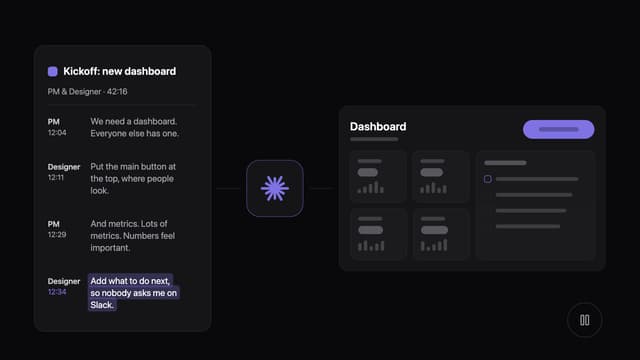
Transcript to Prototype
Role Flip Cards