
About
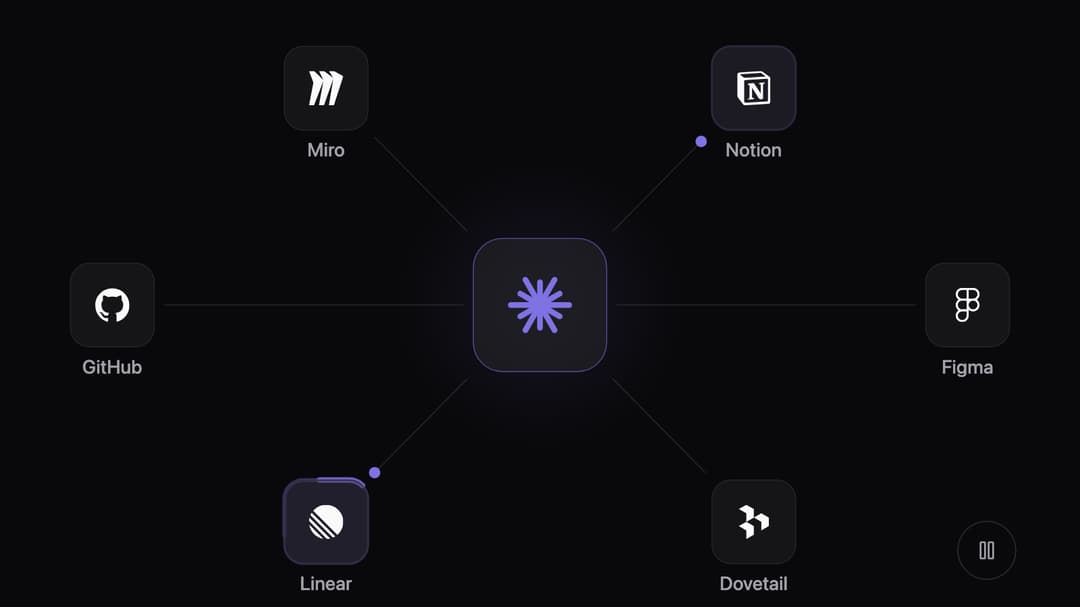
An animated integrations hub: an AI agent in the middle asks the tools around it, one dot at a time, and each tool lights up while it answers. Any logos, theme-aware, pausable.
Built with React and Tailwind. Copy the prompt and paste it into Claude Code, Cursor or Lovable: your agent adds MCP Hub to your project and fits it to your theme.
Code
How MCP Hub is used: the demo's code. The component's own source comes with a free account.
Usage.tsx
import { McpHub } from "@/components/ui/mcp-hub";

/* An AI agent plugged into a product team's tools, checking each one in turn.
   Logos come from Simple Icons: type any tool it knows (lowercase name, no
   spaces) and its logo appears. */

const settings = {
  accent: "#7f72e3",
  hubLabel: "your AI agent",
  tool1: "Notion",
  tool2: "Figma",
  tool3: "Dovetail",
  tool4: "Linear",
  tool5: "GitHub",
  tool6: "Miro",
  monochromeLogos: true,
  tripDuration: 1.7,
};

const logo = (name: string) => `https://cdn.simpleicons.org/${name.toLowerCase().replace(/[^a-z0-9]/g, "")}`;

export default function Demo(props: Partial<typeof settings>) {
  const s = { ...settings, ...props };
  const names = [s.tool1, s.tool2, s.tool3, s.tool4, s.tool5, s.tool6].filter(Boolean);
  return (
    <div className="flex w-full items-center justify-center p-6">
      <McpHub
        className="max-w-5xl"
        accent={s.accent}
        hubLabel={s.hubLabel}
        monochromeLogos={s.monochromeLogos}
        tripDuration={s.tripDuration}
        tools={names.map((name) => ({ name, logo: logo(name) }))}
      />
    </div>
  );
}
Dependencies
More by Maud Benaddi
View all

Notched Project Card
257
Tool Mesh
29
Voice Orb
1
Setup Checklist
Transcript to Prototype
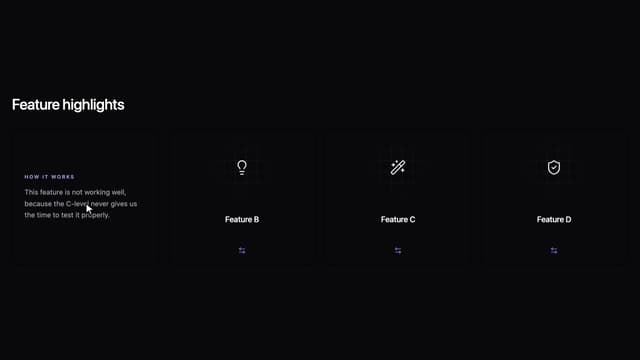
Role Flip Cards
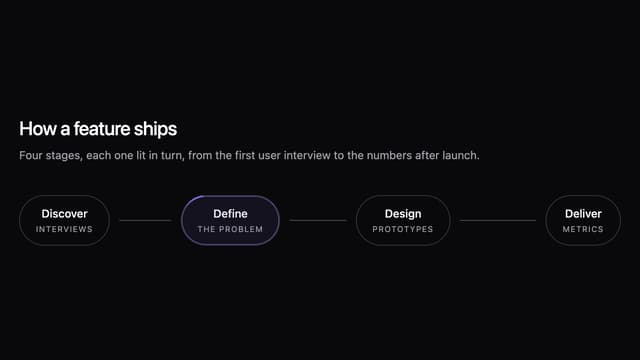
Workflow Pills
More in AI chats
View all

AI Actions
319
Color Picker
81
Agent Chat
17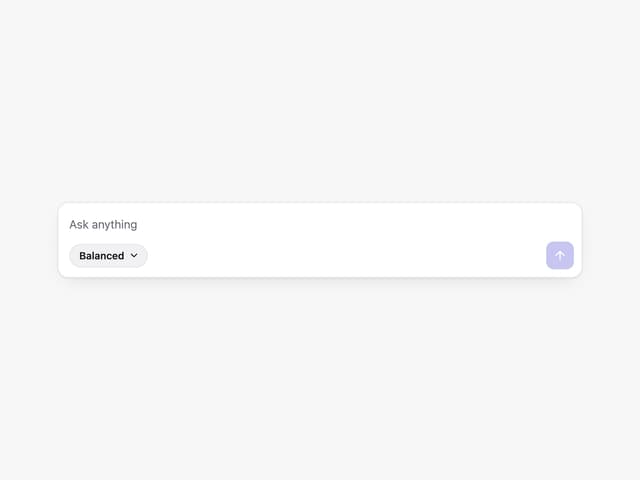
Prompt with Model Picker
2
Message Thread
35

System Message
54
Suggestions
28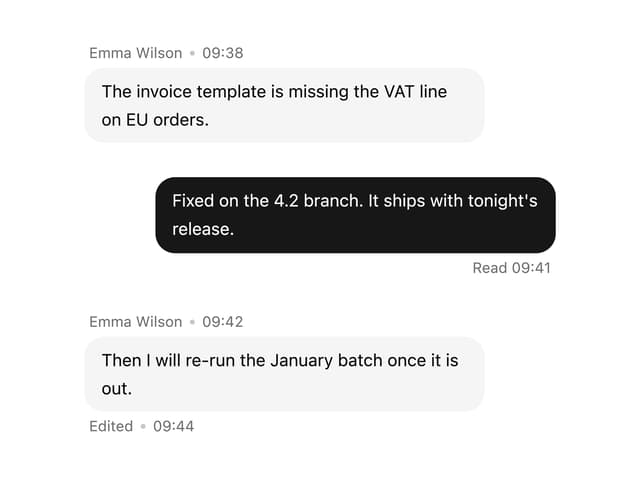

Message With Header And Delivery Status
38


