
About
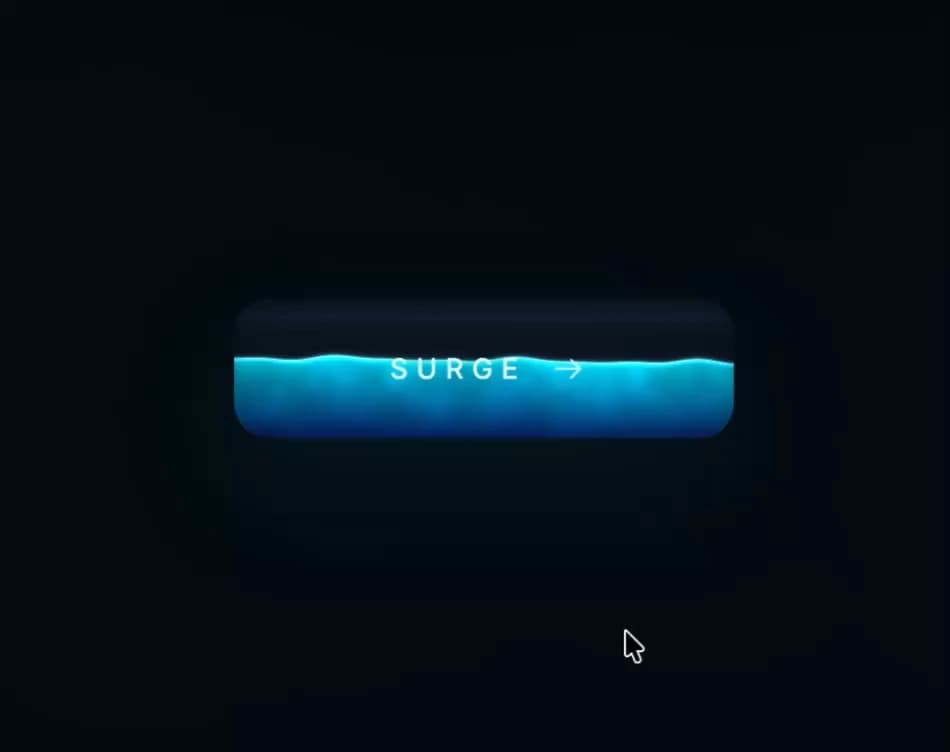
An interactive dark liquid-fill call-to-action button with a WebGL ripple/sloshing shader that reacts to cursor movement and clicks, delivered as a self-contained isolated embed.
Built with React and Tailwind. Copy the prompt and paste it into Claude Code, Cursor or Lovable: your agent adds Tactile Button to your project and fits it to your theme.
Code
How Tactile Button is used: the demo's code. The component's own source comes with a free account.
Usage.tsx
import TactileButton from "@/components/ui/tactile-button";

export default function TactileButtonDemo() {
  return (
    <div className="h-[420px] w-full overflow-hidden">
      <TactileButton className="h-full w-full" />
    </div>
  );
}
More by Meng To
View all
Gateway Flow
1.8K
Glassmorphism CTA
812
Globe Type Study
759
Particle Drift
688
Generative Tree
605
Topo Field
558
Dot Border Button
505
Spark Badge
470
More in Shaders
View all
Glass Fold
212

Neural Noise
717
Wave
685
LightSpeed
207
animated pattern cloud
616

Background Shader
304
Shader Background
2K

Line Shader Homlu UI
48


