
About
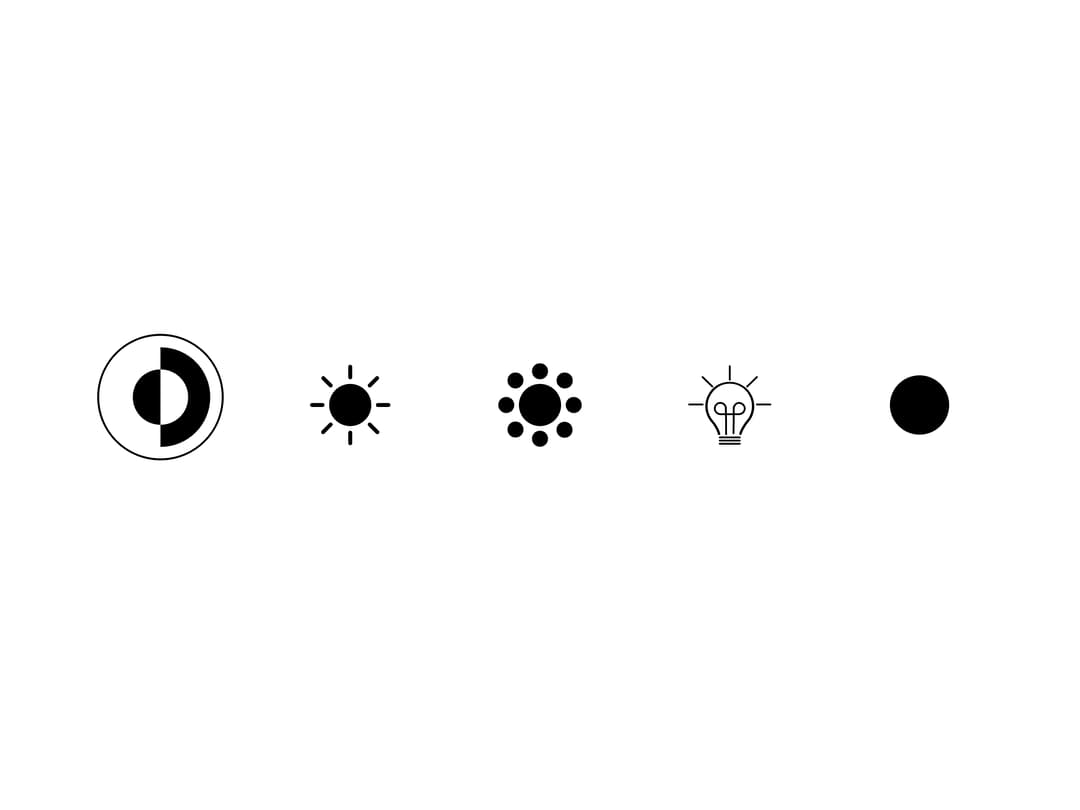
Theme toggle buttons
Built with React and Tailwind. Copy the prompt and paste it into Claude Code, Cursor or Lovable: your agent adds Theme toggle buttons to your project and fits it to your theme.
Code
How Theme toggle buttons is used: the demo's code. The component's own source comes with a free account.
Usage.tsx
import { Skiper4 } from "@/components/ui/theme-toggle-buttons";

const settings = { scale: 40, gap: 24, flexDirection: "row" };

export default function Demo(props: Partial<typeof settings>) {
  const s = { ...settings, ...props };
  return (
    <div className="h-screen w-screen">
      <Skiper4 scale={s.scale} gap={s.gap} flexDirection={s.flexDirection} />
    </div>
  );
}
Dependencies
More by Le Thanh
View all
Interactive Image Accordion
4.2K
Interactive Selector
2.6K
Gradient Menu
2.3K
Animated Shader Background
2.1K
Shader Background
2K
Waitlist Hero
1.8K
Image Comparison Slider
1.6K
Digital Serenity - Animated Landing Page
1.4K
More in Buttons
View all
Button Save
46

Button
20

Eclipse Button
5

Button
6

Button
14

Button Group
37

Button
32
Split Button
32

