
About
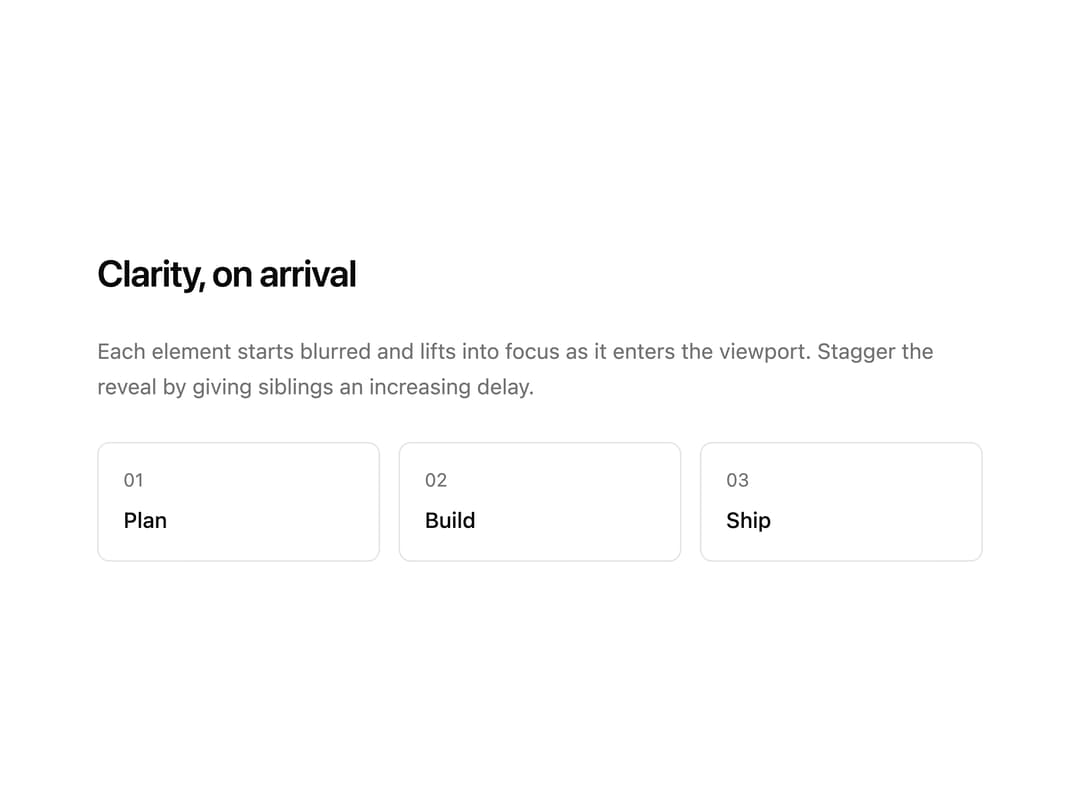
Reveals content with a blur, fade and lift as it scrolls into view. Configurable delay, duration and threshold; respects reduced-motion.
Built with React and Tailwind. Copy the prompt and paste it into Claude Code, Cursor or Lovable: your agent adds Blur Reveal to your project and fits it to your theme.
Code
How Blur Reveal is used: the demo's code. The component's own source comes with a free account.
Usage.tsx
'use client';

import { BlurReveal } from '@/components/ui/blur-reveal';

export default function BlurRevealDemo() {
  const steps = ['Plan', 'Build', 'Ship'];

  return (
    <div className="grid w-full max-w-xl gap-6">
      <BlurReveal>
        <h3 className="text-2xl font-semibold tracking-tight text-foreground">Clarity, on arrival</h3>
      </BlurReveal>
      <BlurReveal delay={120}>
        <p className="text-sm leading-relaxed text-muted-foreground">
          Each element starts blurred and lifts into focus as it enters the viewport. Stagger the reveal by giving
          siblings an increasing delay.
        </p>
      </BlurReveal>
      <div className="grid grid-cols-3 gap-3">
        {steps.map((label, i) => (
          <BlurReveal key={label} delay={200 + i * 120}>
            <div className="rounded-md border border-border bg-card p-4">
              <p className="text-xs text-muted-foreground uppercase">0{i + 1}</p>
              <p className="mt-2 text-sm font-medium text-foreground">{label}</p>
            </div>
          </BlurReveal>
        ))}
      </div>
    </div>
  );
}
Dependencies
More by Mohammad Shehadeh
View all
Feature Problem Cards
84
Feature Grid Spotlight Cards
70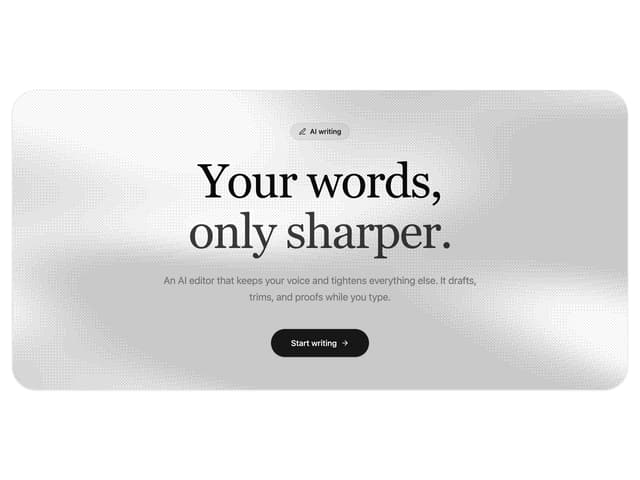
Dithered Shader CTA
63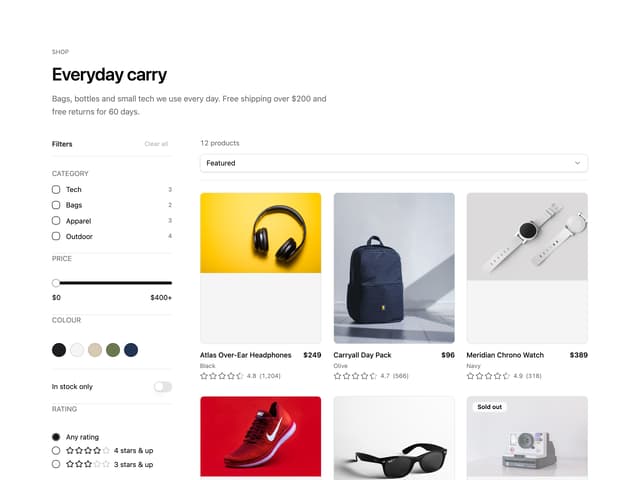
Ecommerce Category Page
61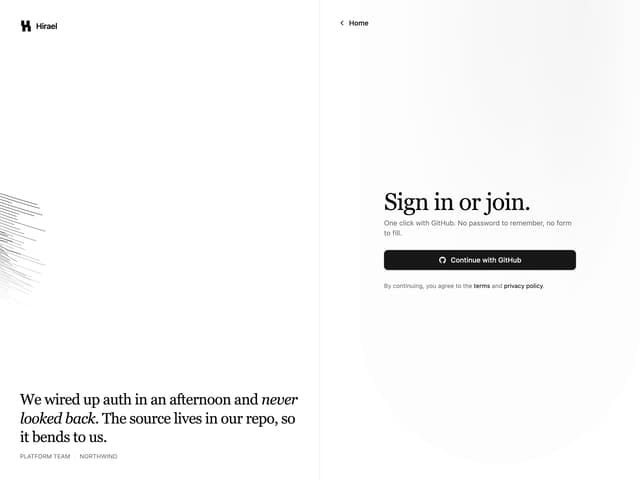
Split Login
60
Comparison Table
59
FAQ Two Column
59
Comparison Section
57