
About
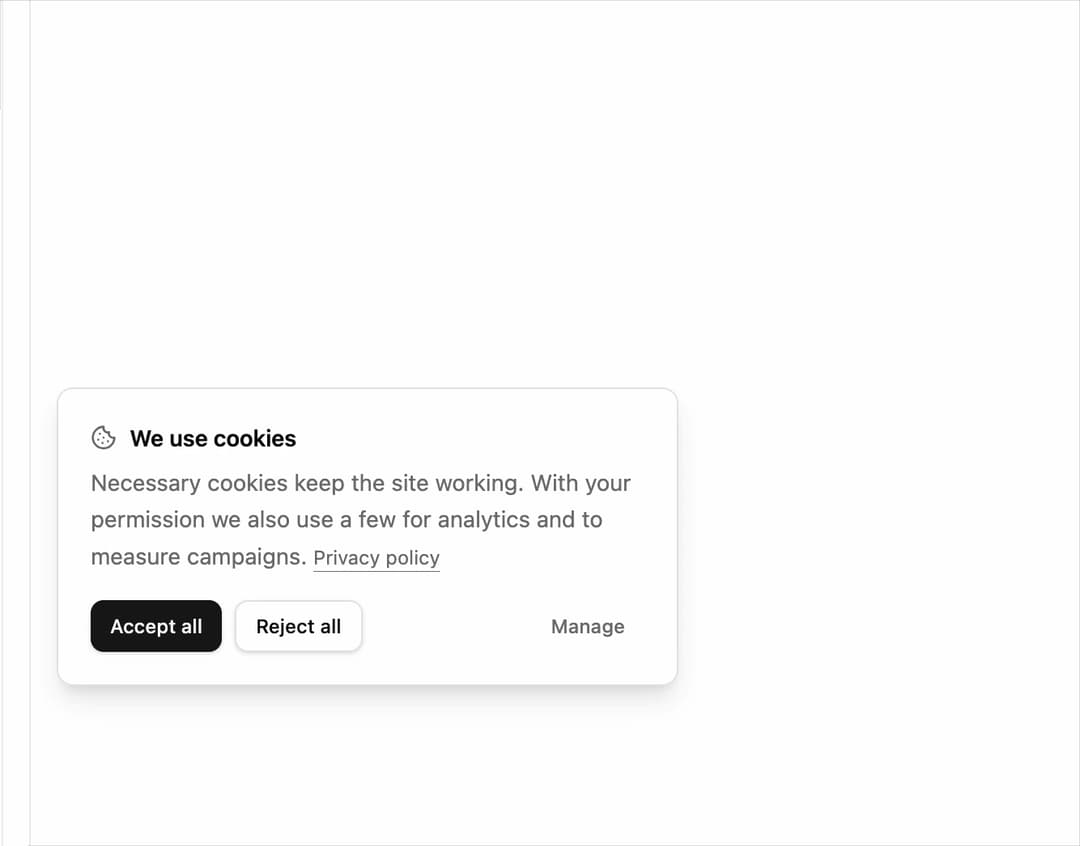
Floating consent banner with per-category switches, accept, reject, and save actions, and a choice persisted in localStorage. Ships composable parts.
Built with React and Tailwind. Copy the prompt and paste it into Claude Code, Cursor or Lovable: your agent adds Cookie Consent to your project and fits it to your theme.
Code
How Cookie Consent is used: the demo's code. The component's own source comes with a free account.
Usage.tsx
"use client";

import * as React from "react";
import {
  CookieConsent,
  CookieConsentTitle,
  CookieConsentDescription,
  CookieConsentCategories,
  CookieConsentCategory,
  CookieConsentActions,
  CookieConsentAcceptAll,
  CookieConsentRejectAll,
  CookieConsentSave,
  CookieConsentManage,
  CookieConsentLink,
} from "@/components/ui/cookie-consent";

export default function CookieConsentDemo() {
  const [open, setOpen] = React.useState(true);

  return (
    <div className="relative flex h-[420px] w-full items-center justify-center bg-background p-6">
      <CookieConsent
        position="absolute"
        storageKey="cookie-consent-demo"
        open={open}
        onOpenChange={setOpen}
      >
        <div className="flex flex-col gap-1.5">
          <CookieConsentTitle>We use cookies</CookieConsentTitle>
          <CookieConsentDescription>
            Necessary cookies keep the site working. With your permission we
            also use a few for analytics and to measure campaigns.{" "}
            <CookieConsentLink href="#">Privacy policy</CookieConsentLink>
          </CookieConsentDescription>
        </div>

        <CookieConsentCategories>
          <CookieConsentCategory
            id="necessary"
            name="Necessary"
            description="Sign-in, security, and remembering this choice."
            required
          />
          <CookieConsentCategory
            id="analytics"
            name="Analytics"
            description="Page views and feature usage, aggregated."
          />
          <CookieConsentCategory
            id="marketing"
            name="Marketing"
            description="Attribution for the campaigns that brought you here."
          />
        </CookieConsentCategories>

        <CookieConsentActions>
          <CookieConsentAcceptAll />
          <CookieConsentRejectAll />
          <CookieConsentSave />
          <CookieConsentManage className="ms-auto" />
        </CookieConsentActions>
      </CookieConsent>
    </div>
  );
}
Dependencies
More by Mohammad Shehadeh
View all
Feature Problem Cards
84
Feature Grid Spotlight Cards
70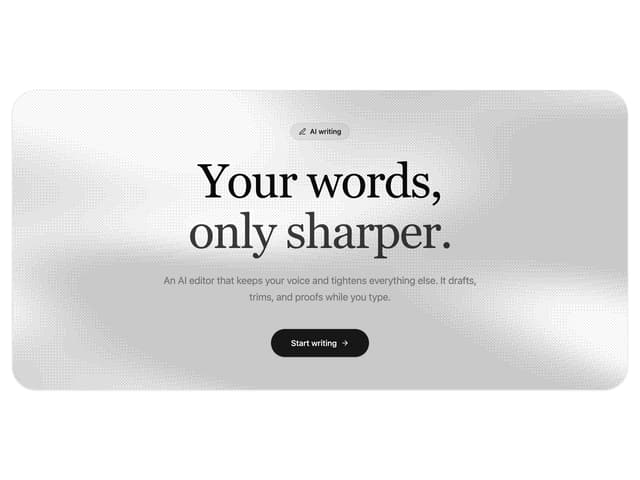
Dithered Shader CTA
63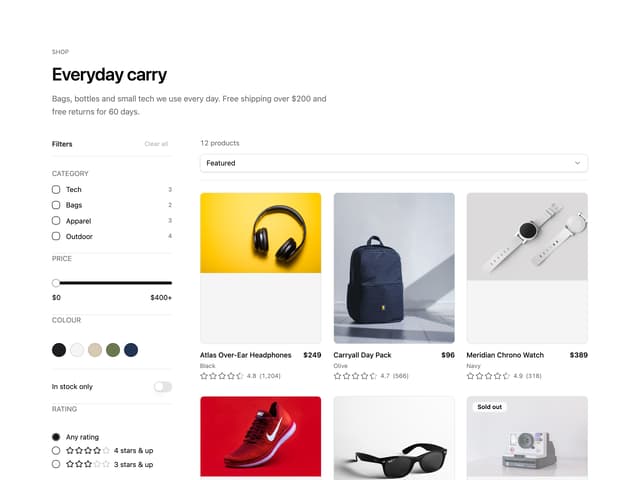
Ecommerce Category Page
61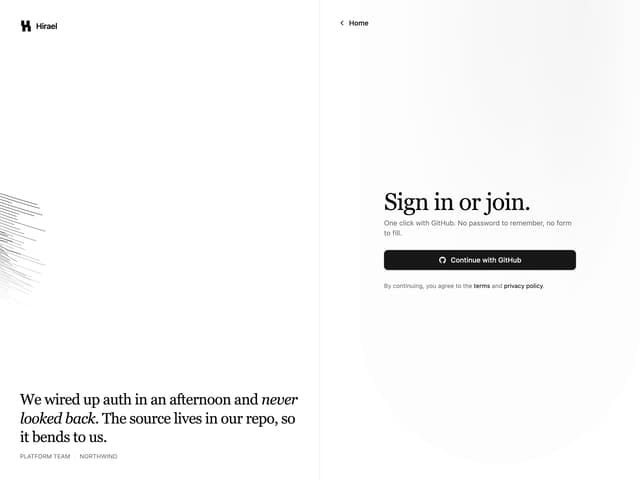
Split Login
60
Comparison Table
59
FAQ Two Column
59
Comparison Section
57