
About
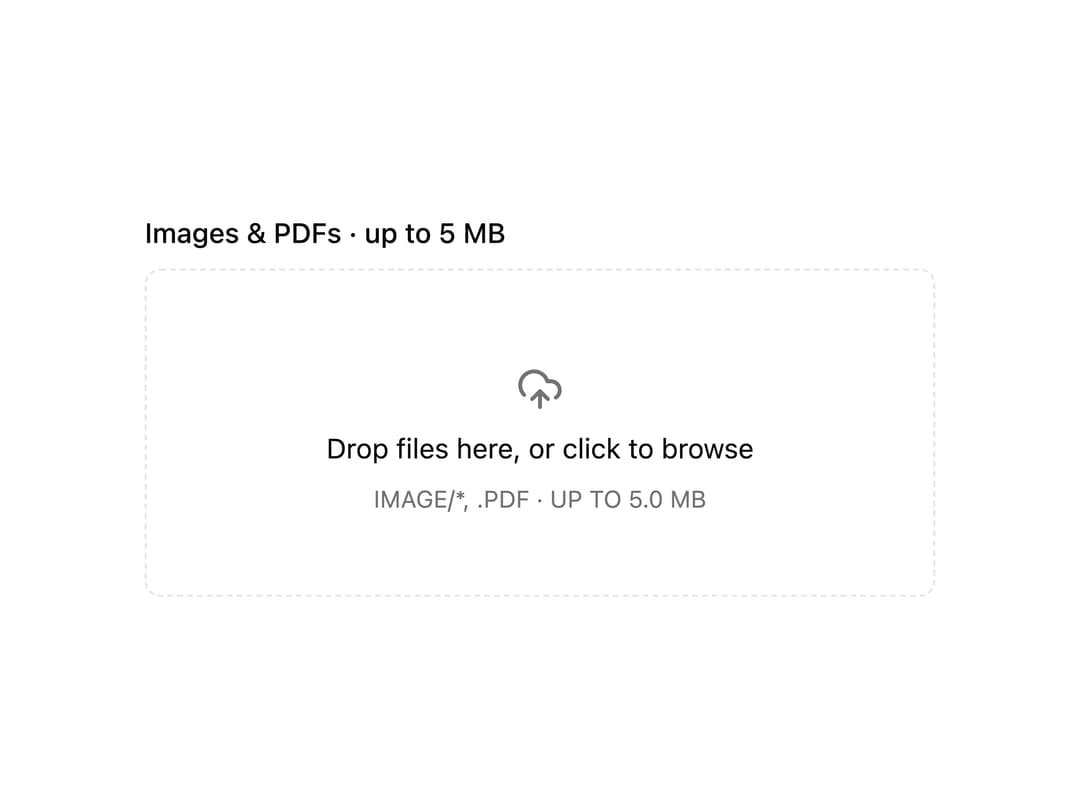
Drag-and-drop or click upload zone on react-dropzone, with a file list, type and size validation, and readable rejection messages.
Built with React and Tailwind. Copy the prompt and paste it into Claude Code, Cursor or Lovable: your agent adds File Dropzone to your project and fits it to your theme.
Code
How File Dropzone is used: the demo's code. The component's own source comes with a free account.
Usage.tsx
"use client";
import * as React from "react";
import {
FileDropzone,
FileDropzoneErrors,
FileDropzoneList,
FileDropzoneZone,
} from "@/components/ui/file-dropzone";
export default function FileDropzoneDemo() {
const [files, setFiles] = React.useState<File[]>([]);
return (
<div className="flex w-full max-w-md flex-col gap-2 bg-background p-6 text-foreground">
<p className="text-sm font-medium text-foreground">
Images & PDFs · up to 5 MB
</p>
<FileDropzone
value={files}
onValueChange={setFiles}
accept={{ "image/*": [], "application/pdf": [".pdf"] }}
maxSize={5 * 1024 * 1024}
multiple
>
<FileDropzoneZone />
<FileDropzoneList />
<FileDropzoneErrors />
</FileDropzone>
</div>
);
}
Dependencies
More by Mohammad Shehadeh
View all
Feature Problem Cards
83
Feature Grid Spotlight Cards
69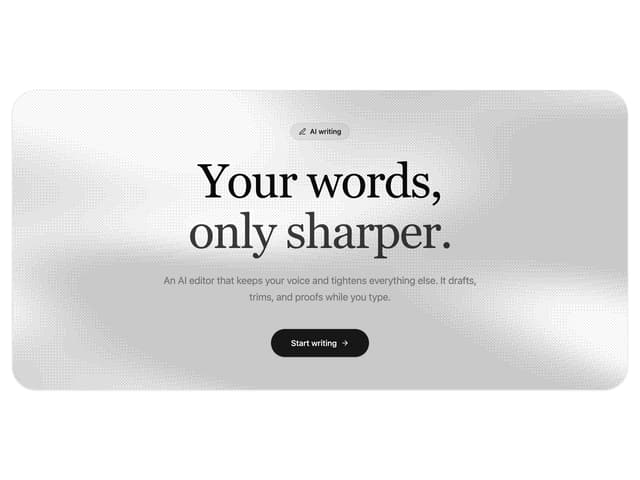
Dithered Shader CTA
63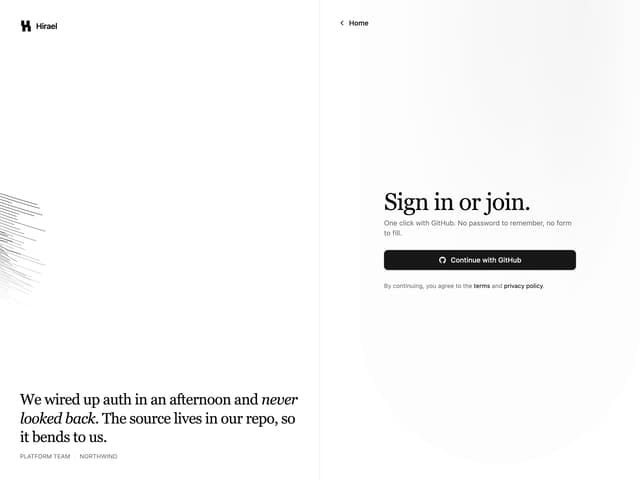
Split Login
60
FAQ Two Column
59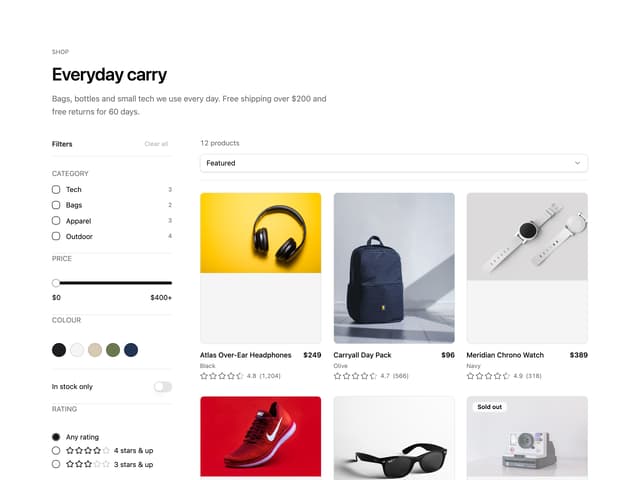
Ecommerce Category Page
57
Comparison Table
57
Comparison Section
56