
About
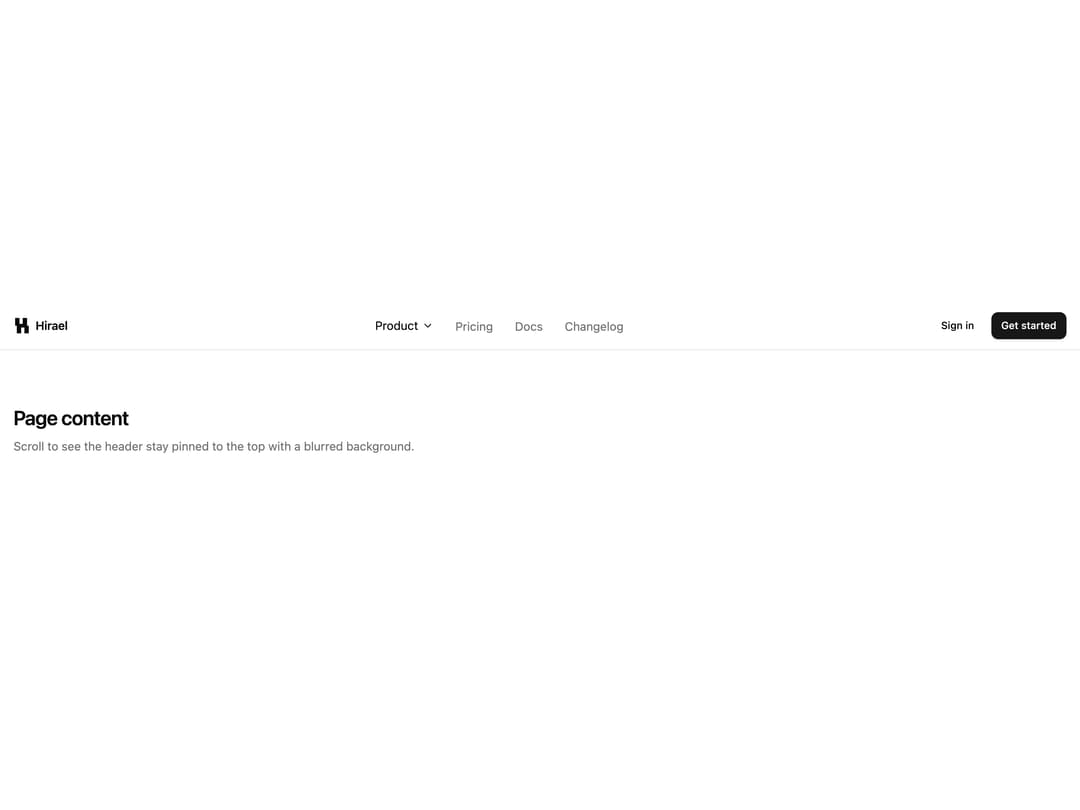
Sticky top nav with brand monogram, centered anchor links, dual auth CTAs and a slide-down mobile menu.
Built with React and Tailwind. Copy the prompt and paste it into Claude Code, Cursor or Lovable: your agent adds Sticky Blur Header to your project and fits it to your theme.
Code
How Sticky Blur Header is used: the demo's code. The component's own source comes with a free account.
Usage.tsx
import Header01 from "@/components/ui/header-01";

export default function Header01Demo() {
  return (
    <div className="w-full bg-background text-foreground">
      <Header01 />
      <main className="mx-auto max-w-[1480px] px-4 py-16">
        <h1 className="text-2xl font-semibold tracking-tight">Page content</h1>
        <p className="mt-2 text-sm text-muted-foreground">
          Scroll to see the header stay pinned to the top with a blurred
          background.
        </p>
      </main>
    </div>
  );
}
Dependencies
More by Mohammad Shehadeh
View all
Feature Problem Cards
83
Feature Grid Spotlight Cards
69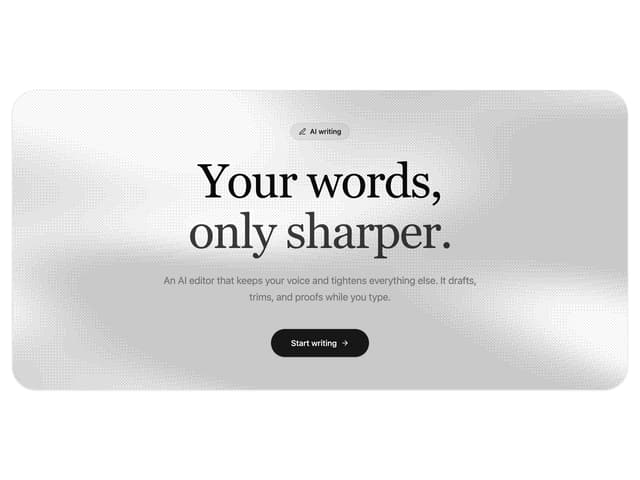
Dithered Shader CTA
63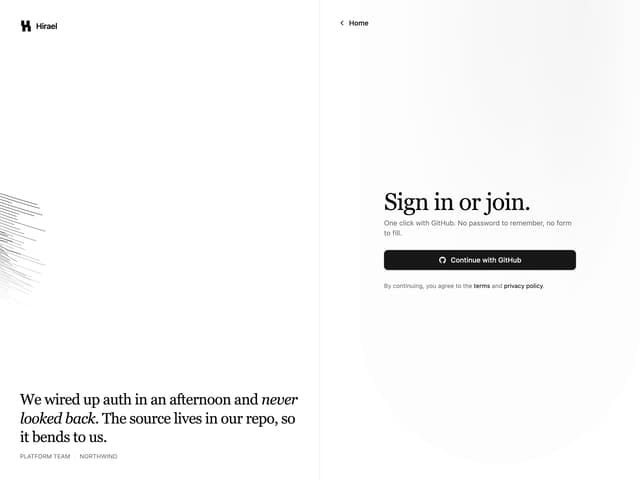
Split Login
60
FAQ Two Column
59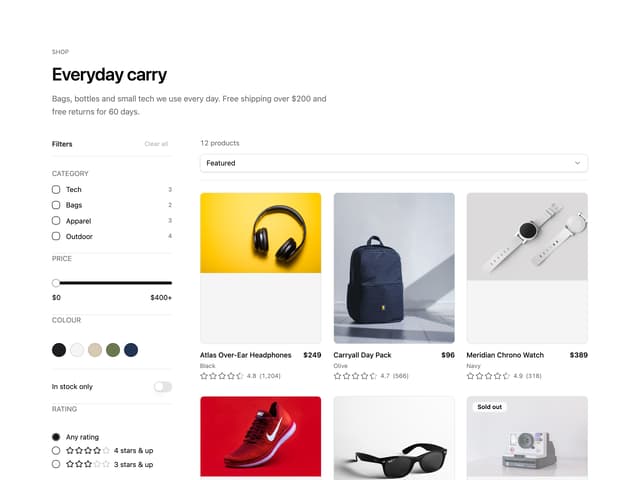
Ecommerce Category Page
57
Comparison Table
57
Comparison Section
56
More in Navigation
View all

Sidebar
225

Tabs
52
Navbar with Theme Toggle
41

Breadcrumb
12
Nav List Card
30
Pagination Ant
3

Pagination
85
Pagination
9


