
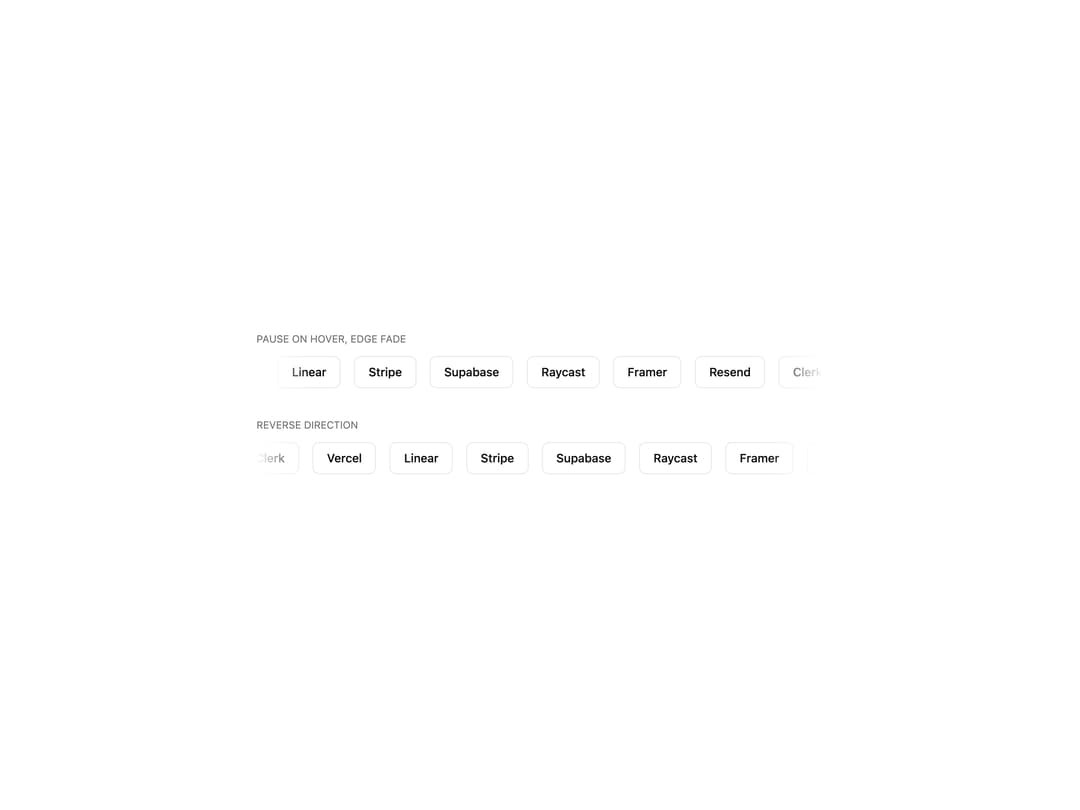
About
Infinite scrolling row or column for logos and testimonials, with pause-on-hover, reverse and vertical modes. Keyframes ship inline, zero config.
Built with React and Tailwind. Copy the prompt and paste it into Claude Code, Cursor or Lovable: your agent adds Marquee to your project and fits it to your theme.
Code
How Marquee is used: the demo's code. The component's own source comes with a free account.
Usage.tsx
'use client';

import { Marquee } from '@/components/ui/marquee';

const brands = ['Vercel', 'Linear', 'Stripe', 'Supabase', 'Raycast', 'Framer', 'Resend', 'Clerk'];

interface ChipProps {
  children: React.ReactNode;
}

const Chip = ({ children }: ChipProps) => {
  return (
    <span className="inline-flex items-center rounded-md border border-border bg-card px-4 py-2 text-sm font-medium text-foreground">
      {children}
    </span>
  );
};

export default function MarqueeDemo() {
  return (
    <div className="grid w-full max-w-2xl min-w-0 gap-8">
      <div className="grid min-w-0 gap-2">
        <p className="text-xs text-muted-foreground uppercase">Pause on hover, edge fade</p>
        <div className="relative w-full min-w-0 overflow-hidden py-1">
          <Marquee pauseOnHover duration={28}>
            {brands.map((b) => (
              <Chip key={b}>{b}</Chip>
            ))}
          </Marquee>
          <div className="pointer-events-none absolute inset-y-0 left-0 w-16 bg-gradient-to-r from-background to-transparent" />
          <div className="pointer-events-none absolute inset-y-0 right-0 w-16 bg-gradient-to-l from-background to-transparent" />
        </div>
      </div>

      <div className="grid min-w-0 gap-2">
        <p className="text-xs text-muted-foreground uppercase">Reverse direction</p>
        <div className="relative w-full min-w-0 overflow-hidden py-1">
          <Marquee reverse pauseOnHover duration={28}>
            {brands.map((b) => (
              <Chip key={b}>{b}</Chip>
            ))}
          </Marquee>
          <div className="pointer-events-none absolute inset-y-0 left-0 w-16 bg-gradient-to-r from-background to-transparent" />
          <div className="pointer-events-none absolute inset-y-0 right-0 w-16 bg-gradient-to-l from-background to-transparent" />
        </div>
      </div>
    </div>
  );
}
More by Mohammad Shehadeh
View all
Feature Problem Cards
84
Feature Grid Spotlight Cards
69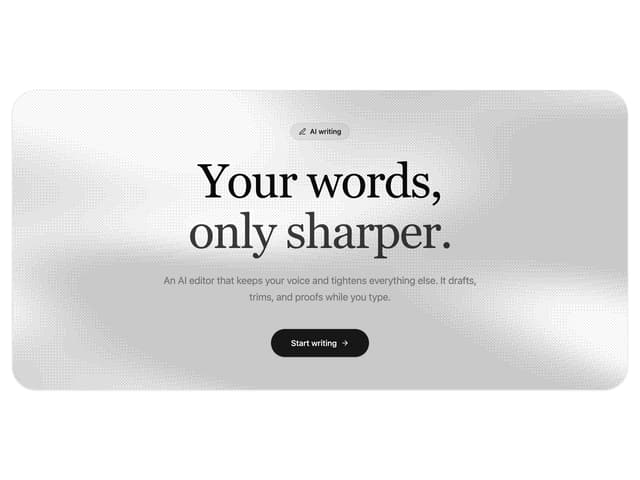
Dithered Shader CTA
63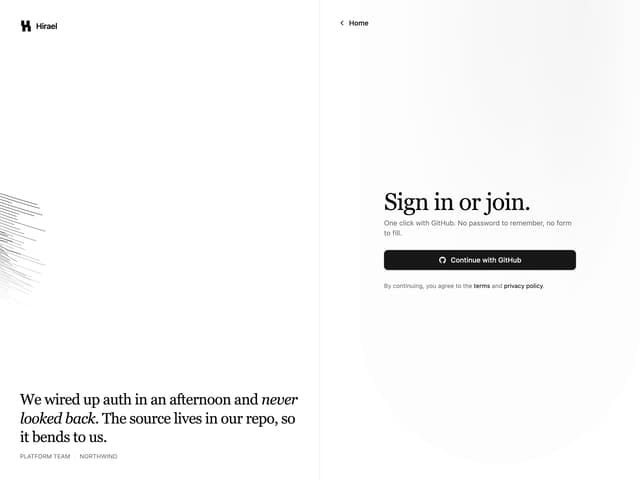
Split Login
60
FAQ Two Column
59
Comparison Table
58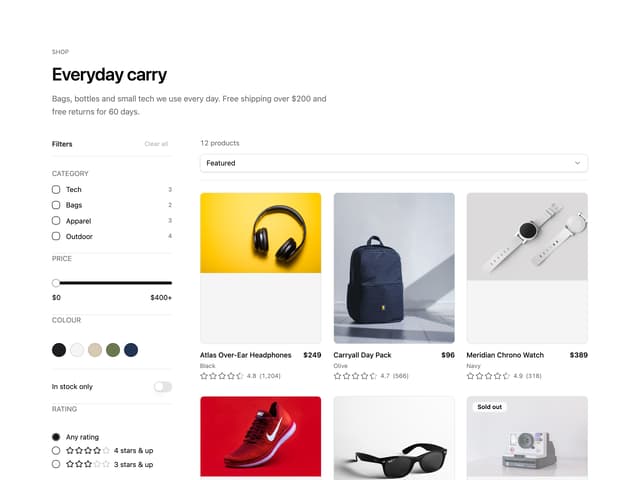
Ecommerce Category Page
57
Comparison Section
56