
About
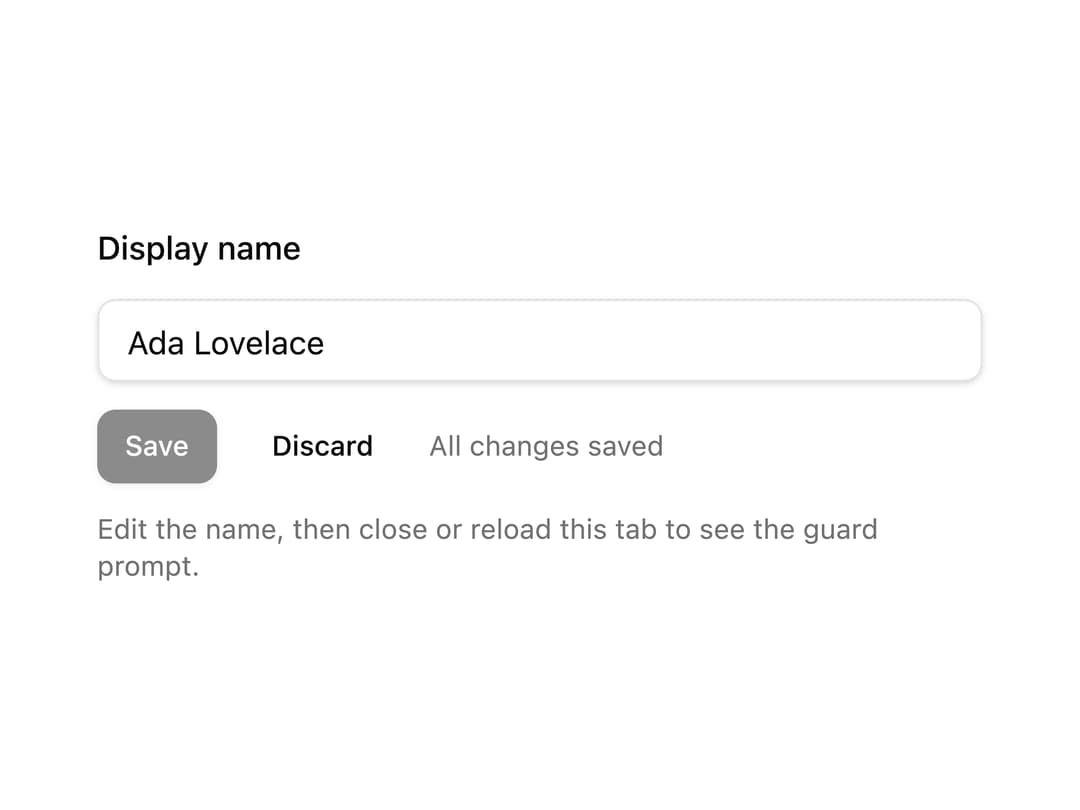
Unsaved-changes guard: a root provider plus a useUnsavedGuard hook. Warns before reload, tab close and in-app link navigation, and returns a guard(proceed) to wrap programmatic navigation in a confirm dialog.
Built with React and Tailwind. Copy the prompt and paste it into Claude Code, Cursor or Lovable: your agent adds Unsaved Guard to your project and fits it to your theme.
Code
How Unsaved Guard is used: the demo's code. The component's own source comes with a free account.
Usage.tsx
"use client";

import * as React from "react";

import {
  UnsavedGuardProvider,
  useUnsavedGuard,
} from "@/components/ui/unsaved-guard";
import { Button } from "@/components/ui/button";
import { Input } from "@/components/ui/input";

function UnsavedGuardDemoInner() {
  const nameId = React.useId();
  const [name, setName] = React.useState("Ada Lovelace");
  const [savedName, setSavedName] = React.useState("Ada Lovelace");
  const dirty = name !== savedName;

  const guard = useUnsavedGuard({
    when: dirty,
    title: "Discard changes?",
    description: "Your edits haven't been saved yet.",
    confirmText: "Discard",
    cancelText: "Keep editing",
  });

  return (
    <form
      onSubmit={(event) => {
        event.preventDefault();
        setSavedName(name);
      }}
      className="grid w-full max-w-sm gap-3"
    >
      <label htmlFor={nameId} className="text-sm font-medium">
        Display name
      </label>
      <Input
        id={nameId}
        value={name}
        onChange={(event) => setName(event.target.value)}
      />
      <div className="flex items-center gap-3">
        <Button type="submit" size="sm" disabled={!dirty}>
          Save
        </Button>
        <Button
          type="button"
          variant="ghost"
          size="sm"
          onClick={() => void guard(() => setName(savedName))}
        >
          Discard
        </Button>
        <span className="text-xs text-muted-foreground">
          {dirty ? "Unsaved changes" : "All changes saved"}
        </span>
      </div>
      <p className="text-xs text-muted-foreground">
        Edit the name, then close or reload this tab to see the guard prompt.
      </p>
    </form>
  );
}

export default function UnsavedGuardDemo() {
  return (
    <UnsavedGuardProvider>
      <UnsavedGuardDemoInner />
    </UnsavedGuardProvider>
  );
}
More by Mohammad Shehadeh
View all
Feature Problem Cards
84
Feature Grid Spotlight Cards
70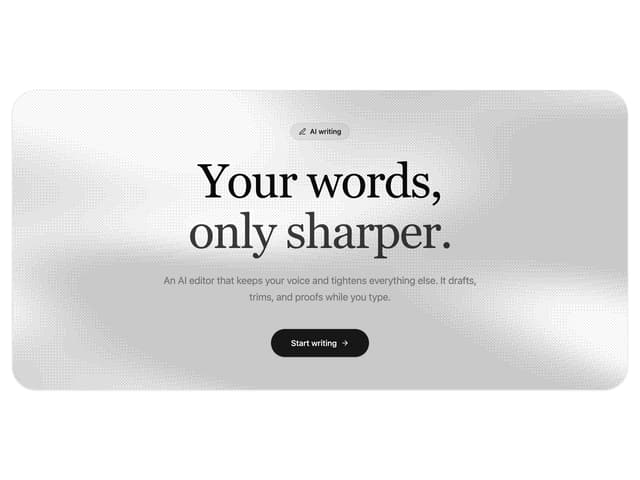
Dithered Shader CTA
63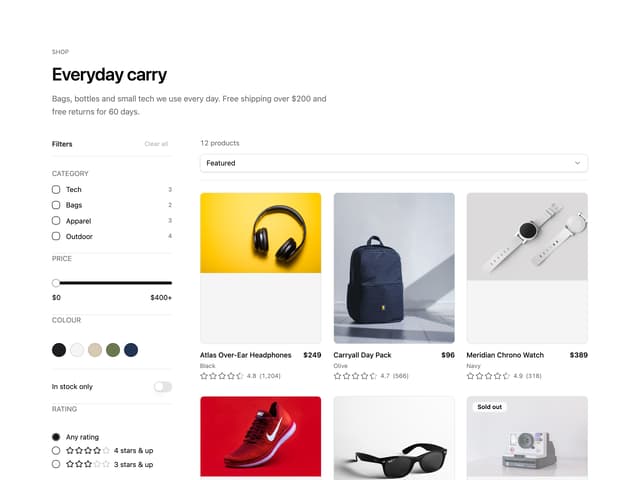
Ecommerce Category Page
61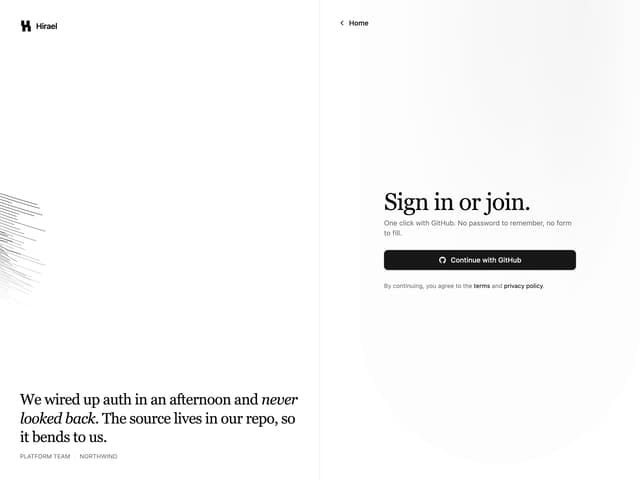
Split Login
60
Comparison Table
59
FAQ Two Column
59
Comparison Section
57
More in Forms
View all

Premium Auth
500

Login 1
52

Book A Demo 3
83
Authentication Card
47
Book A Demo 1
69

Contact Card
1K

Login Card
32

Login 2
7
