
About
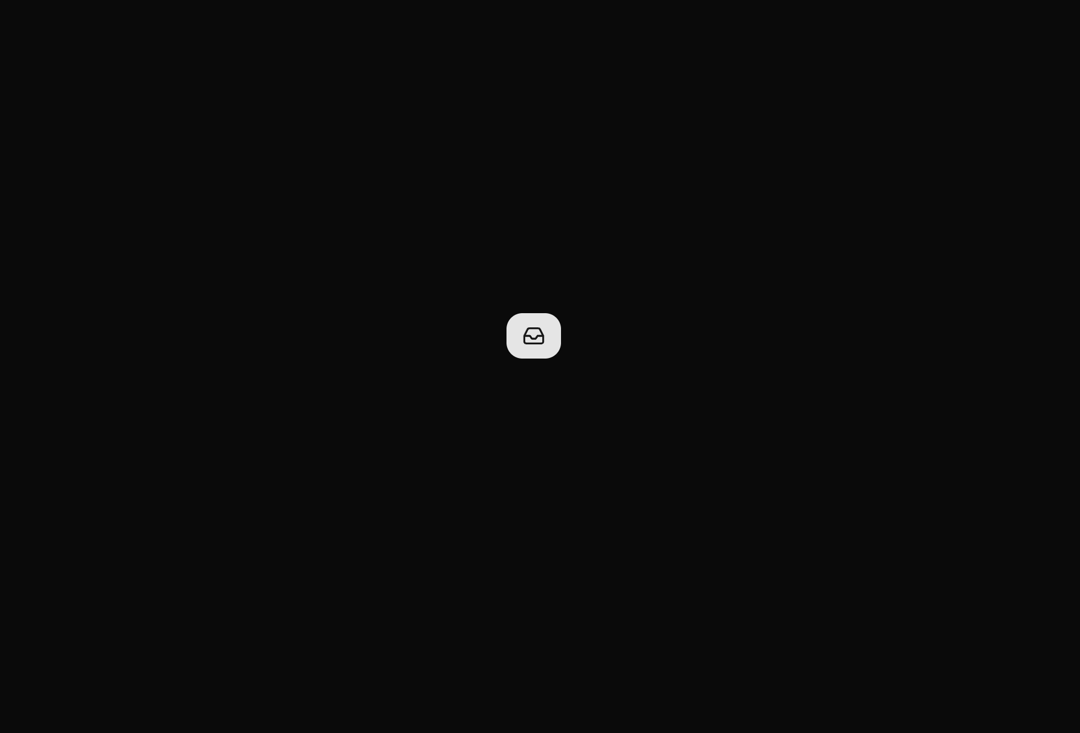
A button that smoothly transitions between collapsed and expanded states using spring animations. Shows only an icon when collapsed and reveals text alongside the icon when expanded, perfect for responsive layouts and space-saving interfaces.
Built with React and Tailwind. Copy the prompt and paste it into Claude Code, Cursor or Lovable: your agent adds Expandable Button to your project and fits it to your theme.
Code
How Expandable Button is used: the demo's code. The component's own source comes with a free account.
Usage.tsx
import { ExpandableButton } from "@/components/ui/expandable-button";
import { Inbox } from "lucide-react"


export default function DemoOne() {
  return  <div className="w-full px-10 flex items-center justify-center">
      <ExpandableButton icon={<Inbox className="w-5 h-5" />}>
        Inbox
      </ExpandableButton>
    </div>
}
Dependencies
More by Rushil Dhinoja
View all

Morphing Square
435
Voice Input
311
Warp Dialog
264
Orbital Loader
204
Bouncing Dots
193
Vignette Grid Background
190
Wave Loader
131
Discussion
85
More in Buttons
View all
Button Save
46

Button
20

Eclipse Button
5

Button
6

Button
14

Button Group
37

Button
32
Split Button
32

