
About
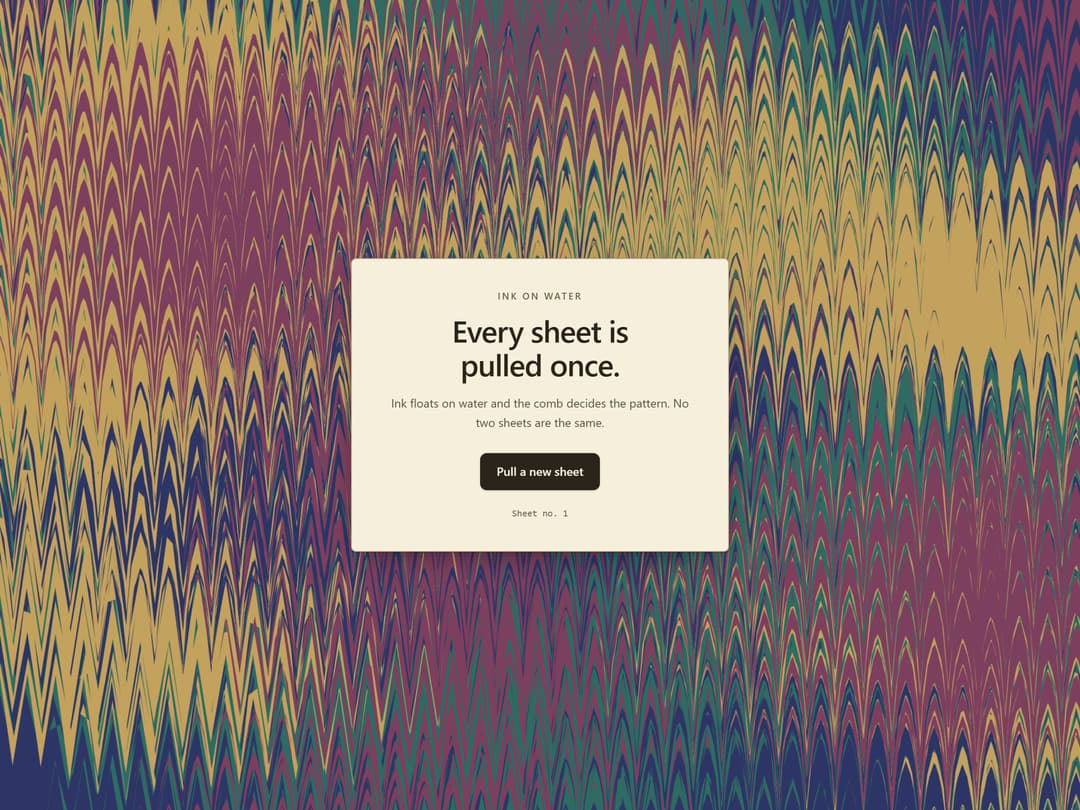
Background that is a marbled sheet: ink drops float on water and push each other aside as they land, a comb dragged across them draws the pattern, and the cursor is the stylus. Closed-form marbling maths on one canvas, no deps; a finished sheet under reduced motion.
Built with React and Tailwind. Copy the prompt and paste it into Claude Code, Cursor or Lovable: your agent adds Ink Marbling to your project and fits it to your theme.
Code
How Ink Marbling is used: the demo's code. The component's own source comes with a free account.
Usage.tsx
"use client"

import * as React from "react"
import { InkMarbling } from "@/components/ui/ink-marbling"

const settings = {
  drops: 24,
  combs: 3,
  spacing: 56,
  cadence: 7,
  interactive: true,
  autoInks: true,
  ink1: "#2c3566",
  ink2: "#7d3f5e",
  ink3: "#2f6b62",
  ink4: "#c2a25c",
  headline: "Every sheet is pulled once.",
  subline: "Ink floats on water and the comb decides the pattern. No two sheets are the same.",
}

export default function Demo(props: Partial<typeof settings>) {
  const s = { ...settings, ...props }
  const [sheet, setSheet] = React.useState(1)
  const inks = s.autoInks ? undefined : [s.ink1, s.ink2, s.ink3, s.ink4]

  return (
    <InkMarbling
      drops={s.drops}
      combs={s.combs}
      spacing={s.spacing}
      cadence={s.cadence}
      interactive={s.interactive}
      inks={inks}
      sheet={sheet}
      className="bg-background flex min-h-[max(560px,100svh)] w-full flex-col items-center justify-center px-6 py-16"
    >
      {/* A paper label pasted on the marbled board, as on a bound book: the copy keeps its own paper. */}
      <div className="relative w-full max-w-sm cursor-auto rounded-sm sm:max-w-[min(28rem,60%)] border border-[#b9a988] bg-[#f6efdc] px-8 py-9 text-center text-[#2a241b] shadow-[0_1px_2px_rgba(0,0,0,0.18),0_12px_32px_-12px_rgba(0,0,0,0.45)] sm:px-10">
        <p className="text-[11px] font-medium tracking-[0.18em] text-[#6b5f45] uppercase">
          Ink on water
        </p>
        <h1 className="mt-3 text-3xl font-semibold tracking-tight text-balance sm:text-4xl">
          {s.headline}
        </h1>
        <p className="mt-4 text-sm leading-relaxed text-pretty text-[#5c5240]">{s.subline}</p>
        <button
          type="button"
          id="cta-primary"
          data-slot="cta-primary"
          onClick={() => setSheet((n) => n + 1)}
          className="mt-6 inline-flex h-11 cursor-pointer items-center justify-center rounded-md bg-[#2a241b] px-5 text-sm font-medium text-[#f6efdc] shadow-sm transition-[transform,box-shadow] duration-150 hover:shadow-md focus-visible:ring-[3px] focus-visible:ring-[#2a241b]/45 focus-visible:ring-offset-2 focus-visible:ring-offset-[#f6efdc] active:scale-[0.98]"
        >
          Pull a new sheet
        </button>
        <p className="mt-5 font-mono text-[11px] tabular-nums text-[#6b5f45]">Sheet no. {sheet}</p>
      </div>
    </InkMarbling>
  )
}
More by NIMA MZ
View all
Agent Trace
692
Sonar Grid
584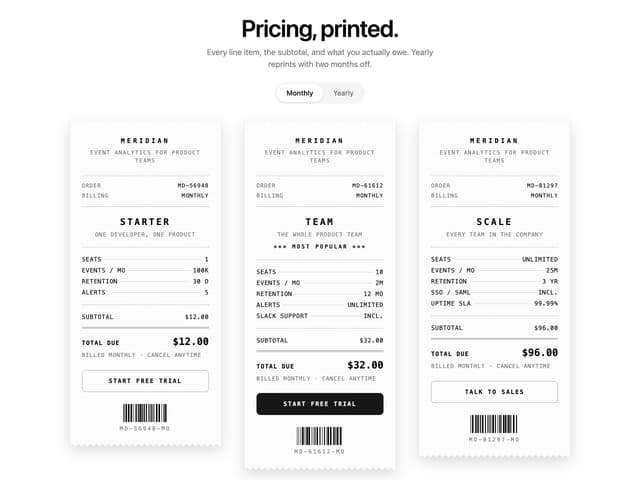
Receipt Pricing
148
Import Patchbay
124
Lookout
84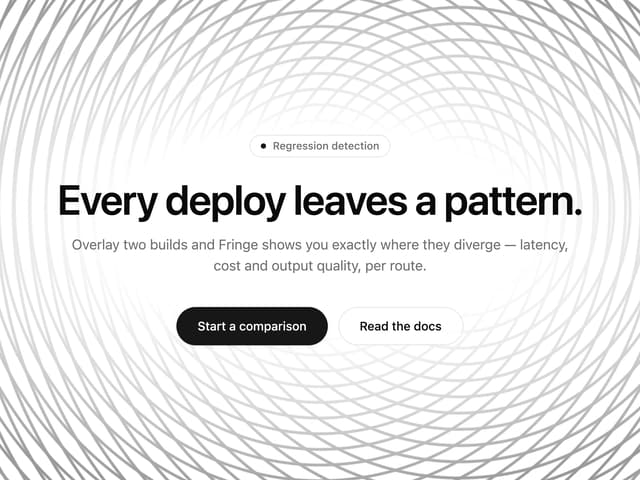
Moiré Field
31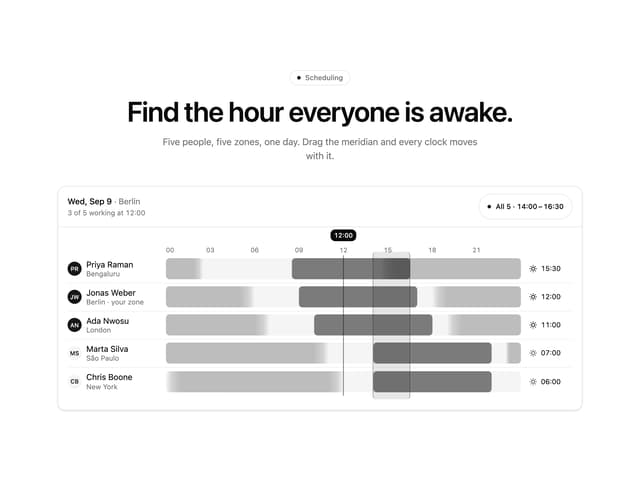
Meridian Rail
2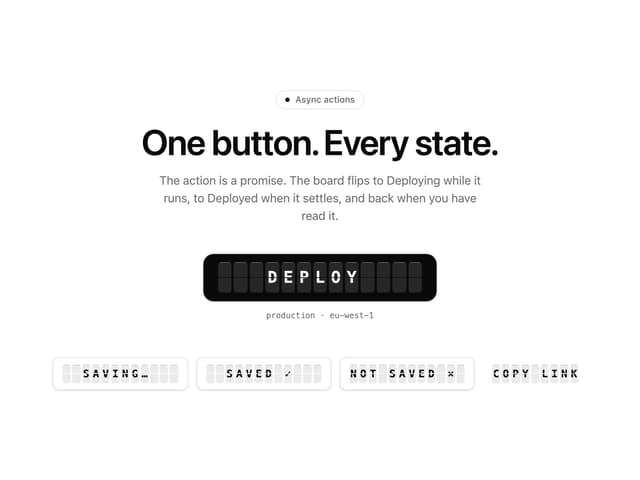
Split Flap Button
1
More in Heroes
View all

SaaS Template
2.4K

Responsive Hero Banner
2K

Hero
1.2K
Centered Hero with Image Fan
931
Editorial Collage Hero
430
Glass Fold
212

Minimalist Hero Fashion
285

HeroSectionWithGradient
336
