
About
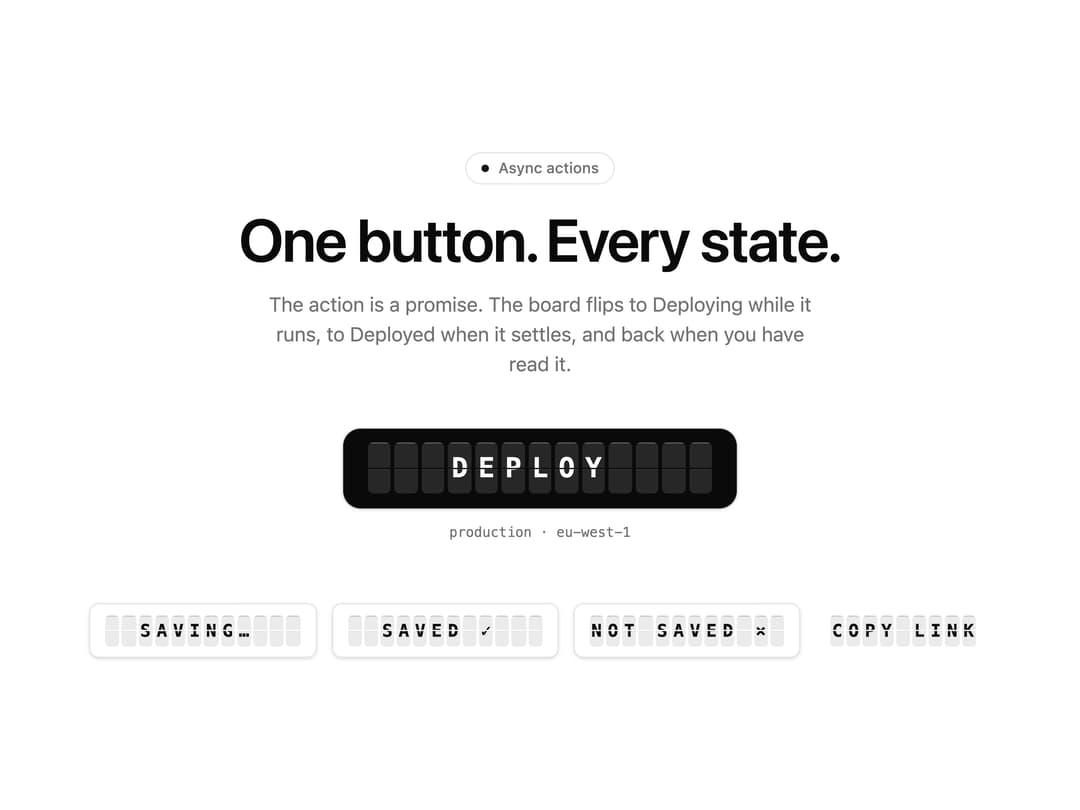
Button whose label is a row of split-flap tiles: click it and the board flips to Deploying, then Deployed, then back, rippling through the alphabet like a departure board. Async state machine built in, hover label, zero deps, theme tokens, cross-fades under reduced motion.
Built with React and Tailwind. Copy the prompt and paste it into Claude Code, Cursor or Lovable: your agent adds Split Flap Button to your project and fits it to your theme.
Code
How Split Flap Button is used: the demo's code. The component's own source comes with a free account.
Usage.tsx
"use client"

import * as React from "react"
import { SplitFlapButton } from "@/components/ui/split-flap-button"

// Module-level settings + a default export that takes them as props = live controls on 21st.dev.
// Signature knobs first, then behaviour, then copy.
const settings = {
  flipMs: 70,
  stagger: 30,
  maxFlaps: 6,
  sweep: true,
  uppercase: true,
  actionMs: 1600,
  simulateFailure: false,
  size: "xl" as "sm" | "md" | "lg" | "xl",
  label: "Deploy",
  hoverLabel: "Ship it",
  busyLabel: "Deploying…",
  doneLabel: "Deployed ✓",
}

export default function Demo(props: Partial<typeof settings>) {
  const s = { ...settings, ...props }
  const [booted, setBooted] = React.useState(false)
  const [runs, setRuns] = React.useState(0)

  // The board wakes up: blank tiles flip into the label a beat after mount, then everything is still
  // until someone clicks.
  React.useEffect(() => {
    const t = window.setTimeout(() => setBooted(true), 350)
    return () => window.clearTimeout(t)
  }, [])

  const deploy = () =>
    new Promise<void>((resolve, reject) => {
      window.setTimeout(() => {
        if (s.simulateFailure) {
          reject(new Error("health check failed"))
          return
        }
        setRuns((n) => n + 1)
        resolve()
      }, s.actionMs)
    })

  return (
    <div className="bg-background flex min-h-[max(560px,100svh)] w-full flex-col items-center justify-center px-6 py-16">
      <div className="flex w-full max-w-3xl flex-col items-center text-center">
        <p className="text-muted-foreground border-border mb-5 inline-flex items-center gap-2 rounded-full border px-3 py-1 text-xs font-medium">
          <span aria-hidden="true" className="bg-primary size-1.5 rounded-full" />
          Async actions
        </p>
        <h1 className="text-foreground text-4xl font-semibold tracking-tight text-balance sm:text-5xl">
          One button. Every state.
        </h1>
        <p className="text-muted-foreground mt-4 max-w-md text-base text-pretty">
          The action is a promise. The board flips to {s.busyLabel.replace(/…$/, "")} while it runs,
          to {s.doneLabel.replace(/ ✓$/, "")} when it settles, and back when you have read it.
        </p>

        <div className="mt-10 flex flex-col items-center gap-3">
          <SplitFlapButton
            id="cta-primary"
            data-slot="cta-primary"
            size={s.size}
            flipMs={s.flipMs}
            stagger={s.stagger}
            maxFlaps={s.maxFlaps}
            sweep={s.sweep}
            uppercase={s.uppercase}
            hoverLabel={s.hoverLabel}
            busyLabel={s.busyLabel}
            doneLabel={s.doneLabel}
            failedLabel="Rolled back ×"
            onAction={deploy}
          >
            {booted ? s.label : "·".repeat(Array.from(s.label).length)}
          </SplitFlapButton>
          <p className="text-muted-foreground font-mono text-[11px] tabular-nums">
            {runs === 0
              ? "production · eu-west-1"
              : `production · eu-west-1 · ${runs} ${runs === 1 ? "deploy" : "deploys"}`}
          </p>
        </div>

        {/* The other states, held still, so the whole machine is visible at a glance. */}
        <div className="mt-12 flex flex-wrap items-center justify-center gap-3">
          <SplitFlapButton
            variant="outline"
            status="busy"
            busyLabel="Saving…"
            flipMs={s.flipMs}
            stagger={s.stagger}
            sweep={s.sweep}
            uppercase={s.uppercase}
          >
            Save changes
          </SplitFlapButton>
          <SplitFlapButton
            variant="outline"
            status="done"
            doneLabel="Saved ✓"
            flipMs={s.flipMs}
            stagger={s.stagger}
            sweep={s.sweep}
            uppercase={s.uppercase}
          >
            Save changes
          </SplitFlapButton>
          <SplitFlapButton
            variant="outline"
            status="failed"
            failedLabel="Not saved ×"
            flipMs={s.flipMs}
            stagger={s.stagger}
            sweep={s.sweep}
            uppercase={s.uppercase}
          >
            Save changes
          </SplitFlapButton>
          <SplitFlapButton
            variant="ghost"
            flipMs={s.flipMs}
            stagger={s.stagger}
            sweep={s.sweep}
            uppercase={s.uppercase}
            busyLabel="Copying…"
            doneLabel="Copied ✓"
            onAction={() => navigator.clipboard?.writeText("https://21st.dev")}
          >
            Copy link
          </SplitFlapButton>
        </div>
      </div>
    </div>
  )
}
More by NIMA MZ
View all
Agent Trace
692
Sonar Grid
584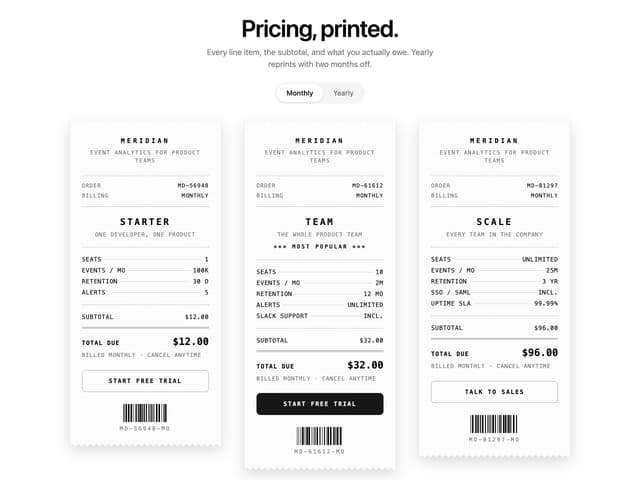
Receipt Pricing
148
Import Patchbay
124
Lookout
84
Moiré Field
31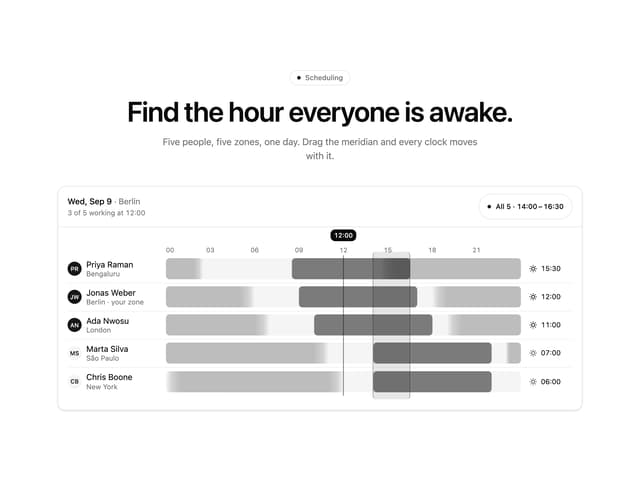
Meridian Rail
2
Ink Marbling
More in Buttons
View all
Button Save
46

Button
20

Eclipse Button
5

Button
32

Button
6

Button
14

Button Group
37
Split Button
32

