
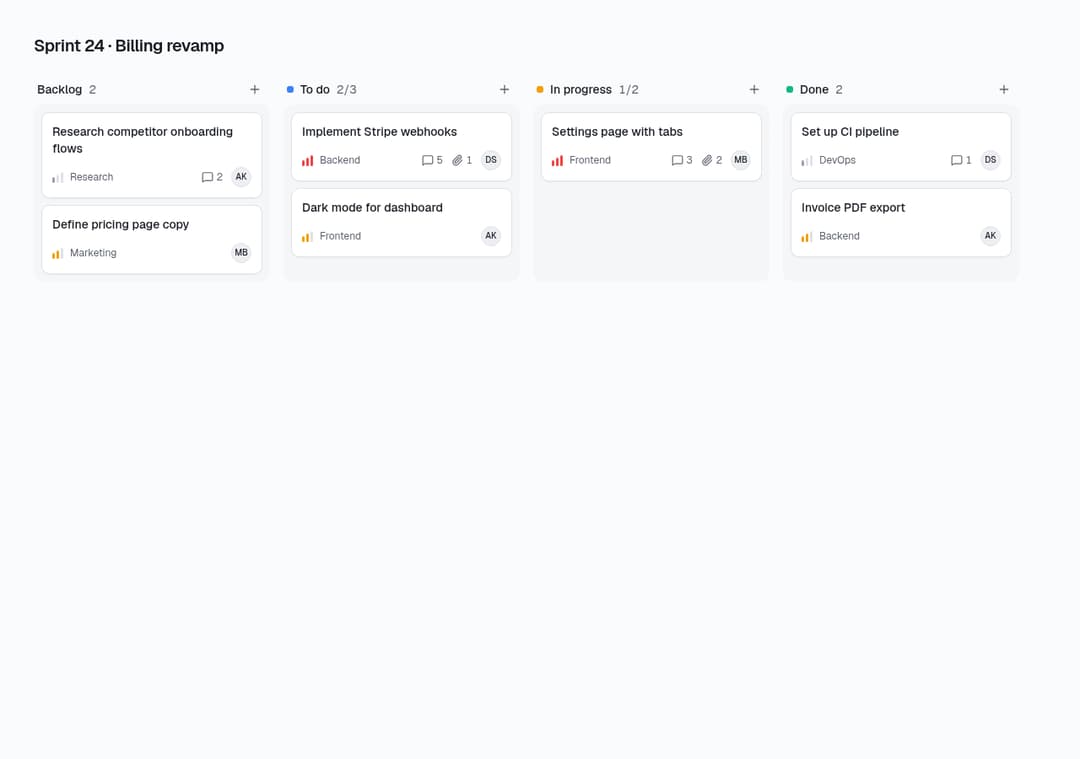
About
Drag-and-drop kanban on dnd-kit with keyboard sorting, a drop placeholder, WIP limits per column, priority bars, assignees and an onChange callback.
Built with React and Tailwind. Copy the prompt and paste it into Claude Code, Cursor or Lovable: your agent adds Kanban Board to your project and fits it to your theme.
Code
How Kanban Board is used: the demo's code. The component's own source comes with a free account.
Usage.tsx
import { KanbanBoard } from "@/components/ui/kanban-board"
export default function KanbanBoardDemo() {
  return (
    <div className="min-h-screen bg-background p-6 sm:p-10">
      <h2 className="mb-5 text-xl font-semibold tracking-tight">Sprint 24 · Billing revamp</h2>
      <KanbanBoard columns={[
        { id: "backlog", title: "Backlog", tasks: [
          { id: "t1", title: "Research competitor onboarding flows", tag: "Research", priority: "low", assignee: "AK", comments: 2 },
          { id: "t2", title: "Define pricing page copy", tag: "Marketing", priority: "medium", assignee: "MB" }] },
        { id: "todo", title: "To do", color: "#3b82f6", limit: 3, tasks: [
          { id: "t3", title: "Implement Stripe webhooks", tag: "Backend", priority: "high", assignee: "DS", comments: 5, attachments: 1 },
          { id: "t4", title: "Dark mode for dashboard", tag: "Frontend", priority: "medium", assignee: "AK" }] },
        { id: "progress", title: "In progress", color: "#f59e0b", limit: 2, tasks: [
          { id: "t5", title: "Settings page with tabs", tag: "Frontend", priority: "high", assignee: "MB", comments: 3, attachments: 2 }] },
        { id: "done", title: "Done", color: "#10b981", tasks: [
          { id: "t6", title: "Set up CI pipeline", tag: "DevOps", priority: "low", assignee: "DS", comments: 1 },
          { id: "t7", title: "Invoice PDF export", tag: "Backend", priority: "medium", assignee: "AK" }] },
      ]} />
    </div>
  )
}
Dependencies
More by Stint
View all
Plan Selector
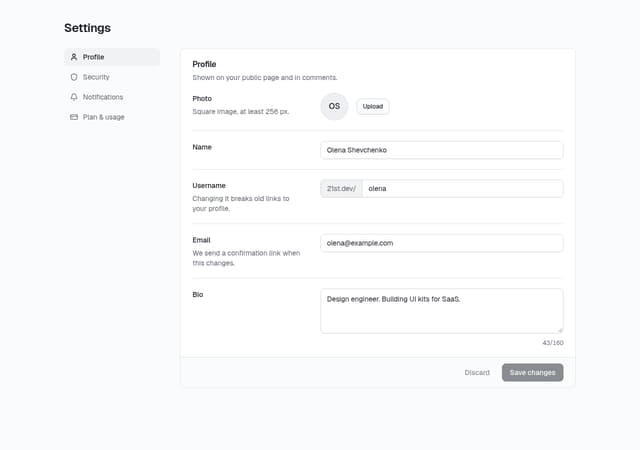
Account Settings Page
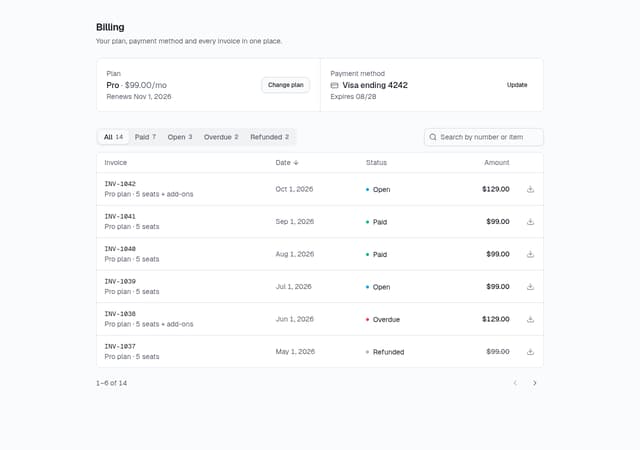
Billing History & Invoices Table
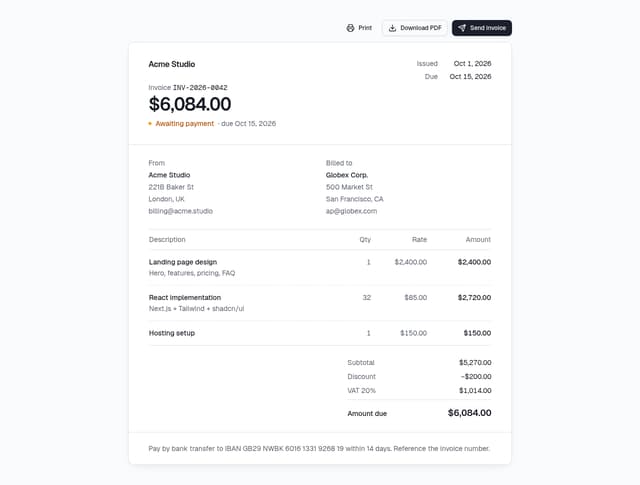
Invoice Preview