
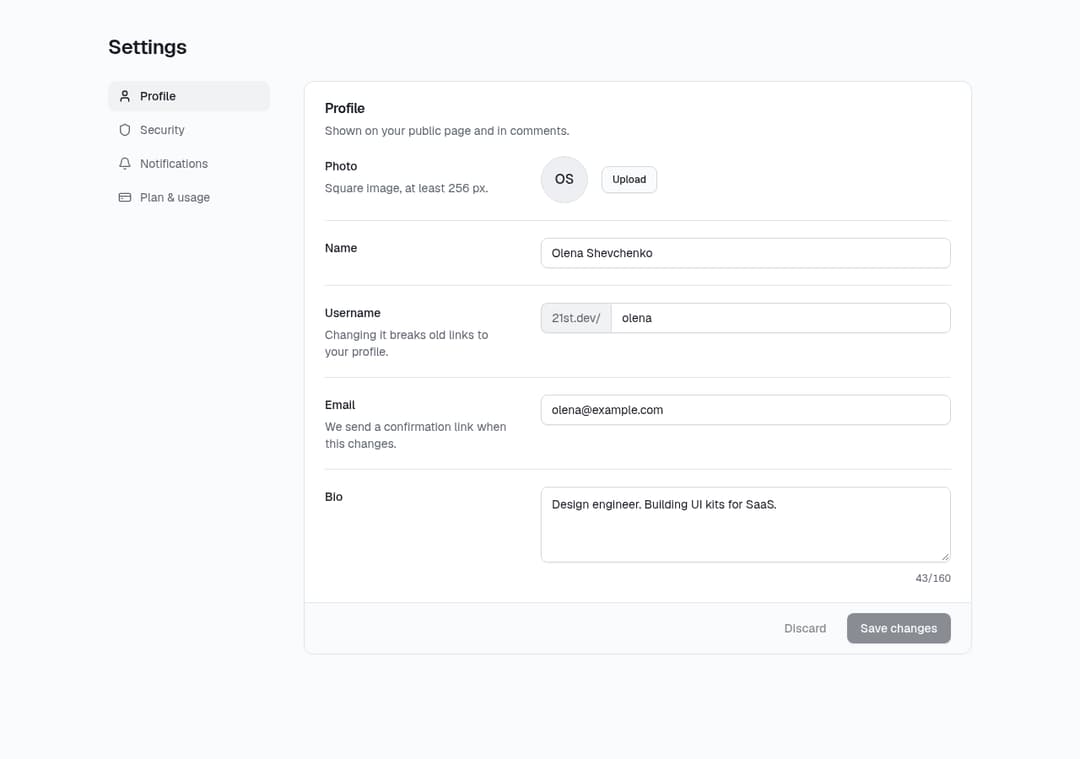
About
Account settings with side tabs: profile form with inline email validation and save states, password, 2FA, sessions, notification switches and plan usage.
Built with React and Tailwind. Copy the prompt and paste it into Claude Code, Cursor or Lovable: your agent adds Account Settings Page to your project and fits it to your theme.
Code
How Account Settings Page is used: the demo's code. The component's own source comes with a free account.
Usage.tsx
import { SettingsPage } from "@/components/ui/settings-page"
export default function SettingsPageDemo() {
  return (
    <div className="min-h-screen bg-background p-6 sm:p-10">
      <SettingsPage user={{ name: "Olena Shevchenko", email: "olena@example.com", username: "olena", bio: "Design engineer. Building UI kits for SaaS." }} />
    </div>
  )
}
Dependencies
More by Stint
View all
Plan Selector
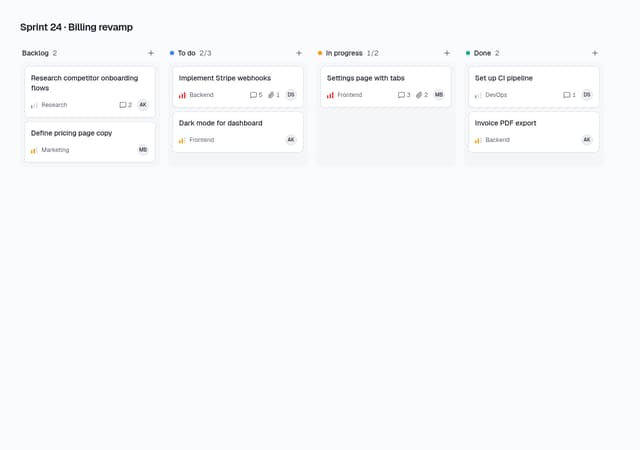
Kanban Board
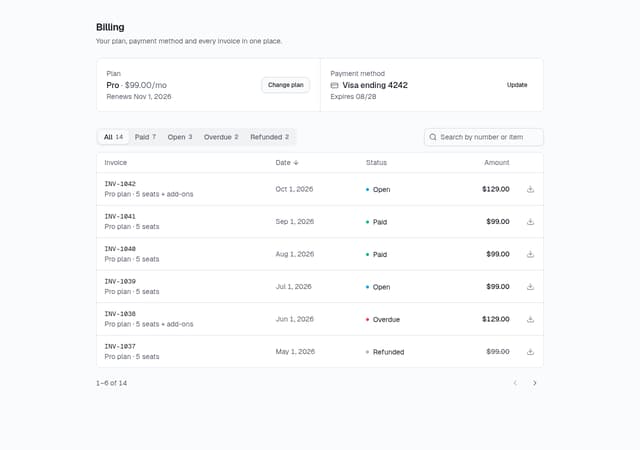
Billing History & Invoices Table
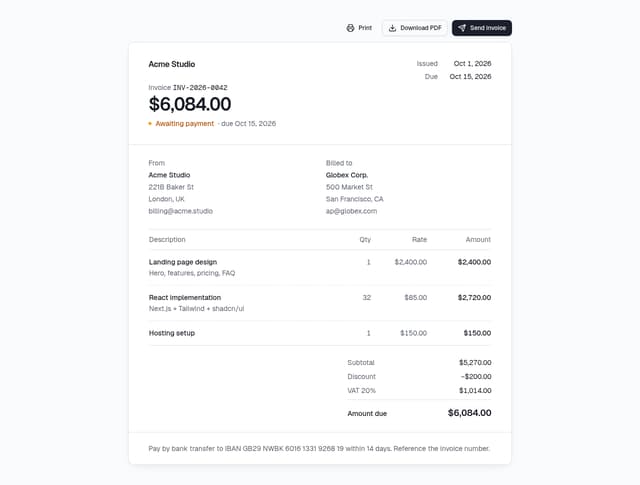
Invoice Preview
More in Forms
View all

Premium Auth
500

Login 1
52
Authentication Card
47

Book A Demo 3
83
Book A Demo 1
69

Contact Card
1K

Login Card
32

Login 2
7
