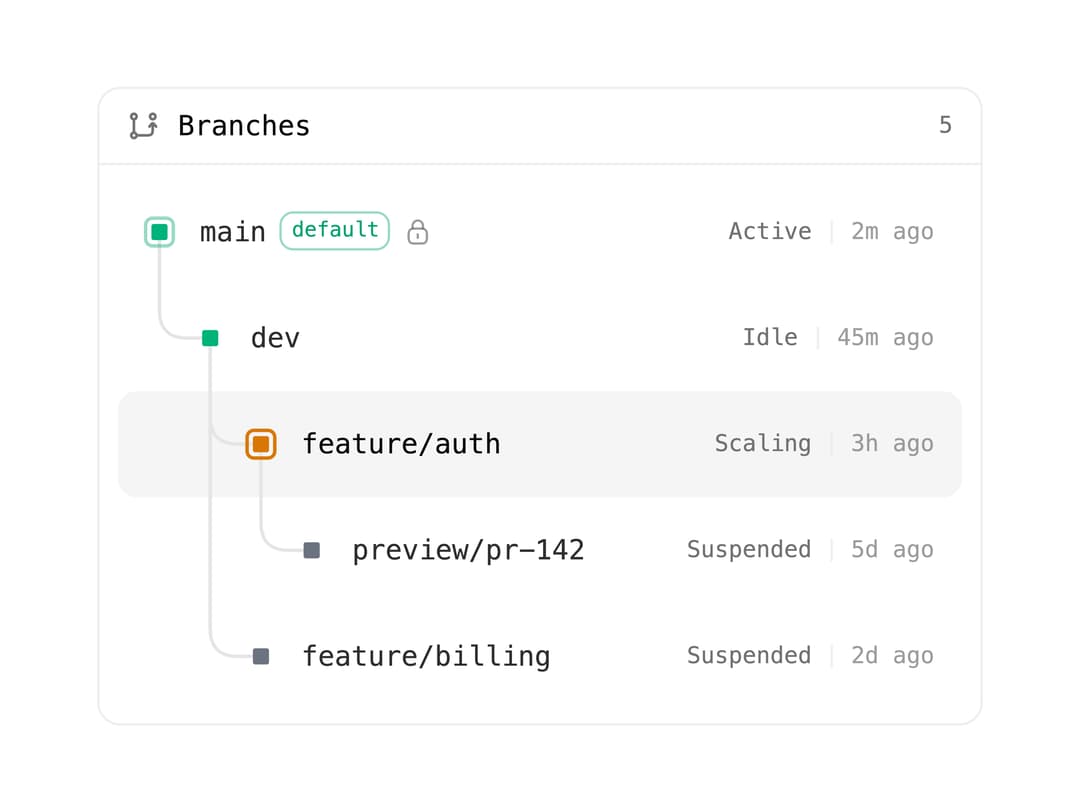
About
A drawn branch graph for database/version-control branches, coloring each node by its compute state, curving edges to parent branches, and marking the default and selected branch.
Built with React and Tailwind. Copy the prompt and paste it into Claude Code, Cursor or Lovable: your agent adds Branch Tree to your project and fits it to your theme.
Code
How Branch Tree is used: the demo's code. The component's own source comes with a free account.
Usage.tsx
import { BranchTree } from "@/components/ui/branch-tree";

const branches = [
  {
    id: "main",
    name: "main",
    default: true,
    protected: true,
    state: "active" as const,
    updatedAt: new Date(Date.now() - 2 * 60 * 1000).toISOString(),
  },
  {
    id: "dev",
    name: "dev",
    parent: "main",
    state: "idle" as const,
    updatedAt: new Date(Date.now() - 45 * 60 * 1000).toISOString(),
  },
  {
    id: "feature/auth",
    name: "feature/auth",
    parent: "dev",
    state: "scaling" as const,
    updatedAt: new Date(Date.now() - 3 * 60 * 60 * 1000).toISOString(),
  },
  {
    id: "feature/billing",
    name: "feature/billing",
    parent: "dev",
    state: "suspended" as const,
    updatedAt: new Date(Date.now() - 2 * 24 * 60 * 60 * 1000).toISOString(),
  },
  {
    id: "preview/pr-142",
    name: "preview/pr-142",
    parent: "feature/auth",
    state: "suspended" as const,
    updatedAt: new Date(Date.now() - 5 * 24 * 60 * 60 * 1000).toISOString(),
  },
];

export default function BranchTreeDemo() {
  return (
    <div className="flex w-full items-center justify-center p-8">
      <div className="w-full max-w-sm">
        <BranchTree branches={branches} defaultValue="feature/auth" />
      </div>
    </div>
  );
}
Dependencies
More by neondatabase
View all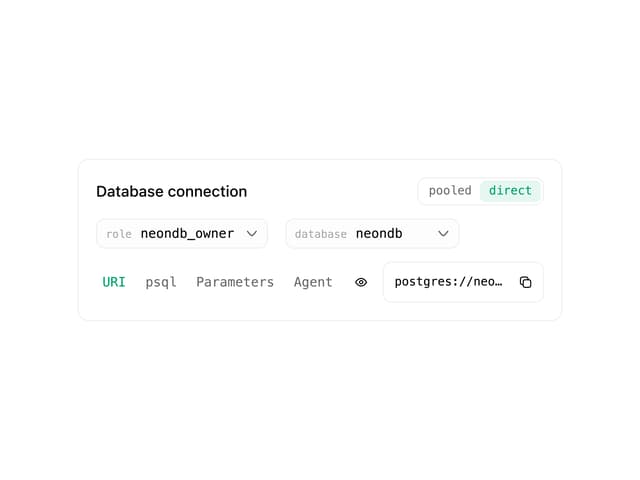

DB Connection Card
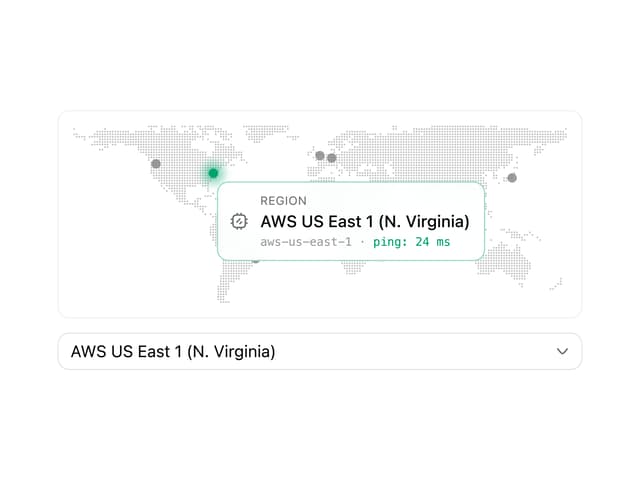
Region Select
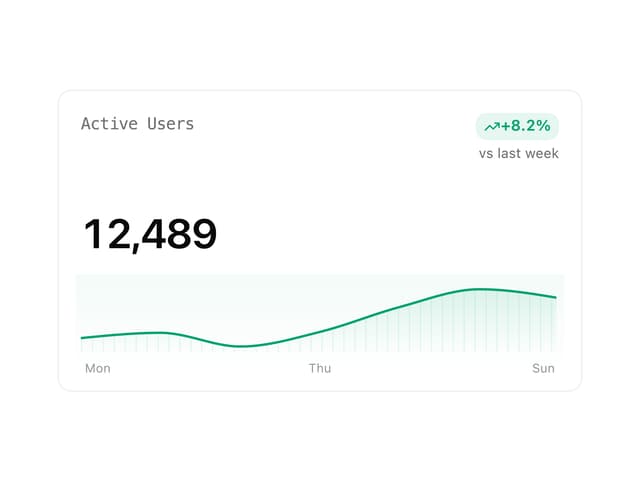
Metric Card
Input