About
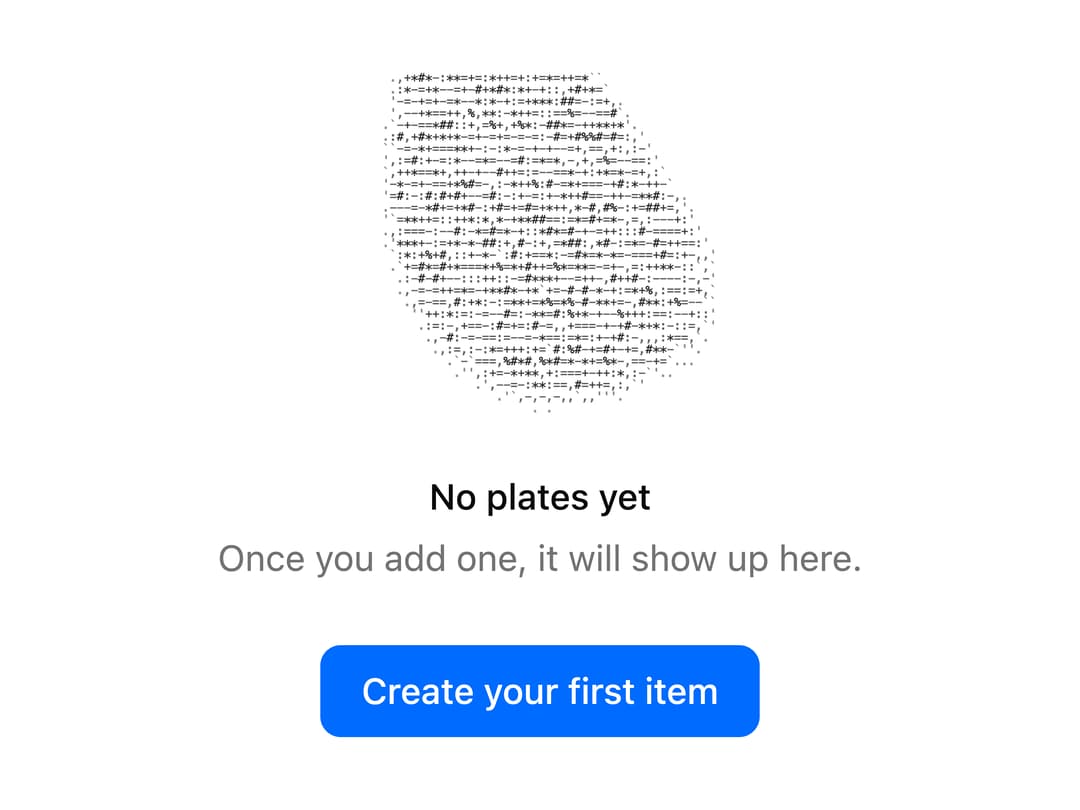
An animated ambient canvas icon for empty states that renders an ASCII-art mezzotint texture, subtractively scraping light out of a dense dark burr to form a living, print-like glyph.
Built with React and Tailwind. Copy the prompt and paste it into Claude Code, Cursor or Lovable: your agent adds Empty State Mezzotint to your project and fits it to your theme.
Code
How Empty State Mezzotint is used: the demo's code. The component's own source comes with a free account.
Usage.tsx
import Mezzotint from "@/components/ui/empty-state-mezzotint";

export default function Demo() {
  return (
    <div className="flex w-full h-screen items-center justify-center bg-background text-foreground">
      <div className="flex flex-col items-center gap-4 text-center">
        <Mezzotint size={140} cellSize={14} />
        <div className="space-y-1">
          <h3 className="text-sm font-medium">No plates yet</h3>
          <p className="text-sm text-muted-foreground">
            Once you add one, it will show up here.
          </p>
        </div>
        <button
          type="button"
          className="mt-2 inline-flex items-center justify-center rounded-md px-4 py-2 text-sm font-medium text-white transition-colors"
          style={{ backgroundColor: "var(--ns-accent)" }}
          onMouseOver={(e) => {
            e.currentTarget.style.backgroundColor = "var(--ns-accent-hover)";
          }}
          onMouseOut={(e) => {
            e.currentTarget.style.backgroundColor = "var(--ns-accent)";
          }}
        >
          Create your first item
        </button>
      </div>
    </div>
  );
}
More by nikolas-sapa
View all

Dye Whorl
138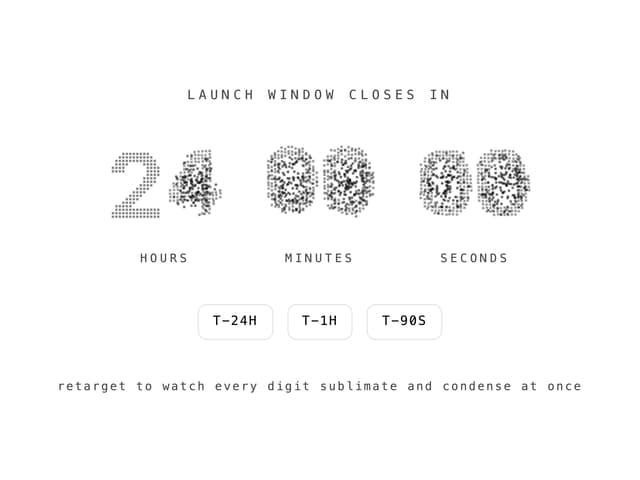
Countdown Vapor Digits
122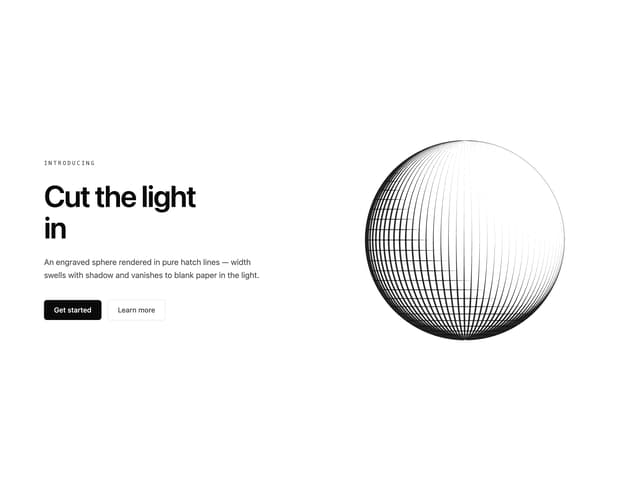
Hero Burin Hatch
62
Background ASCII Wake
55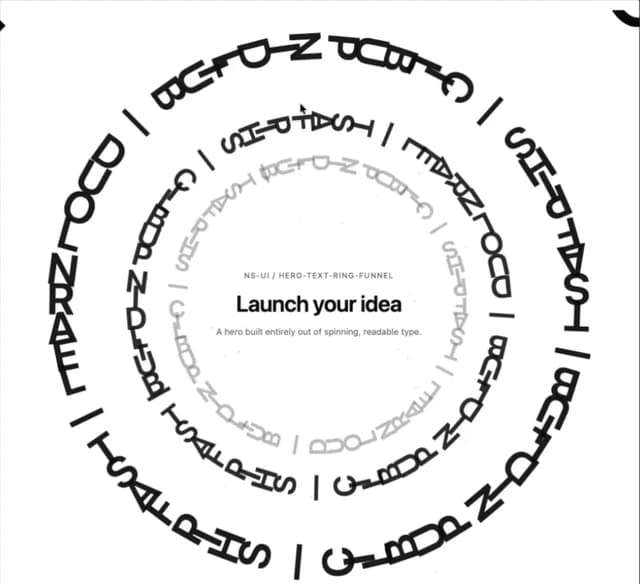
Hero Text Ring Funnel
48
Toast Gravity Stack
46
Hero ASCII Schlieren
45
Hero ASCII Reaction Front
41