About
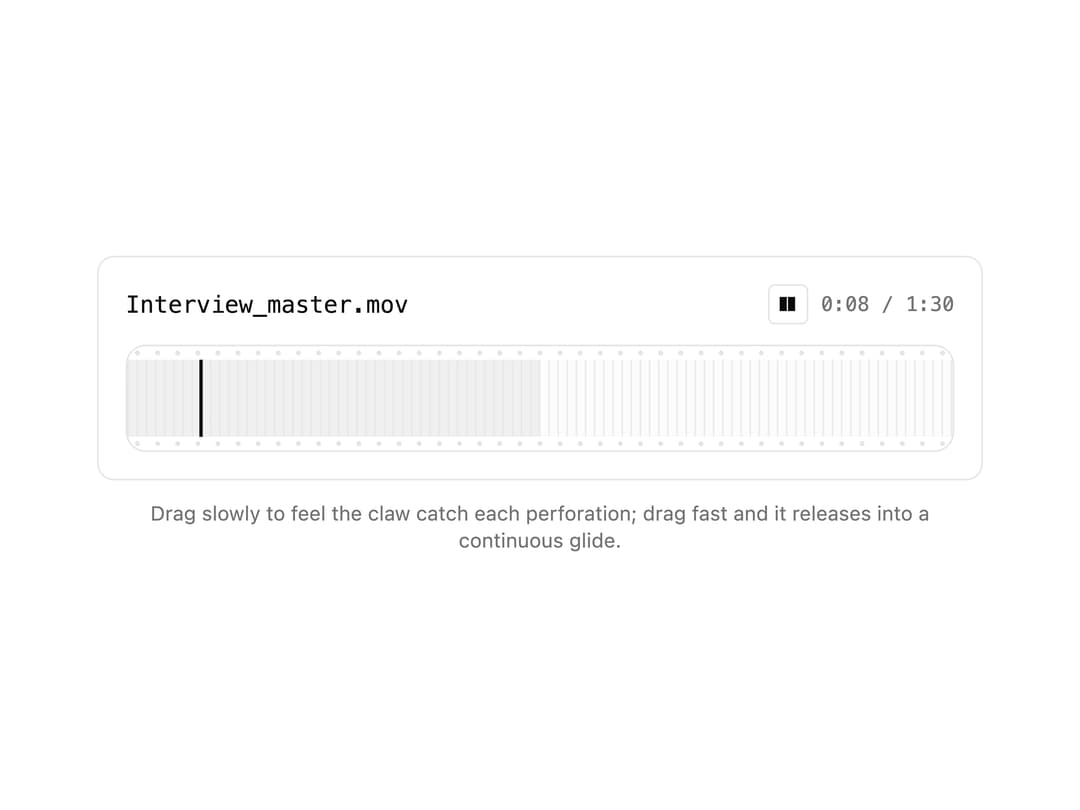
A media playback scrubber styled as a film strip with sprocket-hole edges, one frame cell per second, and a gate-claw playhead that snaps hole-to-hole on a slow drag or glides continuously on a fast one.
Built with React and Tailwind. Copy the prompt and paste it into Claude Code, Cursor or Lovable: your agent adds Scrubber Film Strip to your project and fits it to your theme.
Code
How Scrubber Film Strip is used: the demo's code. The component's own source comes with a free account.
Usage.tsx
"use client";

import { SprocketScrub } from "@/components/ui/scrubber-film-strip";
import { useEffect, useState } from "react";

function formatTime(seconds: number) {
  const s = Math.max(0, Math.round(seconds));
  const m = Math.floor(s / 60);
  const rem = s % 60;
  return `${m}:${String(rem).padStart(2, "0")}`;
}

export default function ScrubberFilmStripDemo() {
  const duration = 90;
  const [value, setValue] = useState(7);
  const [playing, setPlaying] = useState(true);

  useEffect(() => {
    if (!playing) return;
    const id = setInterval(() => {
      setValue((v) => (v >= duration ? 0 : v + 1));
    }, 1000);
    return () => clearInterval(id);
  }, [playing]);

  return (
    <div className="w-full max-w-xl mx-auto p-6">
      <div className="rounded-lg border border-border bg-card p-4">
        <div className="mb-3 flex items-center justify-between">
          <span className="font-mono text-sm text-foreground">
            Interview_master.mov
          </span>
          <div className="flex items-center gap-2">
            <button
              type="button"
              onClick={() => setPlaying((p) => !p)}
              className="flex h-6 w-6 items-center justify-center rounded border border-border text-foreground text-xs leading-none"
              aria-label={playing ? "Pause" : "Play"}
            >
              {playing ? "❚❚" : "▶"}
            </button>
            <span className="font-mono text-xs tabular-nums text-muted-foreground">
              {formatTime(value)} / {formatTime(duration)}
            </span>
          </div>
        </div>
        <SprocketScrub
          value={value}
          duration={duration}
          buffered={45}
          onValueChange={setValue}
          label="Scrub position"
        />
      </div>
      <p className="mt-3 text-center text-xs text-muted-foreground">
        Drag slowly to feel the claw catch each perforation; drag fast and it
        releases into a continuous glide.
      </p>
    </div>
  );
}
More by nikolas-sapa
View all

Dye Whorl
138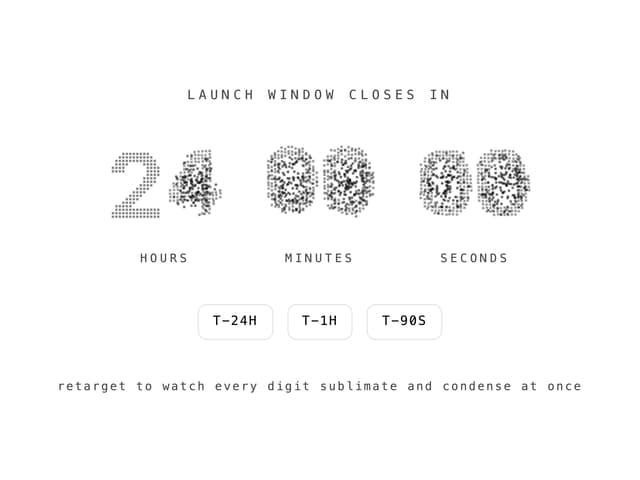
Countdown Vapor Digits
122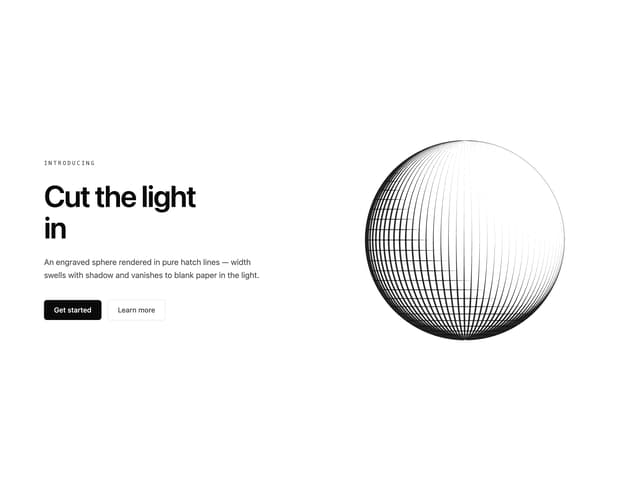
Hero Burin Hatch
62
Background ASCII Wake
55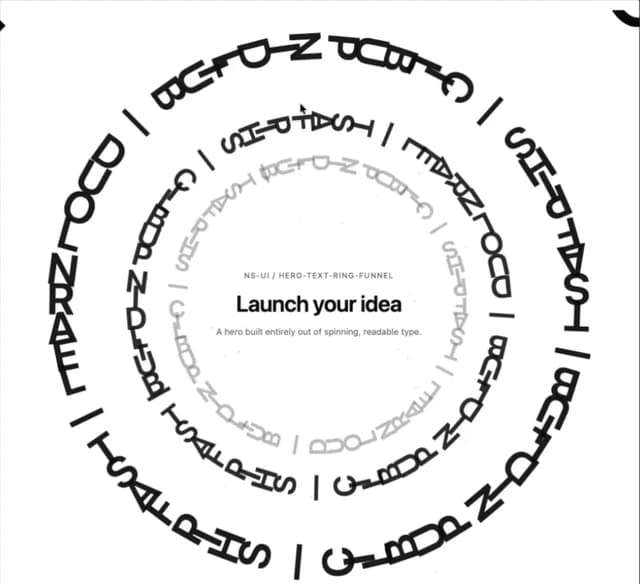
Hero Text Ring Funnel
48
Toast Gravity Stack
46
Hero ASCII Schlieren
45
Hero ASCII Reaction Front
41