About
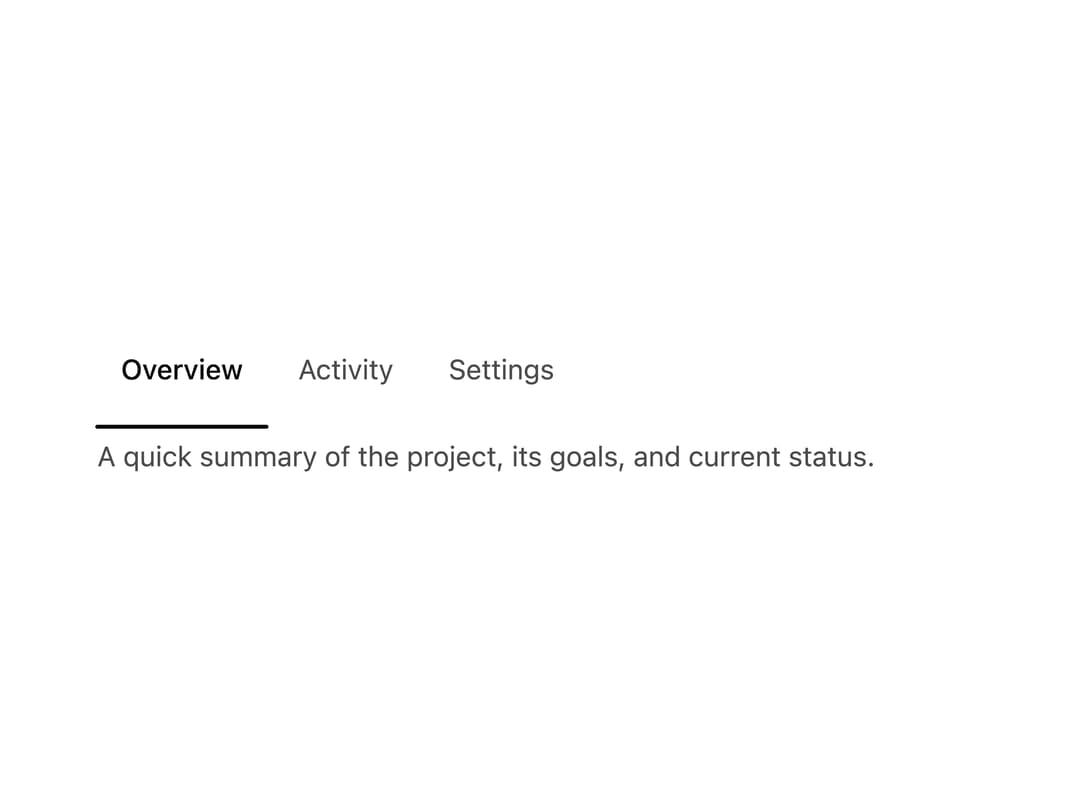
A tabs component whose active-tab indicator is a single SVG cable that sags mid-transition and snaps taut, with a small tug preview when hovering a neighboring tab.
Built with React and Tailwind. Copy the prompt and paste it into Claude Code, Cursor or Lovable: your agent adds Slack Cable Tabs to your project and fits it to your theme.
Code
How Slack Cable Tabs is used: the demo's code. The component's own source comes with a free account.
Usage.tsx
import { SlackRail } from "@/components/ui/tabs-slack-cable";

export default function TabsSlackCableDemo() {
  return (
    <div className="flex w-full h-screen items-center justify-center bg-background text-foreground">
      <div className="w-full max-w-md">
        <SlackRail
          aria-label="Example tabs"
          defaultValue="overview"
          items={[
            {
              value: "overview",
              label: "Overview",
              content: (
                <p className="text-sm text-ns-muted">
                  A quick summary of the project, its goals, and current status.
                </p>
              ),
            },
            {
              value: "activity",
              label: "Activity",
              content: (
                <p className="text-sm text-ns-muted">
                  Recent events, comments, and changes from the team.
                </p>
              ),
            },
            {
              value: "settings",
              label: "Settings",
              content: (
                <p className="text-sm text-ns-muted">
                  Manage preferences, notifications, and access controls.
                </p>
              ),
            },
          ]}
        />
      </div>
    </div>
  );
}
More by nikolas-sapa
View all

Dye Whorl
138
Countdown Vapor Digits
122
Hero Burin Hatch
62
Background ASCII Wake
55
Hero Text Ring Funnel
48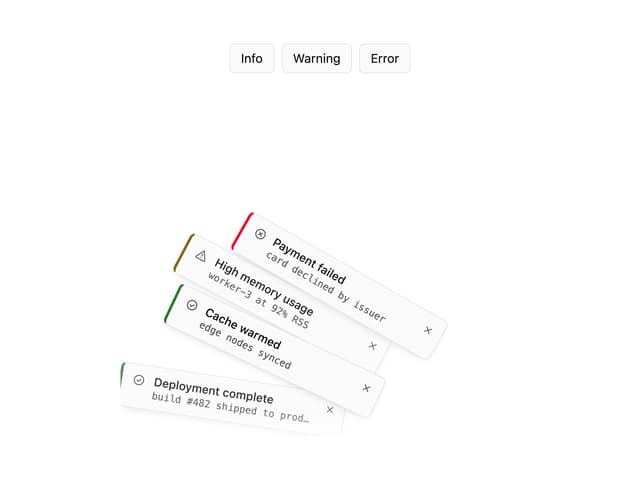
Toast Gravity Stack
46
Hero ASCII Schlieren
45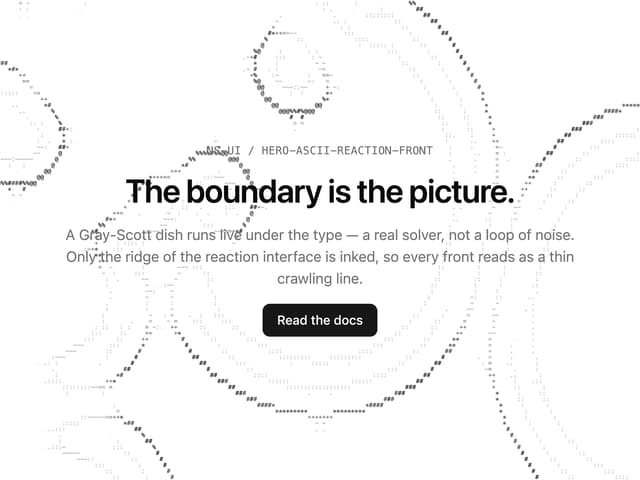
Hero ASCII Reaction Front
41
More in Navigation
View all

Sidebar
235
Navbar with Theme Toggle
43

Sidebar
339

Tabs
60
Numberless Pagination with Text
11
Oversized 404 Numeral
50
Footer
446
Pagination
43


