About
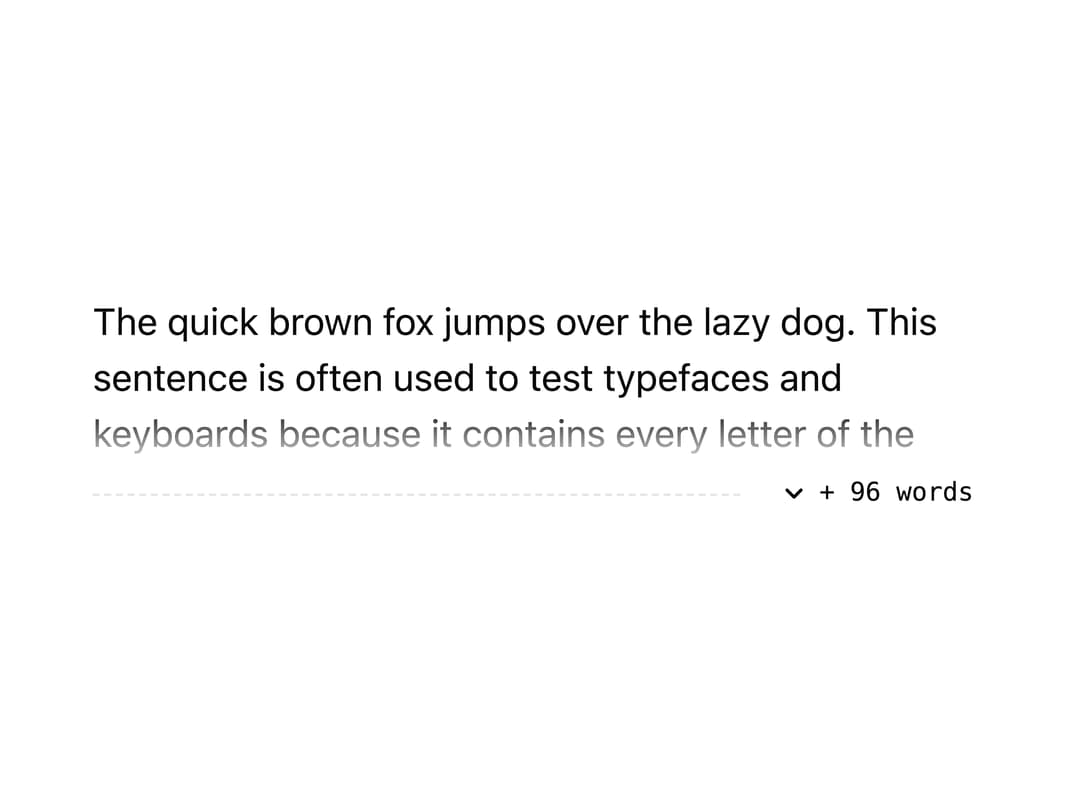
A line-clamp text component that shows the exact number of hidden words behind a "+ N words" control instead of a vague ellipsis, with a dashed fade edge and a smooth expand animation.
Built with React and Tailwind. Copy the prompt and paste it into Claude Code, Cursor or Lovable: your agent adds Truncation Word Count to your project and fits it to your theme.
Code
How Truncation Word Count is used: the demo's code. The component's own source comes with a free account.
Usage.tsx
import SelvageFold from "@/components/ui/truncation-word-count";

export default function Demo() {
  return (
    <div className="mx-auto max-w-md p-8">
      <SelvageFold lines={3}>
        The quick brown fox jumps over the lazy dog. This sentence is often used
        to test typefaces and keyboards because it contains every letter of the
        English alphabet. Typography nerds have repeated it for over a century,
        and it still shows up in demos, specimen sheets, and font previews
        today. Truncation that tells the truth is rare: most read-more controls
        hide an unknown amount of text behind an ellipsis, leaving readers to
        guess whether they are missing a sentence or a whole paragraph. This
        component measures exactly how many words are hidden and says so
        plainly.
      </SelvageFold>
    </div>
  );
}
More by nikolas-sapa
View all

Dye Whorl
138
Countdown Vapor Digits
122
Hero Burin Hatch
62
Background ASCII Wake
55
Hero Text Ring Funnel
48
Toast Gravity Stack
46
Hero ASCII Schlieren
45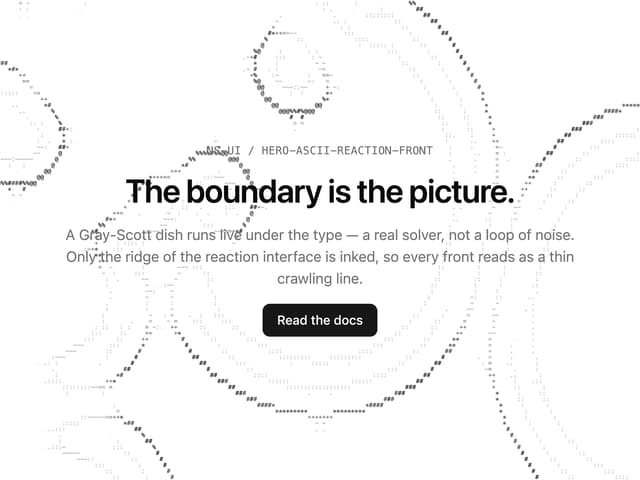
Hero ASCII Reaction Front
41
More in Text
View all

Vertical Cut Reveal Characters
103
Motion Blur Text
36

NeonRGBTextEffect
144
Text Reveal
27
Random Letter Swap
46

Rainbow Text Effect
47
Text Color
545

Blur Reveal
300