
About
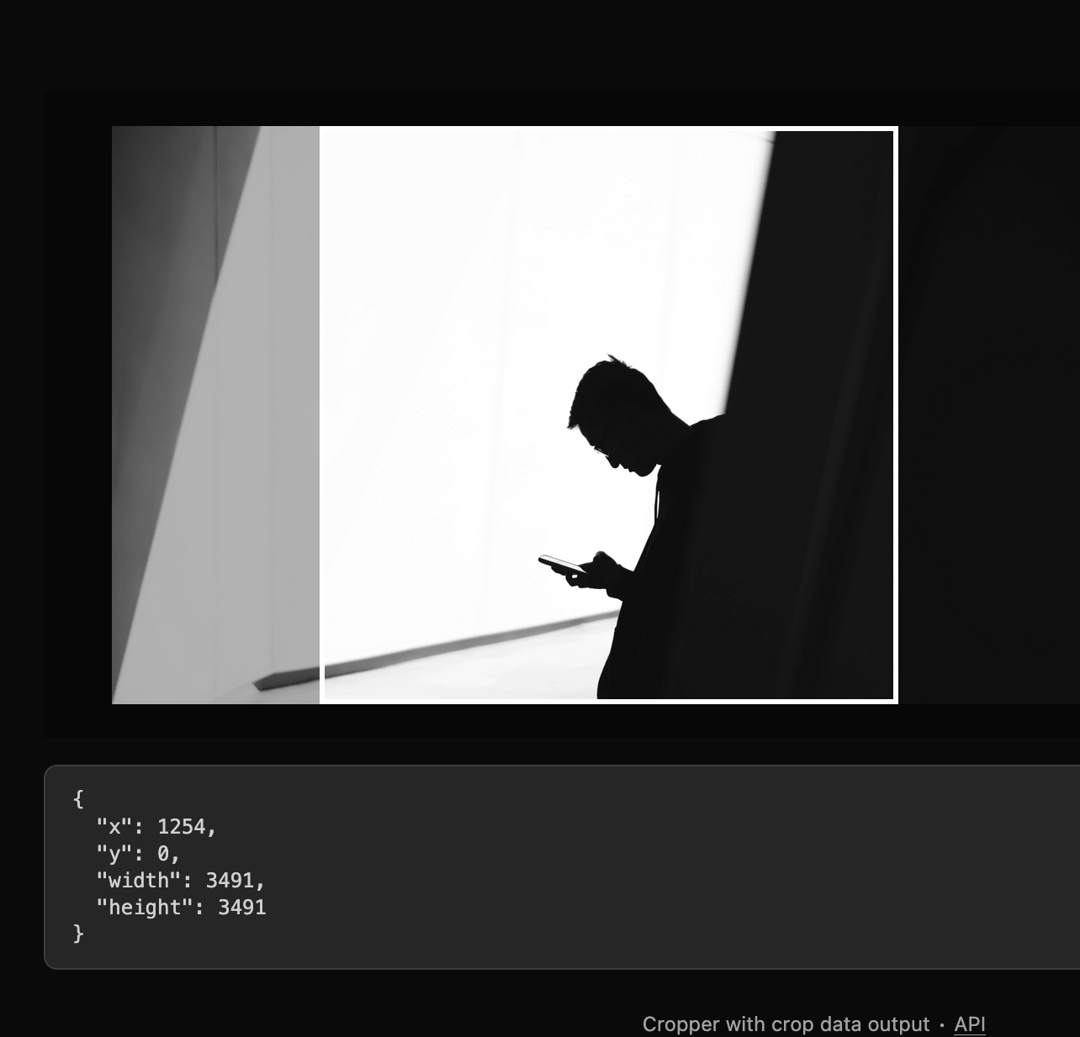
Here is Image Crop component
Built with React and Tailwind. Copy the prompt and paste it into Claude Code, Cursor or Lovable: your agent adds Image Crop to your project and fits it to your theme.
Code
How Image Crop is used: the demo's code. The component's own source comes with a free account.
Usage.tsx
"use client"

import React from "react"

import {
  Cropper,
  CropperCropArea,
  CropperDescription,
  CropperImage,
} from "@/components/ui/image-crop"

type Area = { x: number; y: number; width: number; height: number }

export default function Component() {
  const [cropData, setCropData] = React.useState<Area | null>(null)

  return (
    <div className="flex min-h-screen w-full flex-col items-center justify-center gap-4 bg-background p-8">
      <div className="flex w-full flex-col gap-4">
        <Cropper
          className="h-96 w-full max-w-2xl"
          cropPadding={20}
          image="https://cdn.21st.dev/assets/mirror/c0/c05e5ef41457155aec312d16becabe80960678819596eb5e784d517373132e4d.jpg"
          onCropChange={setCropData}
        >
          <CropperDescription />
          <CropperImage />
          <CropperCropArea />
        </Cropper>

        {cropData && (
          <pre className="bg-muted text-foreground/80 overflow-auto rounded-md border px-4 py-3 font-mono text-xs">
            <code>{JSON.stringify(cropData, null, 2)}</code>
          </pre>
        )}
      </div>

      <p
        aria-live="polite"
        role="region"
        className="text-muted-foreground mt-2 text-xs"
      >
        Cropper with crop data output ∙{" "}
        <a
          href="https://github.com/origin-space/image-cropper"
          className="hover:text-foreground underline"
          target="_blank"
          rel="noopener noreferrer"
        >
          API
        </a>
      </p>
    </div>
  )
}
Dependencies
More by Origin UI
View all
Dialog
1.2K
Avatar
950
useImageUpload
926
usePagination
622
Popover
384
Button
361
Command
320
Accordion
256