
About
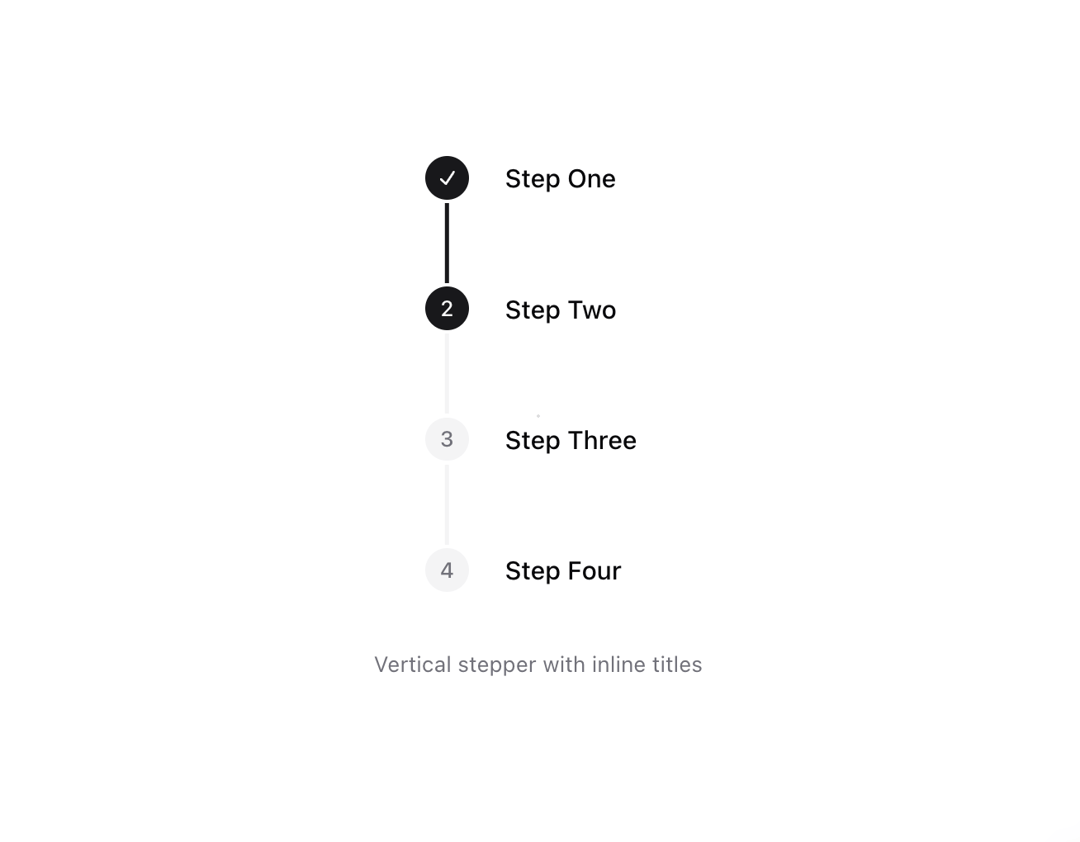
Stepper UI component.
Built with React and Tailwind. Copy the prompt and paste it into Claude Code, Cursor or Lovable: your agent adds Stepper to your project and fits it to your theme.
Code
How Stepper is used: the demo's code. The component's own source comes with a free account.
Usage.tsx
import {
  Stepper,
  StepperIndicator,
  StepperItem,
  StepperSeparator,
  StepperTitle,
  StepperTrigger,
} from "@/components/ui/stepper";

const steps = [
  {
    step: 1,
    title: "Step One",
  },
  {
    step: 2,
    title: "Step Two",
  },
  {
    step: 3,
    title: "Step Three",
  },
  {
    step: 4,
    title: "Step Four",
  },
];

function Component() {
  return (
    <div className="space-y-8 text-center min-w-[300px]">
      <Stepper defaultValue={2} orientation="vertical">
        {steps.map(({ step, title }) => (
          <StepperItem
            key={step}
            step={step}
            className="relative items-start [&:not(:last-child)]:flex-1"
          >
            <StepperTrigger className="items-start pb-12 last:pb-0">
              <StepperIndicator />
              <div className="mt-0.5 px-2 text-left">
                <StepperTitle>{title}</StepperTitle>
              </div>
            </StepperTrigger>
            {step < steps.length && (
              <StepperSeparator className="absolute inset-y-0 left-3 top-[calc(1.5rem+0.125rem)] -order-1 m-0 -translate-x-1/2 group-data-[orientation=vertical]/stepper:h-[calc(100%-1.5rem-0.25rem)] group-data-[orientation=horizontal]/stepper:w-[calc(100%-1.5rem-0.25rem)] group-data-[orientation=horizontal]/stepper:flex-none" />
            )}
          </StepperItem>
        ))}
      </Stepper>
      <p className="mt-2 text-xs text-muted-foreground" role="region" aria-live="polite">
        Vertical stepper with inline titles
      </p>
    </div>
  );
}

export { Component };
Dependencies
More by Origin UI
View all
Dialog
1.2K
Avatar
950
useImageUpload
926
usePagination
622
Popover
384
Button
361
Command
320
Accordion
256